

What is Fyxer?
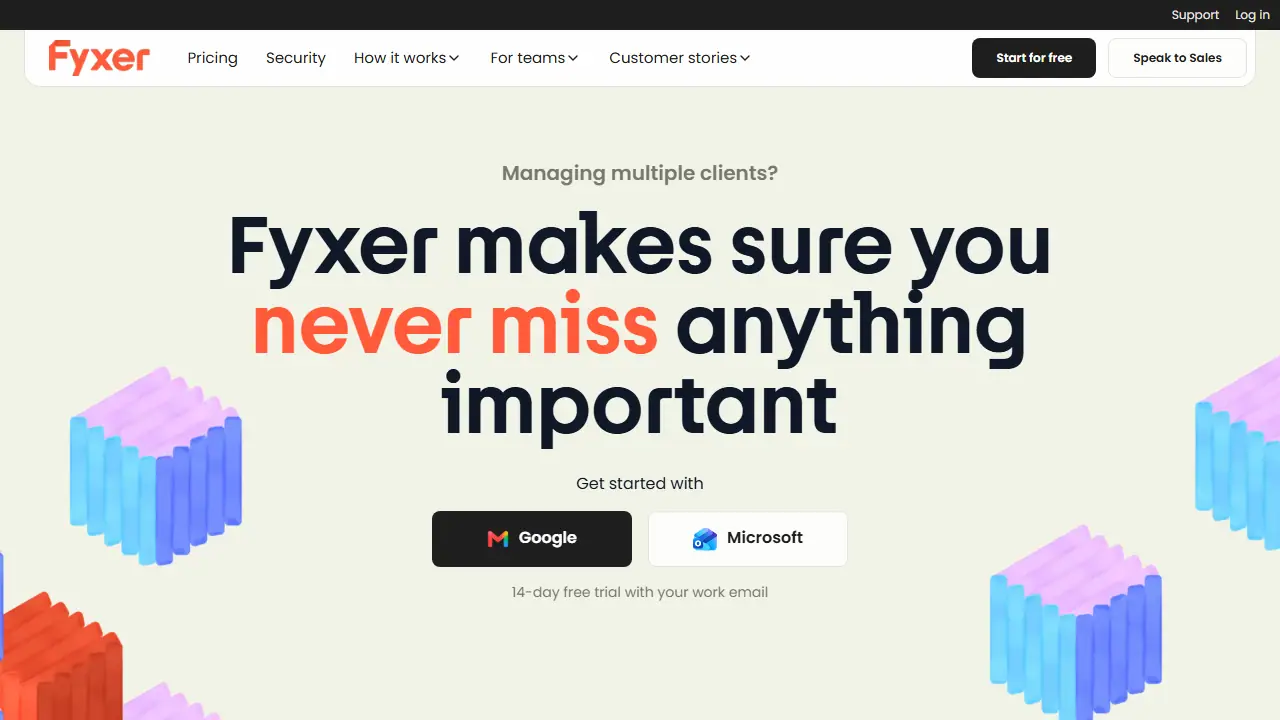
Fyxer is an AI email assistant that connects to your work email (Google or Microsoft) and organizes your inbox, labelling new messages and moving the important ones to the top. It also reads your emails and meetings to build a follow-up list, reminding you of promises you made and open questions. It learns your writing style, so it can draft replies that you review before sending.
In practice you can ask it about any client or conversation in plain language, record meetings with audio notes, and get a summary of calls with follow-up drafts ready to send. The Pro and Team plans add shared spaces, automated Flows and team-level follow-up tracking, while Enterprise offers private deployment, API access and contractual service terms.
Key features
- Inbox sorting and labelling of new emails
- Automatic reply drafts written in your tone
- Meeting recording and notes
- Follow-up list refreshed from emails and meetings
- AI chat to query clients and conversations
- Shared spaces and automated Flows for teams
Who is it for
- Sales and account managers
- Consultants and freelancers managing multiple clients
- Executives with heavy inboxes
- Teams needing shared follow-up ownership
How to get started with Fyxer
- Go to the Fyxer website and create an account.
- Connect your Gmail or Outlook mailbox.
- Wait for Fyxer to sort and label your new emails.
- You handle many client emails and want to respond faster.
- You forget promised sends or follow-ups and need reminders.
- You want reply drafts in your own style to review before sending.
- You need a free plan with meeting notes or reply drafts, which Free does not include.
- You need a Polish-language interface, which Fyxer does not offer.
Pros and cons
- Learns your writing style for drafted replies
- Tracks promises and follow-ups across emails and meetings
- Works with Gmail and Outlook
- Chat and meeting usage is limited by monthly credits on paid plans
- Video recording and speaker identification are not on the Pro plan
Fyxer pricing
| Plan | Price | Includes |
|---|---|---|
| Pro | 37 USD / month | per person per month, billed annually (49 USD monthly); 14-day trial; 3,000 credits/month after 3-month launch offer of unlimited credits |
| Team | 64 USD / month | per person per month, billed annually (99 USD monthly); 14-day trial; 6,000 pooled credits/month per member after launch offer; volume quote for 10+ members |
Prices copied from Fyxer pricing, checked October 12, 2026. Currency as shown by the vendor; taxes may apply.
Is Fyxer free?
There is a free trial. 14-day free trial with a work email; a free tier is listed on the pricing page but its contents are not described in the provided text.
Featured in
- Best AI for note-taking - #10
Fyxer alternatives
| Tool | Price from | Free plan | Category |
|---|---|---|---|
 Notion Notion | 9.50 EUR/mo | trial | Productivity & notes |
 Granola Granola | 14 USD/mo | yes | Productivity & notes |
 Lindy Lindy | 29.99 USD/mo | trial | Productivity & notes |
 monday.com monday.com | 9 EUR/mo | yes | Productivity & notes |
 ClickUp ClickUp | 7 USD/mo | yes | Productivity & notes |
 Raycast Raycast | not listed | yes | Productivity & notes |
FAQ
What is Fyxer used for?
AI email assistant that sorts your inbox, drafts replies in your tone and takes meeting notes, for busy professionals and teams.
Is Fyxer free?
There is a free trial. 14-day free trial with a work email; a free tier is listed on the pricing page but its contents are not described in the provided text.
How much does Fyxer cost?
The cheapest paid plan is 37 USD/mo (vendor pricing, October 12, 2026).
What are the best Fyxer alternatives?
Closest alternatives: Notion, Granola, Lindy, monday.com, ClickUp.
Data checked October 12, 2026 on the vendor website (fyxer.com).