

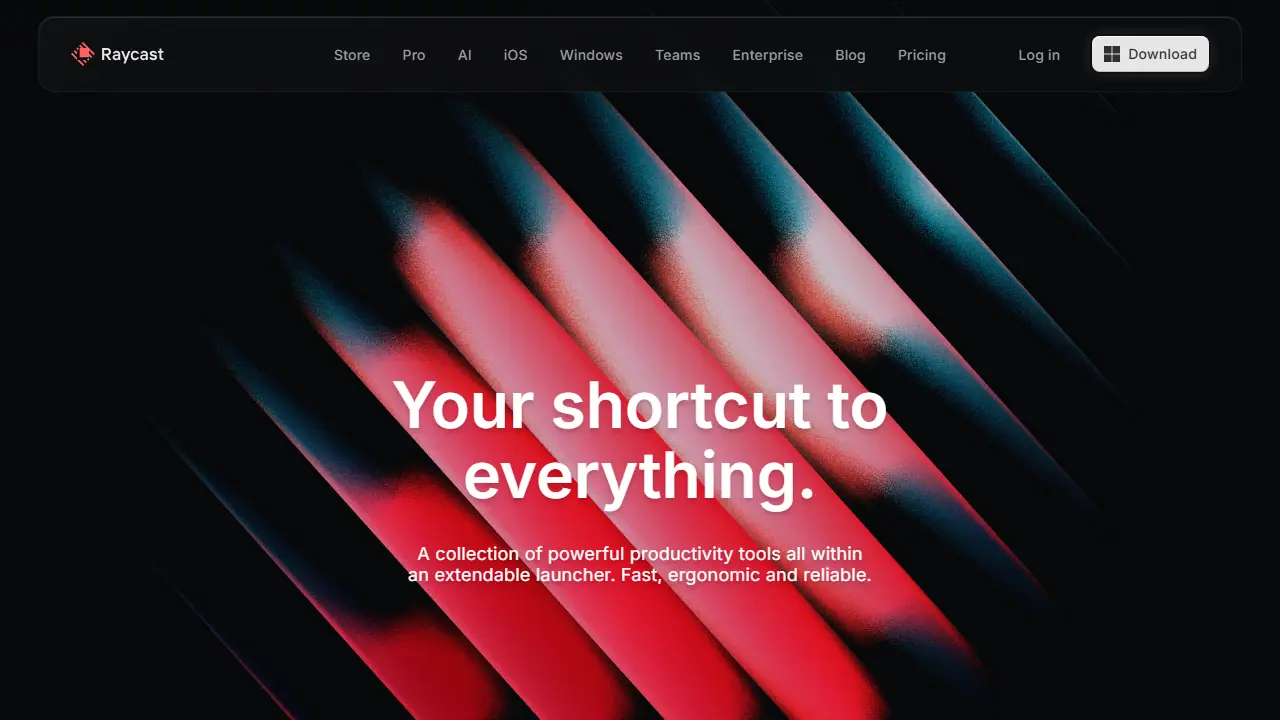
What is Raycast?
Raycast is a launcher you open with a hotkey to search apps, files and tools, run commands and control other software without leaving the keyboard. It is extended through a store of community and team extensions, including integrations with Linear, Notion, Slack, Spotify and JIRA, and it includes built-in utilities such as clipboard history, window management, snippets and quicklinks.
Raycast AI is an agent inside the launcher that connects to the tools you already use. It can, for example, read tasks from Linear and create matching tasks in Things, draft follow-up emails, summarise content, explain errors or block time in your calendar. A separate Quick AI hotkey gives access to the assistant without opening the full chat interface.
Key features
- Keyboard-first launcher with extensible commands
- Built-in AI Agent that connects to tools such as Linear and Calendar
- Quick AI hotkey for fast prompts
- Snippets and quicklinks with keyword or hotkey triggers
- Clipboard history, window management and file search
- Community and team extensions in a shared Store
Who is it for
- Software developers
- Designers
- Knowledge workers and project managers
- Students
How to get started with Raycast
- Download Raycast for Mac or Windows from the official website.
- Set the keyboard shortcut you will use to open it.
- Enable built-in extensions like clipboard history and calendar and try them.
- You work mostly from the keyboard and want to quickly launch apps, files and commands.
- You use Linear, Notion or Spotify and want to do their tasks without switching windows.
- You want clipboard history, snippets and window management in one place.
- You need a Polish-language interface, which the app does not offer.
- You want AI features but do not plan to pay for the Pro plan, the only one that includes AI.
Pros and cons
- Keeps common tasks inside one keyboard-driven interface
- Extensible with thousands of store extensions and team extensions
- AI features are only available on paid plans after the trial
- Team free plan is limited to 30 shared Snippets, 30 shared Quicklinks and 5 Commands
Raycast pricing
| Plan | Price | Includes |
|---|---|---|
| Free | 0 USD | Individual use with built-in and public extensions; no AI on this plan |
Prices copied from Raycast pricing, checked October 12, 2026. Currency as shown by the vendor; taxes may apply.
Is Raycast free?
Yes, there is a free plan. Free plan covers the individual plan with built-in extensions and public community extensions. Free Team plan does not expire but is limited to 30 shared Snippets, 30 shared Quicklinks and 5 Commands. Eligible new accounts can start a free Pro trial with Pro models; trial AI credits expire 7 days after they are granted.
Raycast alternatives
| Tool | Price from | Free plan | Category |
|---|---|---|---|
 Asana Asana | 10.99 USD/mo | yes | Productivity & notes |
 Lindy Lindy | 29.99 USD/mo | trial | Productivity & notes |
 Airtable Airtable | 20 USD/mo | trial | Productivity & notes |
 ClickUp ClickUp | 7 USD/mo | yes | Productivity & notes |
 Gong Gong | not listed | no | Productivity & notes |
 Notion Notion | 9.50 EUR/mo | trial | Productivity & notes |
FAQ
What is Raycast used for?
Keyboard-first launcher for macOS and Windows that bundles productivity tools, extensions and a built-in AI assistant for knowledge workers and developers.
Is Raycast free?
Yes, there is a free plan. Free plan covers the individual plan with built-in extensions and public community extensions. Free Team plan does not expire but is limited to 30 shared Snippets, 30 shared Quicklinks and 5 Commands. Eligible new accounts can start a free Pro trial with Pro models; trial AI credits expire 7 days after they are granted.
How much does Raycast cost?
The vendor does not publish prices publicly or requires sign-in.
What are the best Raycast alternatives?
Closest alternatives: Asana, Lindy, Airtable, ClickUp, Gong.
Data checked October 12, 2026 on the vendor website (raycast.com).