

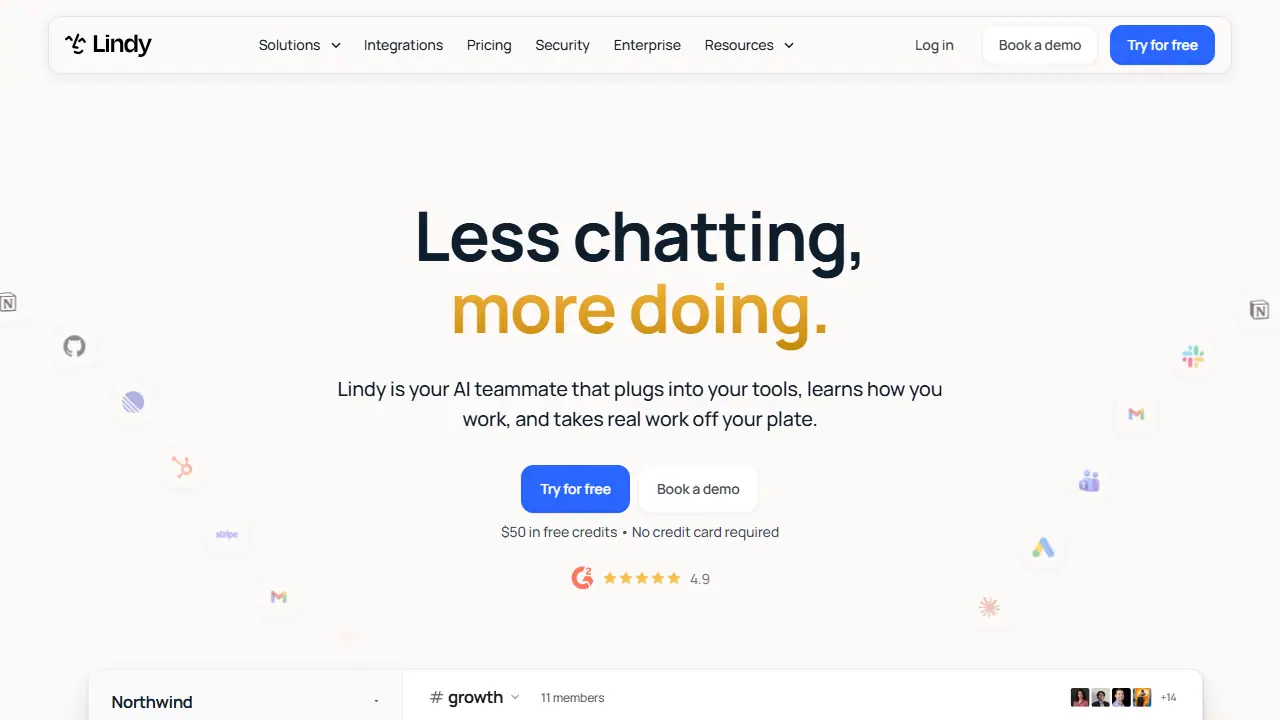
What is Lindy?
Lindy is an AI teammate for business teams, positioned as an AI employee rather than a chatbot. It connects to over 1,000 tools such as Gmail, Slack, Notion, HubSpot and Stripe, and can join meetings, keep shared meeting notes, and work across the company's data. Teams can @mention Lindy in Slack channels and ask it to do work like pulling ad spend from Meta and Google, clustering support tickets by root cause, diffing recent code changes to find a broken deploy, or reconciling Stripe charges against a ledger.
Work can also run on a schedule, such as a daily morning brief, a Monday report, or a Friday reminder. Lindy comes with more than 40 skills covering research, data analysis, slide decks and dashboards, and a user can teach it a new task once so the whole team can reuse it. Its memory is stored in plain files that users can open and edit.
Key features
- Connects to 1,000+ tools and MCP servers
- Works inside Slack channels via @mentions
- Meeting recording, shared meeting library and notes
- Scheduled routines such as daily briefs and weekly reports
- 40+ skills plus user-created reusable skills
- Editable plain-file memory
Who is it for
- Marketing teams
- Sales and customer support teams
- Finance and operations teams
- Engineering teams
How to get started with Lindy
- Create an account on the Lindy website and use the 50 USD starting credits.
- Connect Slack and the tools your team uses, such as Gmail or Notion.
- Send a request in a Slack thread or schedule a routine, such as a morning brief.
- Your team works in Slack and you want AI to carry out tasks in those tools.
- You want to save repeatable procedures once as skills for the whole team.
- You need automatic reports, meeting summaries, or morning digests.
- You need a Polish-language interface, and none is available.
- You want to use it free long-term, because the free plan is only 50 USD in credits valid for 7 days.
Pros and cons
- Connects to a wide range of business tools
- Runs routine work on a schedule without manual prompting
- Memory is stored in plain files users can read and edit
- Usage is metered in credits, so heavy jobs cost more
- Every active user in a workspace is billed as a seat
Lindy pricing
| Plan | Price | Includes |
|---|---|---|
| Free | 0 USD | $50 in credits, no credit card required, credits last 7 days |
| Team | 29.99 USD / month | 3,000 credits per user per month, pooled across the team; top-up at $10 per 1,000 credits; higher credit tiers from 4,000 credits at 39.99 USD up to 1,750,000 credits at 9,999.50 USD |
Prices copied from Lindy pricing, checked October 12, 2026. Currency as shown by the vendor; taxes may apply.
Is Lindy free?
There is a free trial. Free plan with $50 in credits, no credit card required; credits last 7 days.
Featured in
Lindy alternatives
| Tool | Price from | Free plan | Category |
|---|---|---|---|
 Gong Gong | not listed | no | Productivity & notes |
 Sauna Sauna | 29 USD/mo | yes | Productivity & notes |
 Airtable Airtable | 20 USD/mo | trial | Productivity & notes |
 ClickUp ClickUp | 7 USD/mo | yes | Productivity & notes |
 Raycast Raycast | not listed | yes | Productivity & notes |
 Notion Notion | 9.50 EUR/mo | trial | Productivity & notes |
FAQ
What is Lindy used for?
AI teammate that connects to your work tools and handles real team tasks like reports, triage, and reconciliation.
Is Lindy free?
There is a free trial. Free plan with $50 in credits, no credit card required; credits last 7 days.
How much does Lindy cost?
The cheapest paid plan is 29.99 USD/mo (vendor pricing, October 12, 2026).
What are the best Lindy alternatives?
Closest alternatives: Gong, Sauna, Airtable, ClickUp, Raycast.
Data checked October 12, 2026 on the vendor website (lindy.ai).