

What is Kapwing?
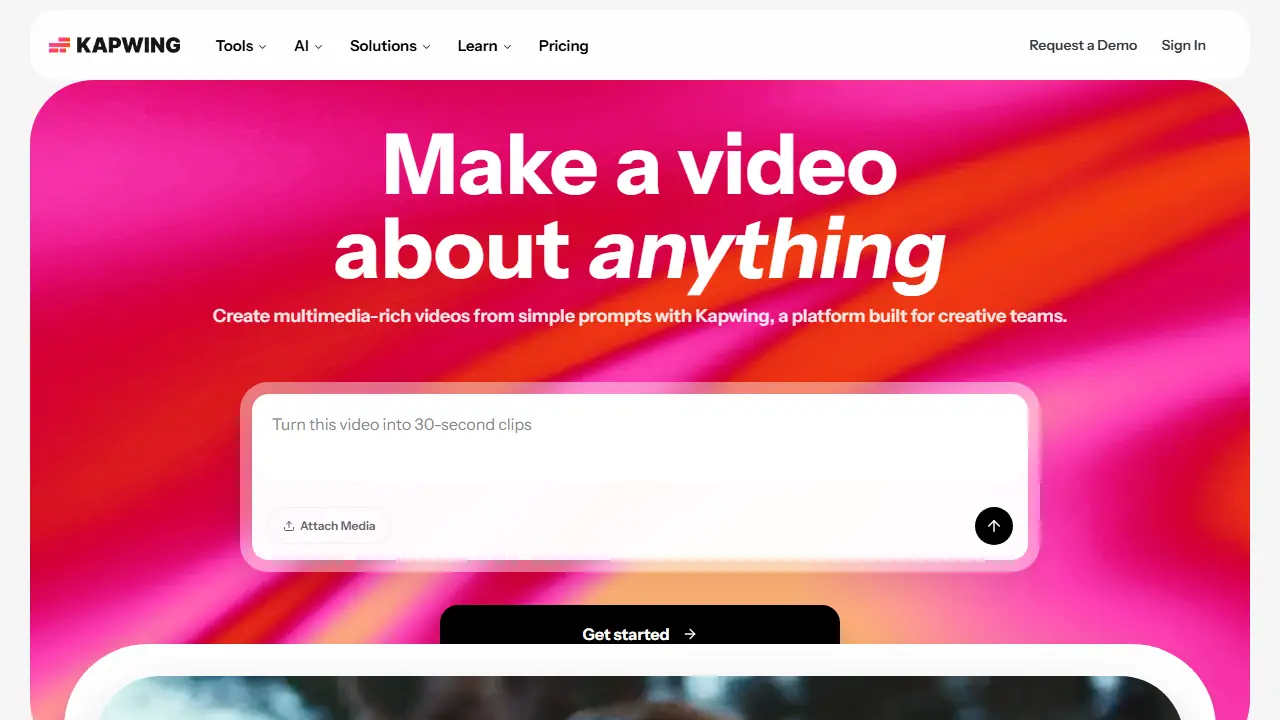
Kapwing is a browser-based video editing platform that combines a drag-and-drop timeline editor with AI-powered tools. Its Video Generator turns a simple text prompt into a video with voiceover, visuals, subtitles, music and characters, and the script can be customized for tone and content. Other AI features include a Script Generator, Text to Speech and Dubbing, Clean Audio, Smart Cut for removing silences, Clip Maker and Repurpose Studio for turning one video into social-ready clips.
Users can also edit, trim and combine clips, add overlays, auto-generate subtitles, resize videos, transcribe footage and edit video by editing its text transcript. The tool runs without downloads or installations, and it includes collaborative workspace features for teams.
Key features
- Video Generator that creates a full video from a text prompt
- Drag-and-drop timeline video editor
- Auto subtitle generator and transcription
- Text to speech voiceovers and dubbing into 40+ languages
- Smart Cut to automatically remove silences
- Clip Maker and Repurpose Studio for social-ready clips
Who is it for
- Marketing teams
- Content creators
- Educators and schools
- Internal communications and training teams
How to get started with Kapwing
- Go to the Kapwing website and create a free account
- Choose the option to start a new video project in your browser
- Type a prompt in the video generator or upload your own footage
- Adjust the script, captions and voiceover, then export the video
- You need to quickly produce marketing or educational videos without installing software
- You want to turn long recordings into short clips for social media
- You work in a team and need a shared workspace for video projects
- You need watermark-free exports on the free plan, since the free plan adds a watermark
- You need to work heavily with AI credits on an ongoing basis, as every plan has limits
Pros and cons
- No downloads or installations needed, works in the browser
- Combines editing with AI generation, voiceover, subtitles and dubbing in one place
- Free plan adds a Kapwing watermark and limits export length and quality
- Dubbing and some features are limited by credits and higher plans
Kapwing pricing
| Plan | Price | Includes |
|---|---|---|
| Free | 0 USD | 10 credits, watermark on exports, up to 4 min videos, 720p, 5 GB storage |
| Pro | 16 USD / month | Per member, billed annually (24 USD billed monthly); 1,000 credits/month, no watermark, 4K export, files up to 6 GB, projects up to 2 hours, 200 GB storage, auto-subtitling up to 1,000 mins/month, dubbing up to 50 mins/month |
| Business | 50 USD / month | Per member, billed annually (64 USD billed monthly); 4,000 credits/month, voice clones, lip sync videos, ability to buy additional credits, 800 GB storage, auto-subtitling up to 4,000 mins/month, dubbing up to 200 mins/month |
Prices copied from Kapwing pricing, checked October 12, 2026. Currency as shown by the vendor; taxes may apply.
Is Kapwing free?
Yes, there is a free plan. 10 credits, unlimited exports with a watermark, videos up to 4 minutes, 720p quality, 5 GB cloud storage, auto-subtitling up to 10 minutes and text to speech up to 1 minute.
Kapwing alternatives
| Tool | Price from | Free plan | Category |
|---|---|---|---|
 CapCut CapCut | not listed | yes | Video generators |
 Descript Descript | 16 USD/mo | yes | Video generators |
 VEED VEED | 129 EUR/yr | trial | Video generators |
 Vimeo Create Vimeo Create | not listed | yes | Video generators |
 Captions Captions | 24.99 USD/mo | trial | Video generators |
 OpusClip OpusClip | 15 USD/mo | yes | Video generators |
FAQ
What is Kapwing used for?
Browser-based video editor with AI tools that generates full video projects from a text prompt, for marketers, creators and educators.
Is Kapwing free?
Yes, there is a free plan. 10 credits, unlimited exports with a watermark, videos up to 4 minutes, 720p quality, 5 GB cloud storage, auto-subtitling up to 10 minutes and text to speech up to 1 minute.
How much does Kapwing cost?
The cheapest paid plan is 16 USD/mo (vendor pricing, October 12, 2026).
What are the best Kapwing alternatives?
Closest alternatives: CapCut, Descript, VEED, Vimeo Create, Captions.
Data checked October 12, 2026 on the vendor website (kapwing.com).