

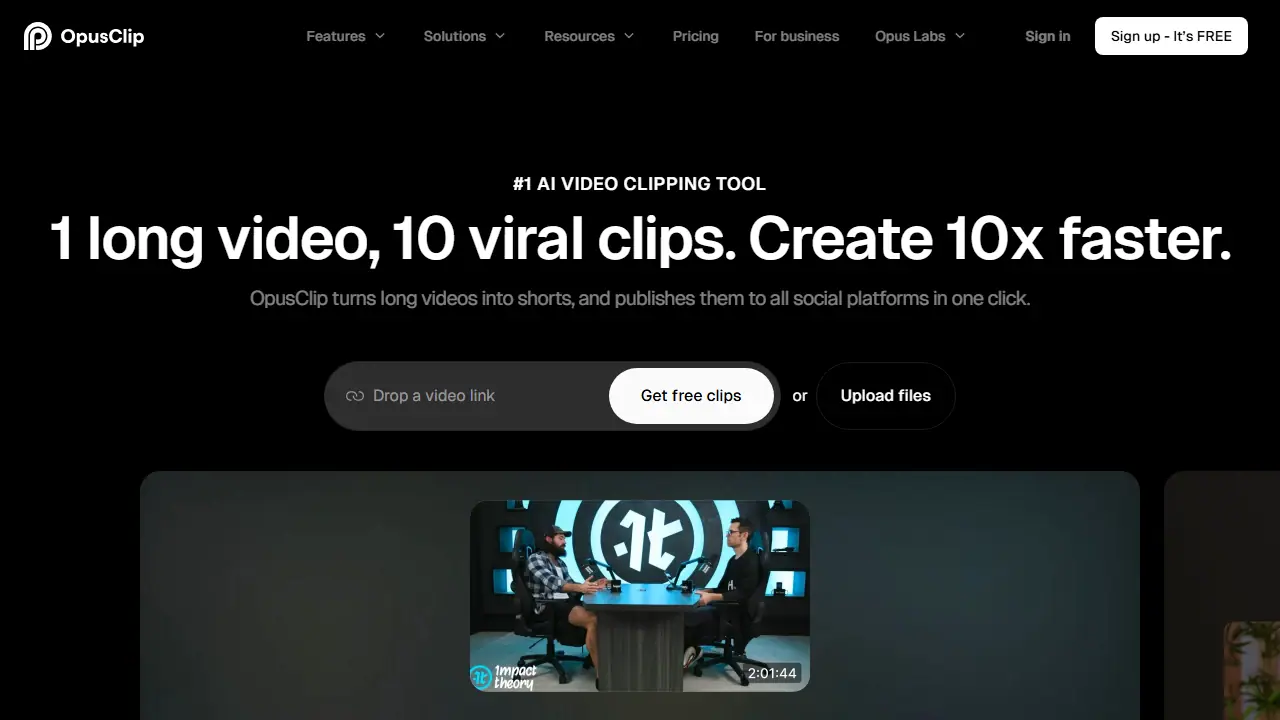
What is OpusClip?
OpusClip is an AI video clipping and editing tool that takes a long video, such as a podcast, vlog, interview or livestream, and cuts it into short clips ready to post. You can start from a video link (YouTube, Vimeo, Zoom, Riverside and others) or by uploading a file, and the ClipAnything model picks out segments and scores them with a Virality Score.
Beyond clipping, the tool adds animated captions, reframes video to vertical, square or widescreen formats with object tracking, adds AI B-roll, enhances speech and can dub video in your own voice. Finished clips can be scheduled and published to YouTube Shorts, TikTok and Instagram Reels, or exported to Adobe Premiere Pro and DaVinci Resolve. Teams can share brand templates and workspaces, and an API and MCP server allow the workflow to be automated.
Key features
- AI clipping with Virality Score
- Animated captions in 20+ languages
- AI reframe to 9:16, 1:1 and 16:9 with object tracking
- AI B-Roll from stock, images and video
- Social media scheduler and auto-posting
- Export to Adobe Premiere Pro and DaVinci Resolve
Who is it for
- content creators
- podcasters
- marketing teams and agencies
- e-commerce and real estate businesses
How to get started with OpusClip
- Go to the OpusClip website and create an account.
- Paste a link from YouTube, Vimeo, Zoom or Twitch, or upload a file.
- Choose the generated clips, adjust captions, then download or schedule publishing.
- You have long recordings and want short clips for social media quickly.
- You publish to YouTube Shorts, TikTok or Instagram Reels and need post scheduling.
- You run a store or agency and need scalable production of short marketing videos.
- You need a free tool without limits, because the free plan has 60 credits and exports stop after 3 days.
- You need a Polish-language interface, which the tool does not offer.
Pros and cons
- Works on many video genres, not only podcasts
- Publishes directly to multiple social platforms
- Offers a free plan and a team workspace
- Free plan adds a watermark and limits export time
- Some features such as API access and dubbing are only on higher plans
OpusClip pricing
| Plan | Price | Includes |
|---|---|---|
| Free | 0 USD / month | 60 credits per month, watermark, up to 1080p, no editing |
| Starter | 15 USD / month | 150 credits per month, 1 brand template, watermark removal, monthly billing only |
| Pro | 29 USD / month | 300 credits per month, 174 USD billed annually (about 14.5 USD/mo), team workspace with 2 seats, 2 brand templates, 6 social accounts, AI B-Roll, video dubbing, limited API access, credit top-ups available |
Prices copied from OpusClip pricing, checked October 12, 2026. Currency as shown by the vendor; taxes may apply.
Is OpusClip free?
Yes, there is a free plan. Free plan: 60 credits per month, up to 1080p rendered clips, auto reframe and captions with watermark; clips are not exportable after 3 days.
Featured in
OpusClip alternatives
| Tool | Price from | Free plan | Category |
|---|---|---|---|
 ClipSpeedAI ClipSpeedAI | 19 USD/mo | trial | Video generators |
 CapCut CapCut | not listed | yes | Video generators |
 Wisecut Wisecut | 23.25 USD/mo | yes | Video generators |
 Captions Captions | 24.99 USD/mo | trial | Video generators |
 VEED VEED | 129 EUR/yr | trial | Video generators |
 Wave.video Wave.video | 16 USD/mo | yes | Video generators |
All alternatives to OpusClip →
Comparisons
FAQ
What is OpusClip used for?
Turns long videos into short, captioned clips for social platforms, for creators, marketers and teams.
Is OpusClip free?
Yes, there is a free plan. Free plan: 60 credits per month, up to 1080p rendered clips, auto reframe and captions with watermark; clips are not exportable after 3 days.
How much does OpusClip cost?
The cheapest paid plan is 15 USD/mo (vendor pricing, October 12, 2026).
What are the best OpusClip alternatives?
Closest alternatives: ClipSpeedAI, CapCut, Wisecut, Captions, VEED.
Data checked October 12, 2026 on the vendor website (opus.pro).