

What is Captions?
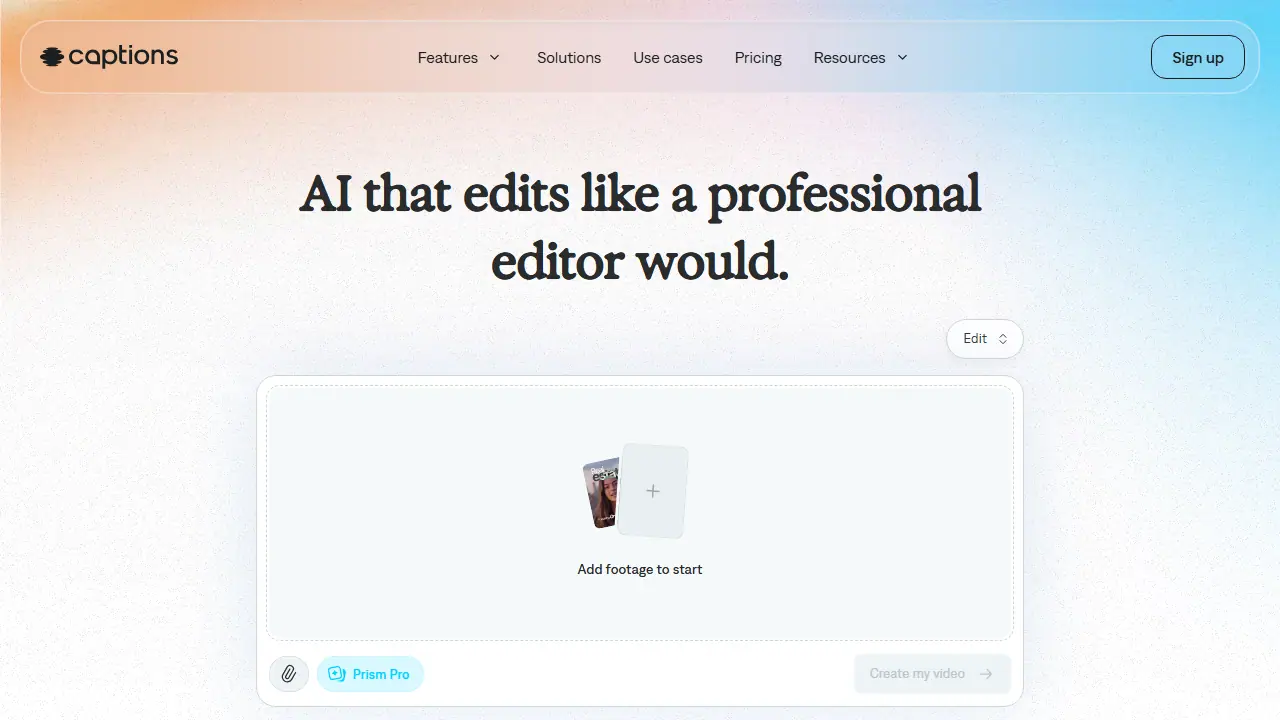
Captions is an AI video editor and generator available in the browser and as a phone app. You upload existing footage or start from scratch, pick one of several editing styles, and the AI cuts scenes, adds zooms, B-roll, music and transitions, and generates captions. A chat-based editor lets you request changes with simple prompts instead of working on a timeline by hand.
Beyond editing, the tool offers auto-generated stylized captions, translated subtitles in 100+ languages, AI avatars or digital twins for presenting, and cleanup features such as denoising, trimming pauses and filler words, and correcting eye contact. Paid plans add generative features like custom B-roll, music, sound effects and images, plus a feature that turns a long video into a batch of post-ready clips.
Key features
- AI Edit that cuts scenes and overlays B-roll in one pass
- Automatic captions with stylized fonts in 100+ languages
- Chat-based editor for changes made with prompts
- AI avatars and digital twins
- Denoise, trim pauses and filler words, and correct eye contact
- Generative AI music, sound effects and voiceover on higher plans
Who is it for
- content creators
- social media marketers
- small businesses making ads and tutorials
- podcasters
How to get started with Captions
- Sign up for Captions for free in the app
- Upload raw video footage or start from scratch
- Pick a style and let the AI edit your video automatically
- You make short videos, ads or tutorials for social media without editing skills
- You need quick styled captions and translations into other languages
- You want to refine edits using text prompts in the chat editor
- You need a fully free tool with access to AI features, since the free plan is heavily limited
- You are looking for a Polish-language interface, which the app does not offer
Pros and cons
- No editing experience needed
- Fully automatic editing of the whole video
- Large number of caption styles and translation languages
- Best features require a paid subscription
- Generative credits are limited per plan
Captions pricing
| Plan | Price | Includes |
|---|---|---|
| Max | 24.99 USD / month | 500 AI credits per month, AI Edit styles, AI avatars, chat-based editor, generative B-roll, music and sound effects |
| Frontier | 69.99 USD / month | 1,400 AI credits per month, most sophisticated generative models |
| Frontier 2x | 139.99 USD / month | 2,800 AI credits per month |
| Frontier 4x | 279.99 USD / month | 5,600 AI credits per month |
Prices copied from Captions pricing, checked October 12, 2026. Currency as shown by the vendor; taxes may apply.
Is Captions free?
There is a free trial. Free sign-up with access to some features without a subscription; the free plan includes 1 caption template and limited features, with no generative AI credits.
Featured in
Captions alternatives
| Tool | Price from | Free plan | Category |
|---|---|---|---|
 VEED VEED | 129 EUR/yr | trial | Video generators |
 HeyGen HeyGen | 29 USD/mo | yes | Video generators |
 CapCut CapCut | not listed | yes | Video generators |
 AI STUDIO (DeepBrain AI Studios) AI STUDIO (DeepBrain AI Studios) | 24 USD/mo | yes | Video generators |
 Fliki Fliki | not listed | yes | Video generators |
 Descript Descript | 16 USD/mo | yes | Video generators |
All alternatives to Captions →
FAQ
What is Captions used for?
AI video editor that turns raw footage into a fully edited, ready-to-share video, aimed at creators without editing experience.
Is Captions free?
There is a free trial. Free sign-up with access to some features without a subscription; the free plan includes 1 caption template and limited features, with no generative AI credits.
How much does Captions cost?
The cheapest paid plan is 24.99 USD/mo (vendor pricing, October 12, 2026).
What are the best Captions alternatives?
Closest alternatives: VEED, HeyGen, CapCut, AI STUDIO (DeepBrain AI Studios), Fliki.
Data checked October 12, 2026 on the vendor website (captions.ai).