

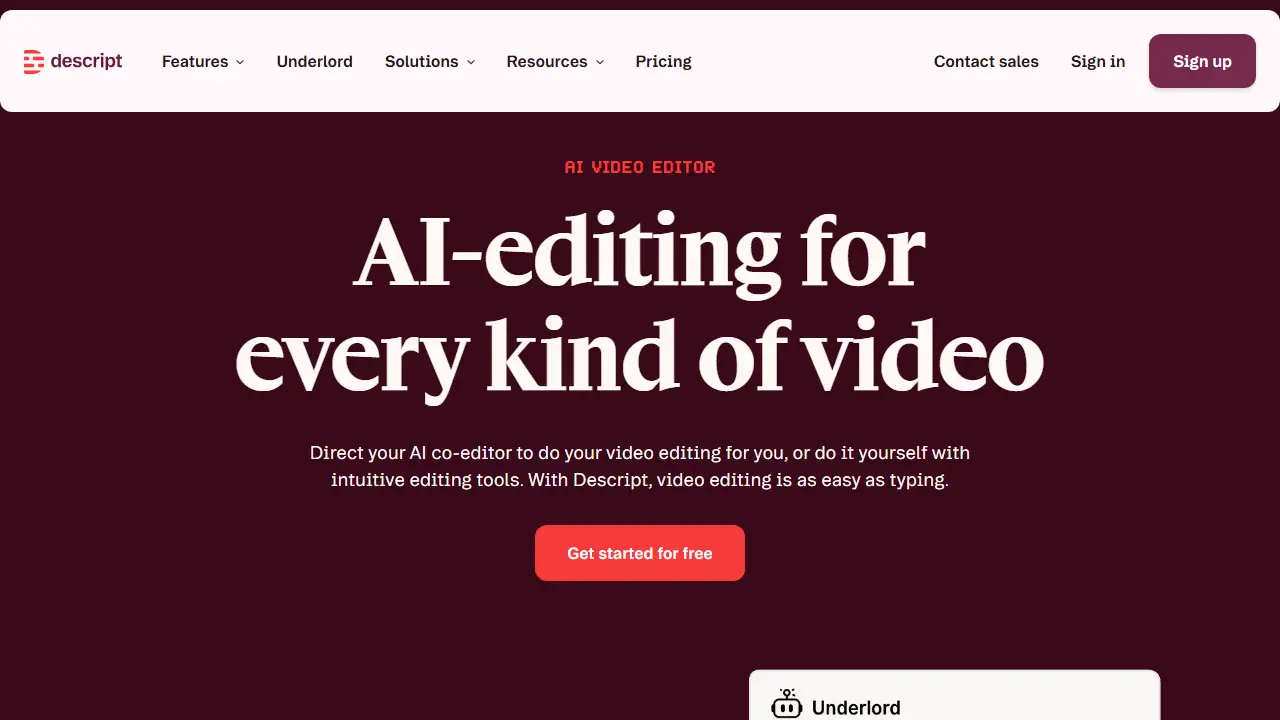
What is Descript?
Descript is an AI video and audio editor built around text. Footage, audio or a recorded call is transcribed automatically, and you edit the video by editing the transcript: copy, paste, drag and delete words, with the timeline available when you need it. The tool also offers a built-in recorder, remote recording through Rooms, and multitrack podcast editing.
In practice you can remove filler words and retakes in one click, clean up background noise with Studio Sound, add captions, translate and dub video, generate clips, thumbnails and YouTube descriptions, and create AI avatars or voice clones. Underlord, its AI co-editor, can turn a raw recording into a tight cut when you describe what you want.
Key features
- Text-based video editing with automatic transcription
- Remove filler words and retakes in one click
- Studio Sound for background noise removal and voice enhancement
- Automatic captions and subtitles
- AI speech with voice cloning and stock voices
- Translation and dubbing in 30+ languages (Business plan)
Who is it for
- YouTube and social media creators
- Podcasters
- Marketing and learning and development teams
- Educators producing tutorials and webinars
How to get started with Descript
- Create an account and choose the Free plan on the Descript website.
- Import a video or audio recording, or record directly in the app.
- Wait for automatic transcription, then edit the text to assemble your media.
- You edit podcasts or video conversations and want text-based editing.
- You need to quickly remove filler words, repeats, and improve audio.
- You create clips, captions, or video translations in one tool.
- You need full AI features and 4K export for free, as these require a paid plan.
- You need a Polish-language interface, which the tool does not offer.
Pros and cons
- Editing video by editing text is quick to learn
- Recording, editing and publishing happen in one tool
- AI credits and media hours are capped per plan
- Full feature set and 4k export require paid plans
Descript pricing
| Plan | Price | Includes |
|---|---|---|
| Free | 0 USD | Text-based editing and AI tool trial |
| Hobbyist | 16 USD / month | 1 person; 10 media hours/month, 400 AI credits/month, 1080p watermark-free export; annual billing shown at 24 USD/month |
| Creator | 24 USD / month | Up to 3 people billed separately; 30 media hours/month, 800 AI credits/month, 4k watermark-free export; annual billing shown at 35 USD/month |
| Business | 50 USD / month | Up to 5 people billed separately; 40 media hours/month, 1500 AI credits/month, Brand Studio, translation and dubbing, custom avatars, priority support; annual billing shown at 65 USD/month |
Prices copied from Descript pricing, checked October 12, 2026. Currency as shown by the vendor; taxes may apply.
Is Descript free?
Yes, there is a free plan. Free plan: text-based editing and a try of the AI tools, with the features limited compared to paid plans.
Featured in
Descript alternatives
| Tool | Price from | Free plan | Category |
|---|---|---|---|
 VEED VEED | 129 EUR/yr | trial | Video generators |
 Kapwing Kapwing | 16 USD/mo | yes | Video generators |
 Captions Captions | 24.99 USD/mo | trial | Video generators |
 CapCut CapCut | not listed | yes | Video generators |
 HeyGen HeyGen | 29 USD/mo | yes | Video generators |
 Fliki Fliki | not listed | yes | Video generators |
All alternatives to Descript →
Comparisons
FAQ
What is Descript used for?
Text-based AI video and audio editor: record, transcribe, edit and publish by editing a transcript, for creators, podcasters and teams.
Is Descript free?
Yes, there is a free plan. Free plan: text-based editing and a try of the AI tools, with the features limited compared to paid plans.
How much does Descript cost?
The cheapest paid plan is 16 USD/mo (vendor pricing, October 12, 2026).
What are the best Descript alternatives?
Closest alternatives: VEED, Kapwing, Captions, CapCut, HeyGen.
Data checked October 12, 2026 on the vendor website (descript.com).