

What is CapCut?
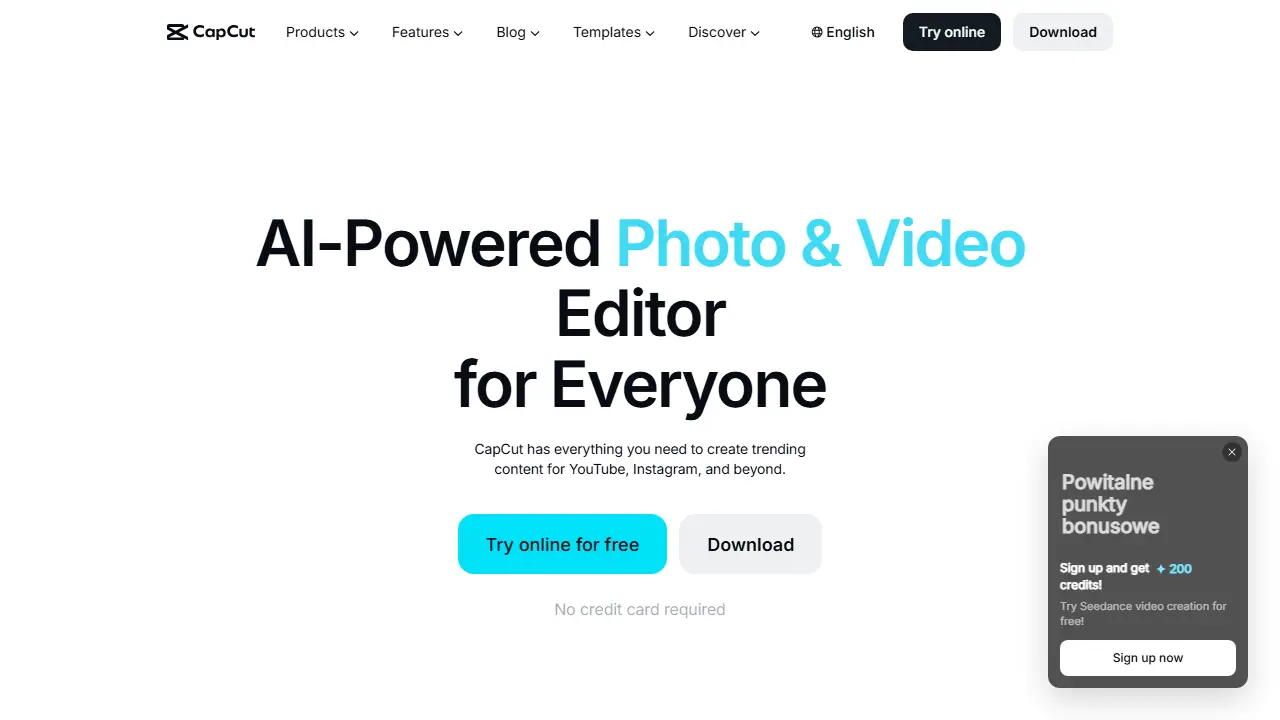
CapCut is a photo and video editor from the company behind TikTok, offered on the web, as a desktop app, and on mobile. Its homepage presents a set of AI features: auto captions, text to speech, background removal, image enhancement, and an AI video generator that builds a video from a text prompt, images or keyframes.
In practice you can cut and trim clips, add transitions and subtitles, remove a video background, convert files between formats, and export HD video. The page also lists image tools such as background removal, upscaling, resizing and an online photo editor, plus AI voice tools including custom voices, voice enhancement and noise reduction. Templates for social media, holidays and business are available for quick starts.
Key features
- AI auto captions and subtitles in multiple languages
- Text to speech with natural-sounding voices and custom voices
- One-click video and image background removal
- Video trimming, transitions and HD export without watermark
- AI video generator from text, images or keyframes
- Smart templates for social media and marketing
Who is it for
- content creators on YouTube, Instagram and TikTok
- marketers producing short promotional videos
- podcasters and narrators needing voiceovers
- beginners who want quick editing with templates
How to get started with CapCut
- Go to the CapCut website and sign up, no credit card required.
- Choose the online browser version or download the app.
- Import a recording and try auto captions or background removal.
- You make videos for TikTok, Instagram or YouTube and need quick editing.
- You want video editing, photo editing and AI features in one tool.
- You want exports without a watermark.
- You need fully free advanced AI features, since some require a paid plan or credits.
- You are looking for professional software for advanced film post-production.
Pros and cons
- Covers editing, AI generation and audio tools in one product
- Available on web, desktop and mobile
- Auto captions and background removal in one click
- Some advanced AI features may be restricted to paid plans (page does not list specifics)
CapCut pricing
The vendor does not publish prices in a readable form (often pricing is shown only after signing in).
Is CapCut free?
Yes, there is a free plan. Free to try online without a credit card; the page advertises free online editing and exports without watermark. Full plan limits are not shown on the homepage.
Featured in
- Best AI for voiceover & text to speech - #10
- Best AI for short videos & reels - #2
- Best AI for video editing - #10
- Best AI for animation - #2
- Best AI for YouTube - #2
CapCut alternatives
| Tool | Price from | Free plan | Category |
|---|---|---|---|
 VEED VEED | 129 EUR/yr | trial | Video generators |
 HeyGen HeyGen | 29 USD/mo | yes | Video generators |
 Kapwing Kapwing | 16 USD/mo | yes | Video generators |
 Captions Captions | 24.99 USD/mo | trial | Video generators |
 OpusClip OpusClip | 15 USD/mo | yes | Video generators |
 AI STUDIO (DeepBrain AI Studios) AI STUDIO (DeepBrain AI Studios) | 24 USD/mo | yes | Video generators |
Comparisons
FAQ
What is CapCut used for?
Online, desktop and mobile video editor with AI tools for creating and editing videos for YouTube, Instagram and TikTok.
Is CapCut free?
Yes, there is a free plan. Free to try online without a credit card; the page advertises free online editing and exports without watermark. Full plan limits are not shown on the homepage.
How much does CapCut cost?
The vendor does not publish prices publicly or requires sign-in.
What are the best CapCut alternatives?
Closest alternatives: VEED, HeyGen, Kapwing, Captions, OpusClip.
Data checked October 12, 2026 on the vendor website (capcut.com).