

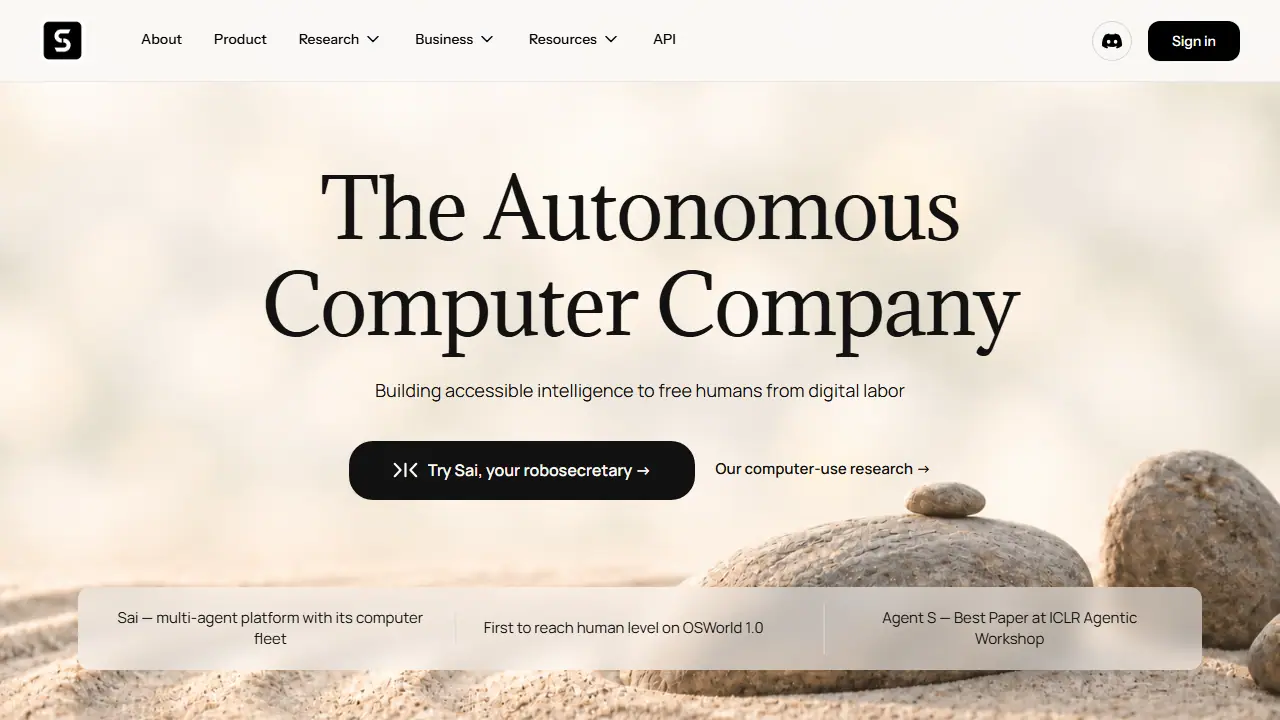
What is Simular?
Simular is an autonomous computer company building AI agents that operate real computers the way a person would, using clicks, keystrokes and app interfaces instead of relying on public APIs. Its flagship product, Sai, is described as a robosecretary: after setup it starts using your favorite apps right away, and it can run on your own device or on autonomous computers in the cloud, so you can close your laptop while tasks continue.
In practice, Sai is meant to take over recurring screen work that fills a multitasker's day, and recurring tasks are said to become more reliable and cheaper over time. The company also offers Simular for Business, the Simular API for developers, and open-source frameworks such as Agent S, along with a workflow library where workflows can be shared publicly or within a team.
Key features
- Autonomous computer use via clicks and keystrokes, without requiring public APIs
- Runs on your own device or on cloud virtual machines
- Cloud-based Windows computer with the Premium and Pro plans
- Shareable workflows through a public gallery or privately within a team
- Developer API and open-source Agent S framework
- Recurring tasks become more reliable and cheaper over time
Who is it for
- Multitaskers with heavy screen-based work
- Solo builders and indie developers
- Businesses with repetitive computer tasks
- Enterprise teams managing complex desktop workflows
Pros and cons
- Works with applications that have no public API
- Shareable workflow library and cloud computers available on higher plans
- No annual pricing currently offered
- Enterprise pricing only on request
Simular pricing
| Plan | Price | Includes |
|---|---|---|
| Starter | 50 USD / month | Cloud-based Windows computer access, generous credits, BYOD from Windows, Mac or other device, community support; invite only |
| Premium | 200 USD / month | Always-on Windows or Mac cloud computer, significantly higher monthly credit allowance, priority support |
| Pro | 500 USD / month | Unlimited usage within fair-use limits, team workflow sharing, full API access, highest-priority support |
Prices copied from Simular pricing, checked October 12, 2026. Currency as shown by the vendor; taxes may apply.
Is Simular free?
No - according to the vendor, it is paid only.
Simular alternatives
| Tool | Price from | Free plan | Category |
|---|---|---|---|
 Zapier Zapier | od 19,99 USD/mo | yes | Automation |
 Clay Clay | od 167 USD/mo | trial | Automation |
 n8n n8n | 20 EUR/mo | trial | Automation |
 Browser Use Browser Use | 0.02 USD | trial | Automation |
 Browserbase Browserbase | 20 USD/mo | yes | Automation |
 Skyvern Skyvern | 29 USD/mo | yes | Automation |
FAQ
What is Simular used for?
AI agents (Sai) that operate real computers across apps and desktops to automate repetitive screen tasks, for individuals and businesses.
Is Simular free?
No - according to the vendor, it is paid only.
How much does Simular cost?
The cheapest paid plan is 50 USD/mo (vendor pricing, October 12, 2026).
What are the best Simular alternatives?
Closest alternatives: Zapier, Clay, n8n, Browser Use, Browserbase.
Data checked October 12, 2026 on the vendor website (simular.ai).