

What is Skyvern?
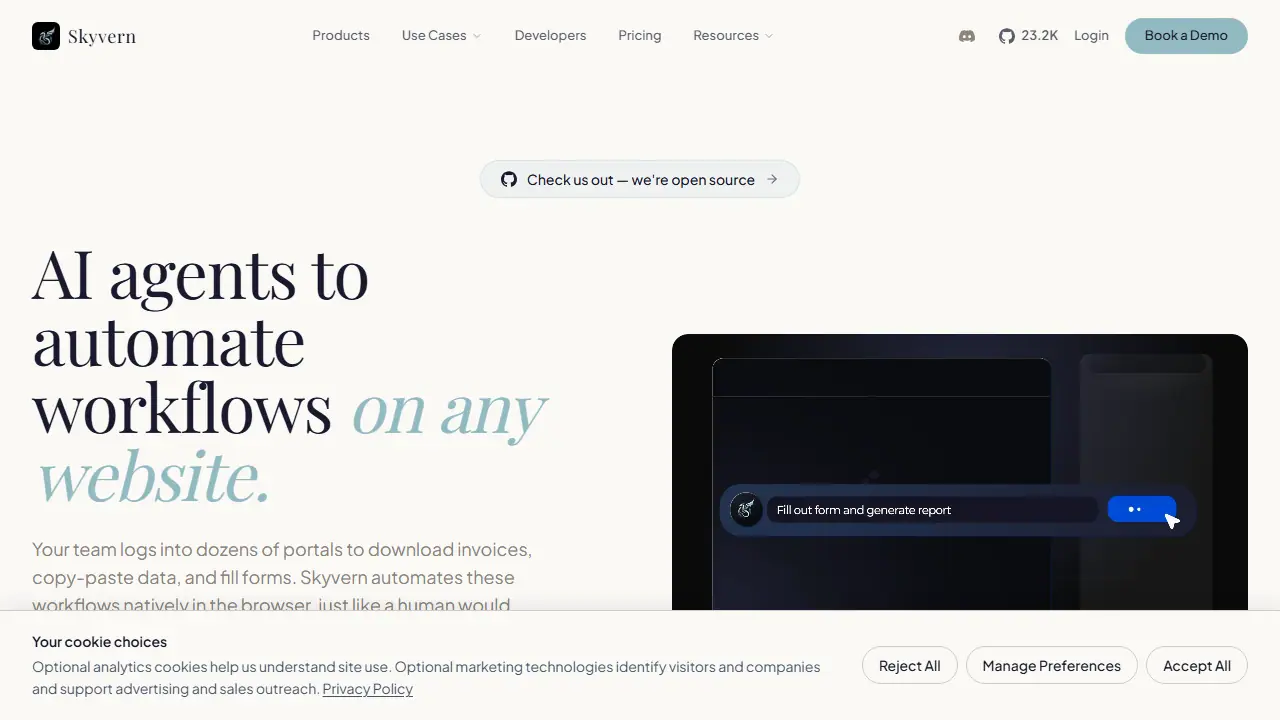
Skyvern is an AI agent platform for automating workflows in a web browser. Instead of relying on fixed selectors or DOM paths, it uses vision and LLM reasoning to operate websites the way a person would, which the vendor says means automations keep working when a site's interface changes. It is positioned for portal-heavy work such as logging in, downloading invoices, filling forms and pulling structured data without an API.
You can build a workflow in several ways: describe the task in natural language to an AI copilot, upload standard operating procedures (SOPs) to generate a workflow, record a browser session once and replay it, drag and drop steps in a visual builder, or write code with the Python or TypeScript SDKs. The platform handles CAPTCHAs, 2FA and TOTP codes, and proxy-based geo-targeting, and returns results as JSON or CSV. Each run includes an explainable summary of the actions taken. Skyvern is open source and can also be self-hosted with Docker.
Key features
- Vision-based browser automation without CSS or XPath selectors
- CAPTCHA solving built in
- 2FA and TOTP authentication flow
- Data extraction to JSON or CSV
- Natural-language, SOP, recording, visual and SDK workflow builders
- Run inspection with AI-generated summaries of each action
Who is it for
- Developers replacing Selenium or Playwright scripts
- Operations and accounts payable teams handling vendor portals
- Enterprises in regulated industries such as healthcare and fintech
- QA teams testing UIs that change often
Pros and cons
- No maintenance of brittle selectors when the UI changes
- Open source and self-hostable with Docker
- Compliance claims: HIPAA compliant and SOC 2 Type II certified
- Advanced CAPTCHA solving, residential proxies and 2FA are limited to paid plans
- Enterprise pricing is custom and requires contacting sales
Skyvern pricing
| Plan | Price | Includes |
|---|---|---|
| Free | 0 USD / month | 5,000 credits, 1 concurrent run, community support |
| Hobby | 29 USD / month | 30,000 credits/month, 10 concurrent runs, basic CAPTCHA solver, stored credentials, email support |
| Pro | 149 USD / month | 150,000 credits/month, 25 concurrent runs, advanced CAPTCHA solver, 2FA/TOTP, team workspaces, residential proxy, city-level geo-targeting, priority support; Skyvern SMS number costs 10 USD/month per number |
Prices copied from Skyvern pricing, checked October 12, 2026. Currency as shown by the vendor; taxes may apply.
Is Skyvern free?
Yes, there is a free plan. Free plan with 5,000 credits (about 170 estimated actions), 1 concurrent run, datacenter proxies, basic CAPTCHA solver, webhooks, country geo-targeting and community support. No credit card required.
Featured in
Skyvern alternatives
| Tool | Price from | Free plan | Category |
|---|---|---|---|
 Clay Clay | od 167 USD/mo | trial | Automation |
 Zapier Zapier | od 19,99 USD/mo | yes | Automation |
 Apify Apify | 19 USD/mo | yes | Automation |
 Browser Use Browser Use | 0.02 USD | trial | Automation |
 Browserbase Browserbase | 20 USD/mo | yes | Automation |
 n8n n8n | 20 EUR/mo | trial | Automation |
FAQ
What is Skyvern used for?
AI agents that automate browser workflows on any website, with no brittle selectors, for teams and developers handling logins, forms and data extraction.
Is Skyvern free?
Yes, there is a free plan. Free plan with 5,000 credits (about 170 estimated actions), 1 concurrent run, datacenter proxies, basic CAPTCHA solver, webhooks, country geo-targeting and community support. No credit card required.
How much does Skyvern cost?
The cheapest paid plan is 29 USD/mo (vendor pricing, October 12, 2026).
What are the best Skyvern alternatives?
Closest alternatives: Clay, Zapier, Apify, Browser Use, Browserbase.
Data checked October 12, 2026 on the vendor website (skyvern.com).