

What is Sider?
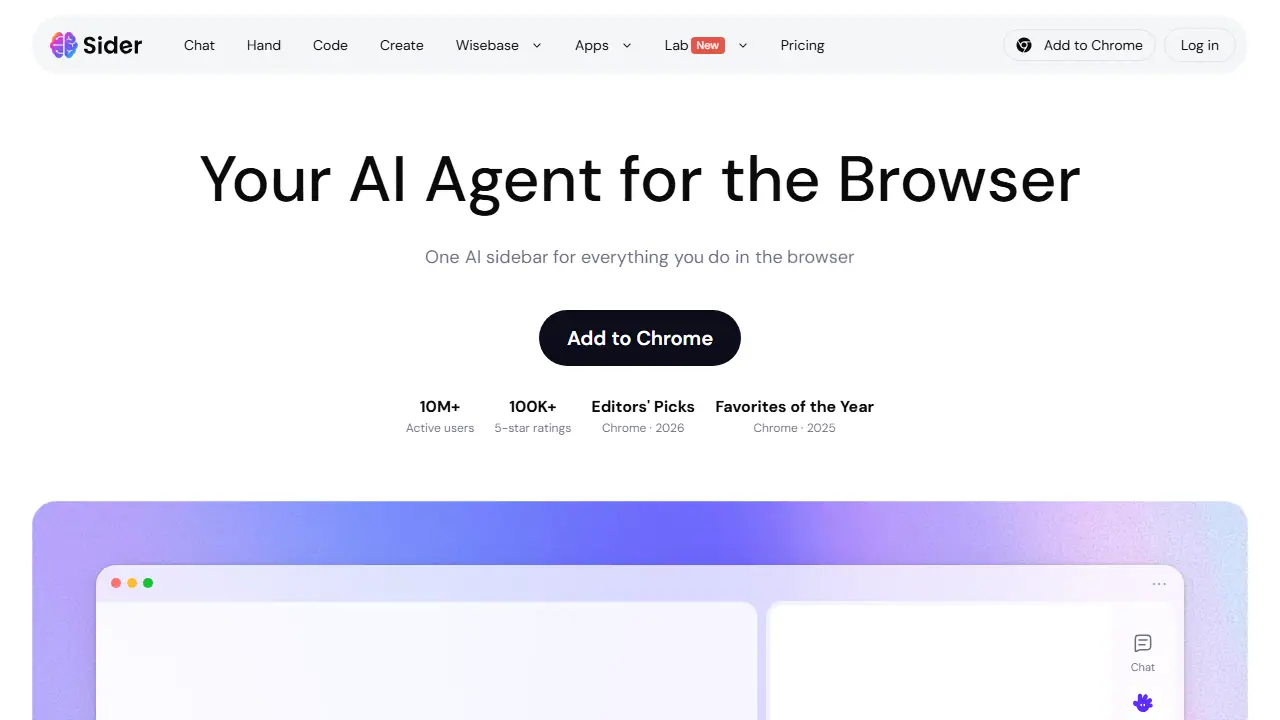
Sider is an AI sidebar and agent that runs inside the browser, mainly as a Chrome extension. It gives you a chat panel next to any webpage, where you can work with several frontier models such as GPT, Claude, Gemini and Grok from one place. The sidebar can summarize long articles, translate webpages, PDFs and images, and explain concepts without leaving the page.
Beyond chat, the agent side can automate browser tasks, compare prices while shopping, fill out forms, research across websites, and triage a Gmail inbox. The product also includes a Code feature for customizing webpages, a Create section for generating images, videos and slides, and a Wisebase area for deep and scholarly research, plus PDF chat and audio-to-text tools.
Key features
- AI sidebar on any webpage
- Chat with GPT, Claude, Gemini, Grok and other models
- Summarize web pages and long articles
- Browser task automation and form filling
- Translate webpages, PDFs and images
- Deep research and Gmail inbox triage
Who is it for
- researchers and students
- people doing online research and shopping
- professionals who work in Gmail and browser-based tools
- web developers customizing pages
How to get started with Sider
- Install the Sider extension in the Chrome browser.
- Open the side panel on the page you want to analyze.
- Choose an AI model, e.g. GPT, Claude, or Gemini.
- Ask a question or request a summary of the open page.
- You read long articles and want quick summaries.
- You research a topic across many sources at once in the browser.
- You want to compare different AI models in one place.
- You need a fully free plan without limits, as the data does not indicate a free plan.
- You work mostly outside Chrome and the apps for other platforms don't meet your needs.
Pros and cons
- Multiple frontier AI models in one sidebar
- Broad set of browser-based features
- Advanced features and more credits are tied to paid plans
Sider pricing
The vendor does not publish prices in a readable form (often pricing is shown only after signing in).
Is Sider free?
Yes, there is a free plan. The pricing page lists a free tier for translation (basic model) and the Chrome extension itself; the exact free credit allowance is not stated in the text.
Sider alternatives
| Tool | Price from | Free plan | Category |
|---|---|---|---|
 Opera AI Opera AI | not listed | yes | Browser extensions |
 MaxAI MaxAI | 12 USD/mo | yes | Browser extensions |
 Gemini in Chrome Gemini in Chrome | 97,99 PLN/mo | ? | Browser extensions |
 HARPA AI HARPA AI | 55.4 PLN/mo | ? | Browser extensions |
 Grok Grok | 30 USD/mo | yes | Chatbots & AI assistants |
 AIPRM AIPRM | not listed | yes | Browser extensions |
Comparisons
FAQ
What is Sider used for?
AI sidebar and browser agent that chats with multiple AI models, summarizes web pages, and automates browser tasks.
Is Sider free?
Yes, there is a free plan. The pricing page lists a free tier for translation (basic model) and the Chrome extension itself; the exact free credit allowance is not stated in the text.
How much does Sider cost?
The vendor does not publish prices publicly or requires sign-in.
What are the best Sider alternatives?
Closest alternatives: Opera AI, MaxAI, Gemini in Chrome, HARPA AI, Grok.
Data checked October 12, 2026 on the vendor website (sider.ai).