

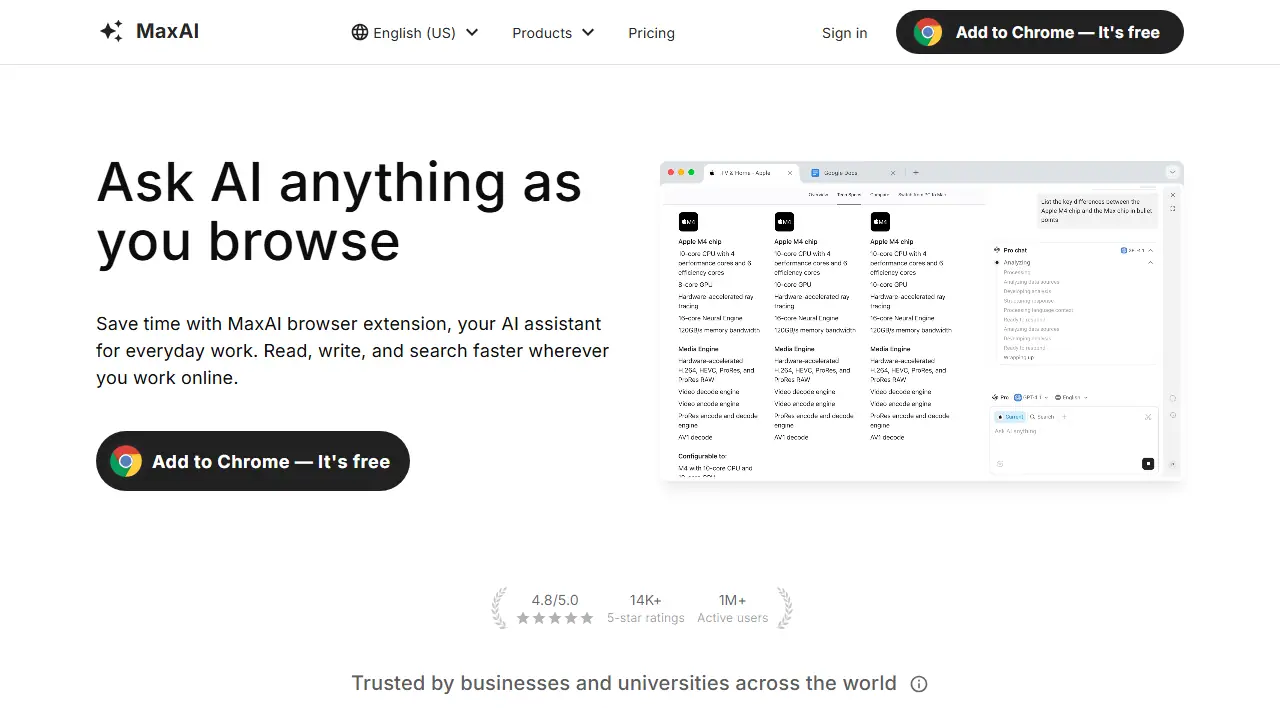
What is MaxAI?
MaxAI is a browser extension for Chromium-based browsers such as Chrome and Edge, with a web app version as well. It adds an AI sidebar that stays open while you browse, so you can ask questions without switching tabs or copy-pasting text. The sidebar can read the current webpage, a YouTube video, a PDF, an image or a file, and answer based on that content, with sources cited.
In practice you can summarize articles and YouTube videos, explain complex passages or code, rewrite or proofread text directly in web forms, draft replies to emails and social media messages, translate pages side by side with the original, and generate images from text. The plans offer access to several AI models, including GPT, Claude, Gemini and others, selectable per conversation.
Key features
- AI sidebar that works alongside any webpage
- Chat with webpages, YouTube videos, PDFs, images and files
- Access to multiple AI models in one place
- Cited sources in answers
- AI rewriting, grammar fixes and tone changes inside web pages
- Side-by-side bilingual translation and reusable prompts
Who is it for
- professionals who research and write online daily
- students and researchers reading long articles or papers
- marketers and sales teams writing outreach messages
- anyone working across many browser tabs
How to get started with MaxAI
- Install the MaxAI extension in Chrome or Edge.
- Open the page you want to ask about and click the panel icon.
- Ask a question about the page, video, PDF or email.
- You work mostly in the browser and want AI without copying text.
- You read articles or PDFs, or watch videos and need summaries.
- You write a lot of emails, LinkedIn or WhatsApp messages and want quick replies.
- You need a Polish-language interface, which is not available.
- You use a browser other than Chromium-based ones, such as Firefox or Safari.
Pros and cons
- Works directly inside the browser without tab switching
- Lets you choose among several leading AI models
- Free plan available with basic features
- Free plan is limited to 3 Pro chats per day and uses a fast free model
- Paid plans are non-refundable and automatically renewed
- Chromium browsers only for the extension
MaxAI pricing
| Plan | Price | Includes |
|---|---|---|
| Free | 0 USD / month | Unlimited Free chat, 3 Pro chats per day, limited file uploads, no image generation or team management |
| Pro | 12 USD / month | Billed yearly as a limited-time offer (60% off; $30 when billed monthly). Unlimited Pro chat, higher file upload limits, image generation, team member management, per member |
Prices copied from MaxAI pricing, checked October 12, 2026. Currency as shown by the vendor; taxes may apply.
Is MaxAI free?
Yes, there is a free plan. Unlimited Free chat with the fast free AI model, 3 Pro chats per day, limited file uploads, basic browser features.
MaxAI alternatives
| Tool | Price from | Free plan | Category |
|---|---|---|---|
 HARPA AI HARPA AI | 55.4 PLN/mo | ? | Browser extensions |
 Sider Sider | not listed | yes | Browser extensions |
 Monica Monica | 8,3 USD/mo | yes | Chatbots & AI assistants |
 Gemini in Chrome Gemini in Chrome | 97,99 PLN/mo | ? | Browser extensions |
 Merlin Merlin | not listed | yes | Chatbots & AI assistants |
 Opera AI Opera AI | not listed | yes | Browser extensions |
Comparisons
FAQ
What is MaxAI used for?
Browser extension that gives an AI assistant sidebar for reading, writing, summarizing and translating content on any webpage.
Is MaxAI free?
Yes, there is a free plan. Unlimited Free chat with the fast free AI model, 3 Pro chats per day, limited file uploads, basic browser features.
How much does MaxAI cost?
The cheapest paid plan is 12 USD/mo (vendor pricing, October 12, 2026).
What are the best MaxAI alternatives?
Closest alternatives: HARPA AI, Sider, Monica, Gemini in Chrome, Merlin.
Data checked October 12, 2026 on the vendor website (maxai.co).