

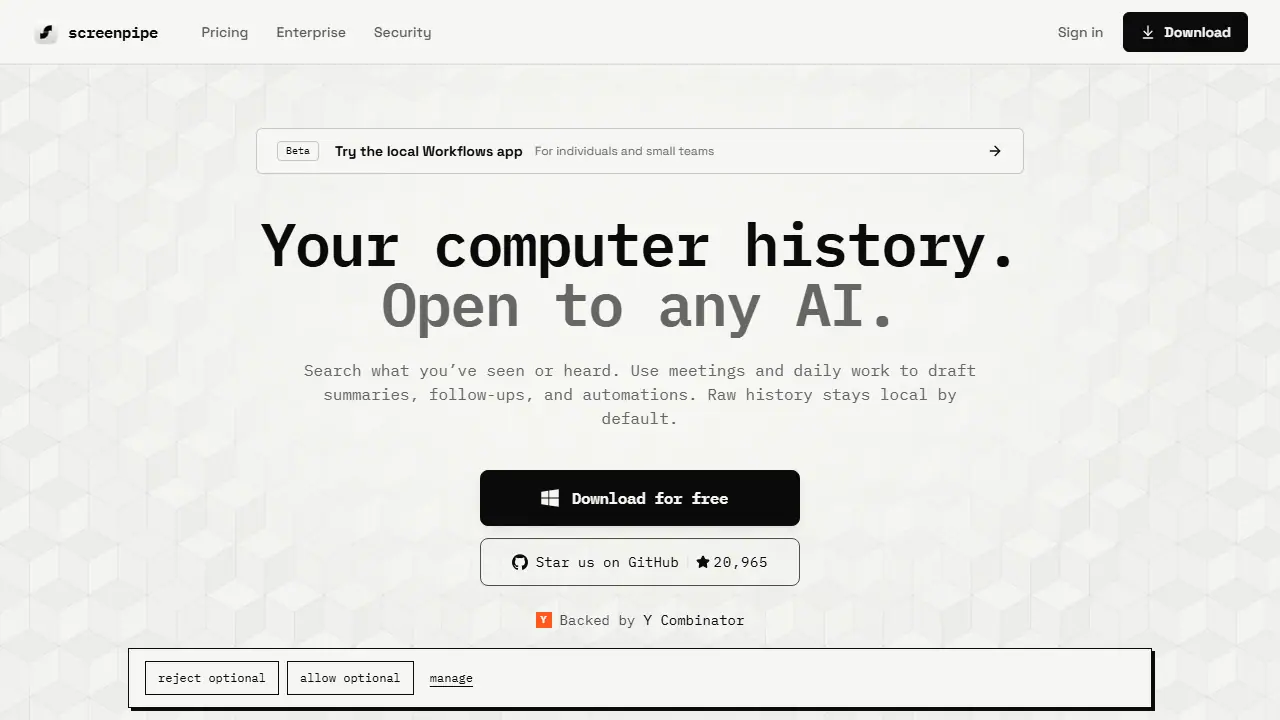
What is screenpipe?
screenpipe is a local-first app that captures your screen, audio, meetings and app activity on macOS, Windows and Linux, and stores it on your device. It builds a searchable history of your daily work that you can query directly, and exposes that history through a local API and MCP server so tools like Claude, Codex or your own agents can use it as context.
In practice you can search for something you saw earlier, scrub back through your day to a specific screen or conversation, and ask an AI to draft summaries, follow-ups or a how-to based on what you actually did. The product also detects repeated workflows across apps and suggests automations, with each step linked to its source evidence. Sensitive apps, windows, URLs and fields can be excluded or redacted on the device.
Key features
- Local screen, audio and meeting capture with OCR fallback
- Search and timeline playback of past work across apps
- Local REST API and MCP server for connecting AI agents
- Detection of recurring workflows with source evidence
- Exclusion of apps, windows and URLs plus on-device redaction of sensitive fields
- Enterprise device management, SSO and audit logs
Who is it for
- Individuals who want searchable work history
- Small teams
- Enterprises deploying with device and identity controls
- Developers building AI agents
Pros and cons
- Raw history stays local by default
- Works with any AI model through a local API and MCP
- Source-available code that can be inspected
- Storage use of about 30 GB per month at default settings
- Team shared context is not currently included
- Some features such as Infinite Context and mobile access are in private beta
screenpipe pricing
| Plan | Price | Includes |
|---|---|---|
| Free | 0 USD | One device, limited searchable history, community support |
| Basic | 21 USD / month | Full searchable history, MCP context for AI tools, unlimited scheduled workflows; 250 USD billed annually |
| Business | 42 USD / month | Per seat, personal device sync and team seat management, Max capacity, priority support; 500 USD per seat billed annually; team shared context not currently included |
Prices copied from screenpipe pricing, checked October 12, 2026. Currency as shown by the vendor; taxes may apply.
Is screenpipe free?
Yes, there is a free plan. Free plan: download on macOS, Windows and Linux, capture screen, audio and meetings on one device, search recent work, and share selected context with AI tools. Searchable history is limited.
screenpipe alternatives
| Tool | Price from | Free plan | Category |
|---|---|---|---|
 ClickUp ClickUp | 7 USD/mo | yes | Productivity & notes |
 Gong Gong | not listed | no | Productivity & notes |
 Notion Notion | 9.50 EUR/mo | trial | Productivity & notes |
 Lindy Lindy | 29.99 USD/mo | trial | Productivity & notes |
 Coda (Superhuman Docs) Coda (Superhuman Docs) | not listed | ? | Productivity & notes |
 monday.com monday.com | 9 EUR/mo | yes | Productivity & notes |
All alternatives to screenpipe →
FAQ
What is screenpipe used for?
Records your screen and audio locally so AI tools can search your work history and automate recurring tasks.
Is screenpipe free?
Yes, there is a free plan. Free plan: download on macOS, Windows and Linux, capture screen, audio and meetings on one device, search recent work, and share selected context with AI tools. Searchable history is limited.
How much does screenpipe cost?
The cheapest paid plan is 21 USD/mo (vendor pricing, October 12, 2026).
What are the best screenpipe alternatives?
Closest alternatives: ClickUp, Gong, Notion, Lindy, Coda (Superhuman Docs).
Data checked October 12, 2026 on the vendor website (screenpipe.com).