

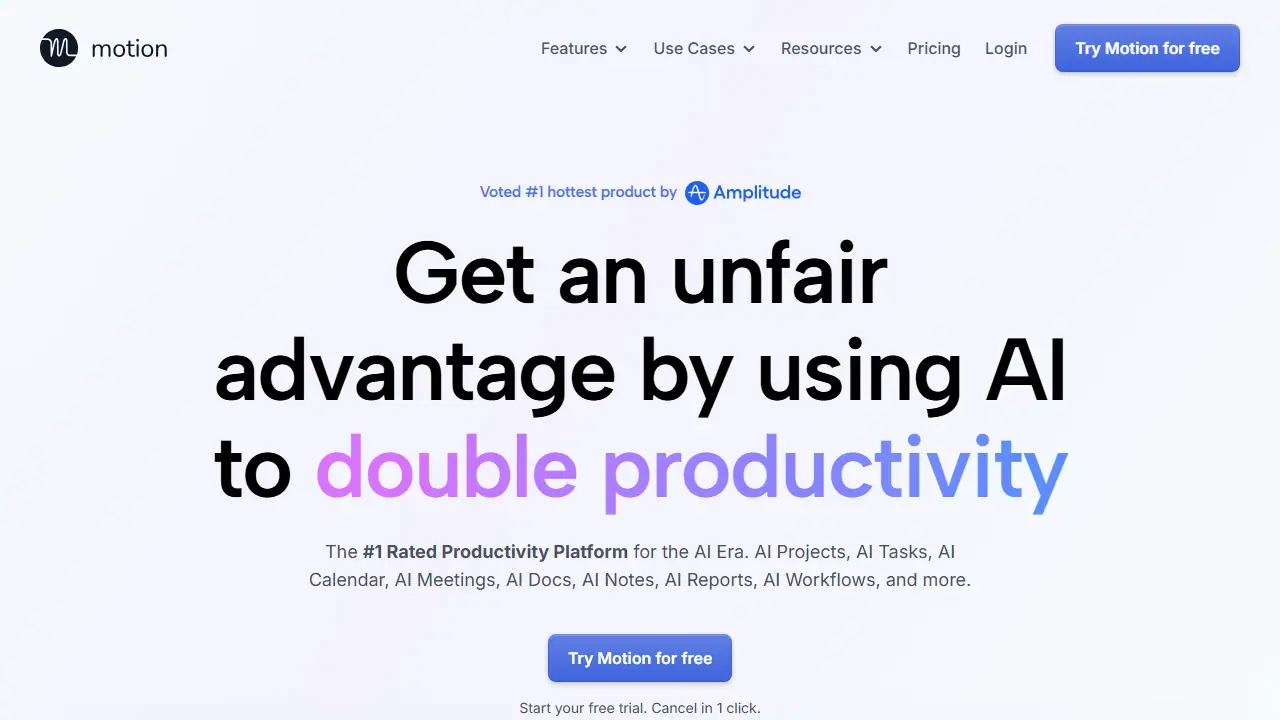
What is Motion?
Motion is an AI productivity platform that brings tasks, projects, calendar, meetings, docs, notes and reports into one app. Its AI Task Planner takes your tasks, deadlines, durations and priorities and builds a daily plan that it adjusts automatically, warning you when a deadline looks at risk. Tasks can also be captured from email, Zoom, Google Meet, Teams and Slack messages, or added by voice through Siri.
For projects, the AI Project Manager can generate a full project with tasks, deadlines, assignees and stages from a short description and attached documents, which you then review and polish. Other features include a meeting notetaker that produces summaries and action items, an AI Docs assistant for writing and proofreading, AI Chat for searching across your work, workflow builders for repeatable SOPs, and dashboards for tracking progress.
Key features
- AI Task Planner that schedules and prioritizes tasks automatically
- AI Project Manager that generates projects with tasks and assignees
- AI Calendar that auto-plans the day and schedules meetings
- AI Meeting Notetaker with summaries and action items
- AI Docs Assistant and AI Chat for search across work
- AI Workflow Builder for repeatable projects and SOPs
Who is it for
- professionals and freelancers
- small and mid-sized teams
- service businesses such as agencies and consultancies
- executive and sales teams
How to get started with Motion
- Create an account and start the free trial
- Connect your calendar and email or messaging accounts
- Describe your first project or add documents for analysis
- Review the generated day plan and adjust priorities
- You have many tasks and want AI to plan your day automatically
- You work as a freelancer, in a small team or an agency
- You want to turn meetings and emails into concrete tasks
- You need a free plan with no time limit, as only a trial is available
- You need a Polish-language interface, which the platform does not offer
Pros and cons
- Plans the day and reschedules tasks automatically
- Creates full projects from a description and documents
- Captures tasks from email, meetings and messaging apps
- Paid plans are charged per seat
- Advanced features such as Gantt charts and time tracking are only in the higher tier
Motion pricing
| Plan | Price | Includes |
|---|---|---|
| Pro AI (individuals and small teams) | 19 USD / month | per seat per month, 7,500 credits/seat/month; billed annually saves 33% |
| Business AI (power users and businesses) | 29 USD / month | per seat per month, 15,000 credits/seat/month; adds Gantt charts, time tracking, dashboards, permissions, priority support |
Prices copied from Motion pricing, checked October 12, 2026. Currency as shown by the vendor; taxes may apply.
Is Motion free?
There is a free trial. Free trial with cancellation in one click, no risk.
Motion alternatives
| Tool | Price from | Free plan | Category |
|---|---|---|---|
 Asana Asana | 10.99 USD/mo | yes | Productivity & notes |
 ClickUp ClickUp | 7 USD/mo | yes | Productivity & notes |
 Raycast Raycast | not listed | yes | Productivity & notes |
 Gong Gong | not listed | no | Productivity & notes |
 Notion Notion | 9.50 EUR/mo | trial | Productivity & notes |
 Lindy Lindy | 29.99 USD/mo | trial | Productivity & notes |
FAQ
What is Motion used for?
AI-powered work platform combining task management, project planning, calendar scheduling, meeting notes and docs for individuals and teams.
Is Motion free?
There is a free trial. Free trial with cancellation in one click, no risk.
How much does Motion cost?
The cheapest paid plan is 19 USD/mo (vendor pricing, October 12, 2026).
What are the best Motion alternatives?
Closest alternatives: Asana, ClickUp, Raycast, Gong, Notion.
Data checked October 12, 2026 on the vendor website (usemotion.com).