

What is Microsoft Clipchamp?
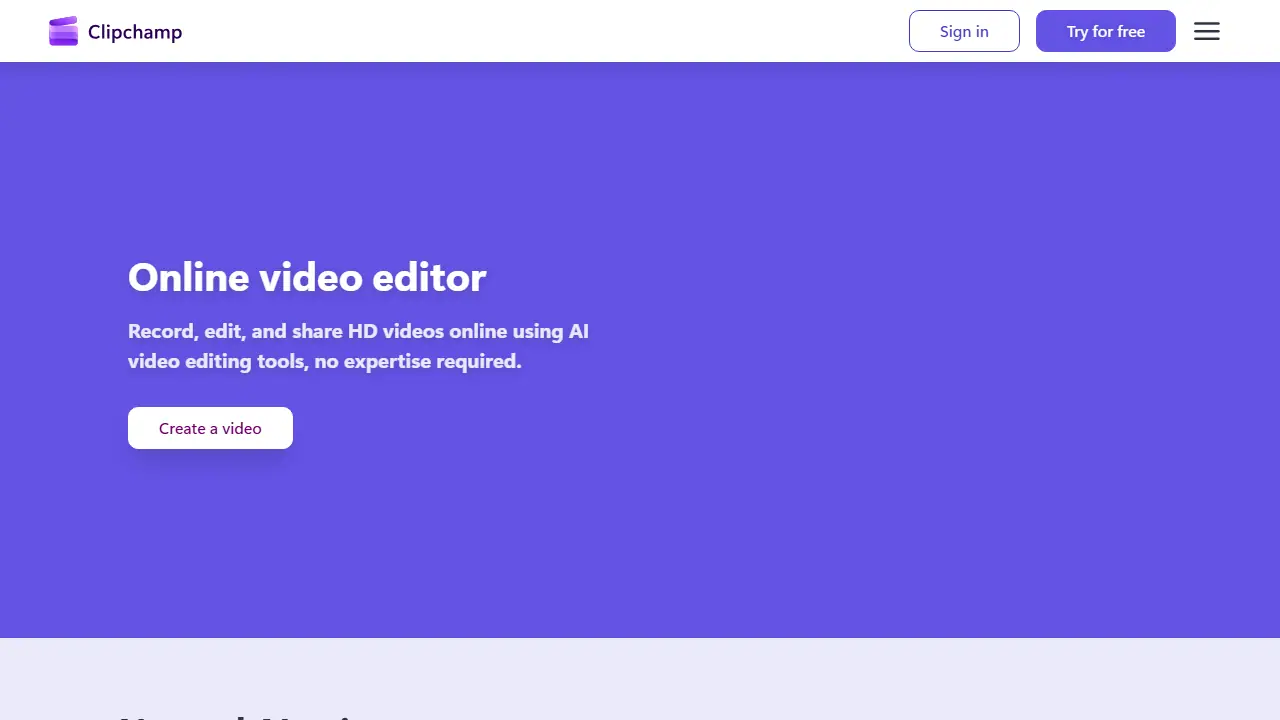
Microsoft Clipchamp is an online video editor that runs in the browser, with a Windows desktop app also available. It lets you record webcam, screen and voice, then edit the footage with trimming, cropping, resizing and text tools. Its AI features include an AI subtitle generator covering over 80 languages, a text-to-speech voiceover generator, AI audio cleanup that removes background noise and filler words, and AI background removal.
You can build videos for YouTube, TikTok, Instagram Reels, promos or slideshows, starting from templates or from scratch. The built-in content library offers royalty-free stock videos, images, music, stickers, GIFs and sound effects. Free accounts can export up to 1080p without watermarks, while Microsoft 365 Personal and Family subscribers get 4K export and premium assets.
Key features
- AI subtitle generation in over 80 languages
- AI text-to-speech voiceovers with adjustable pitch and pace
- Screen, webcam and voice recording
- AI audio enhancement removing noise and silences
- Royalty-free stock library and templates
- Trim, crop, resize and rotate tools
Who is it for
- social media creators
- YouTubers and vloggers
- marketing teams
- students and educators
How to get started with Microsoft Clipchamp
- Go to the Clipchamp website and sign in with a Microsoft account.
- Choose a video template for YouTube, TikTok or Instagram.
- Add a recording or library clip and use AI captions.
- You create social media videos and need quick AI captions.
- You want to record your screen, camera and voice without installing software.
- You need simple editing with free export and no watermark.
- You need 4K export on the free plan, which tops out at 1080p.
- You work on a system other than Windows and the browser isn't enough for advanced editing.
Pros and cons
- Free plan includes AI subtitles, voiceovers and watermark-free 1080p export
- Works in the browser without installing software
- 4K export and premium assets require a Microsoft 365 Personal or Family subscription
- Brand kit tool is limited to a single brand on the premium plan
Microsoft Clipchamp pricing
The vendor does not publish prices in a readable form (often pricing is shown only after signing in).
Is Microsoft Clipchamp free?
Yes, there is a free plan. Free account with all basic editing tools, AI subtitles, voiceovers, silence removal, watermark-free exports up to 1080p, and free stock assets.
Featured in
Microsoft Clipchamp alternatives
| Tool | Price from | Free plan | Category |
|---|---|---|---|
 Riverside Riverside | 24 USD/mo | yes | Video editing & shorts |
 Submagic Submagic | 19 USD/mo | trial | Video editing & shorts |
 Vizard Vizard | not listed | yes | Video editing & shorts |
 Async Async | not listed | yes | Video editing & shorts |
 Wondershare Filmora Wondershare Filmora | 49,99 USD/yr | trial | Video editing & shorts |
 CapCut CapCut | not listed | yes | Video generators |
All alternatives to Microsoft Clipchamp →
Comparisons
- Wondershare Filmora vs Microsoft Clipchamp
- Riverside vs Microsoft Clipchamp
- Microsoft Clipchamp vs Submagic
- Microsoft Clipchamp vs Sync
FAQ
What is Microsoft Clipchamp used for?
Browser-based video editor from Microsoft with AI tools for editing, subtitles, voiceovers and recording, for creators and teams.
Is Microsoft Clipchamp free?
Yes, there is a free plan. Free account with all basic editing tools, AI subtitles, voiceovers, silence removal, watermark-free exports up to 1080p, and free stock assets.
How much does Microsoft Clipchamp cost?
The vendor does not publish prices publicly or requires sign-in.
What are the best Microsoft Clipchamp alternatives?
Closest alternatives: Riverside, Submagic, Vizard, Async, Wondershare Filmora.
Data checked October 12, 2026 on the vendor website (clipchamp.com).