

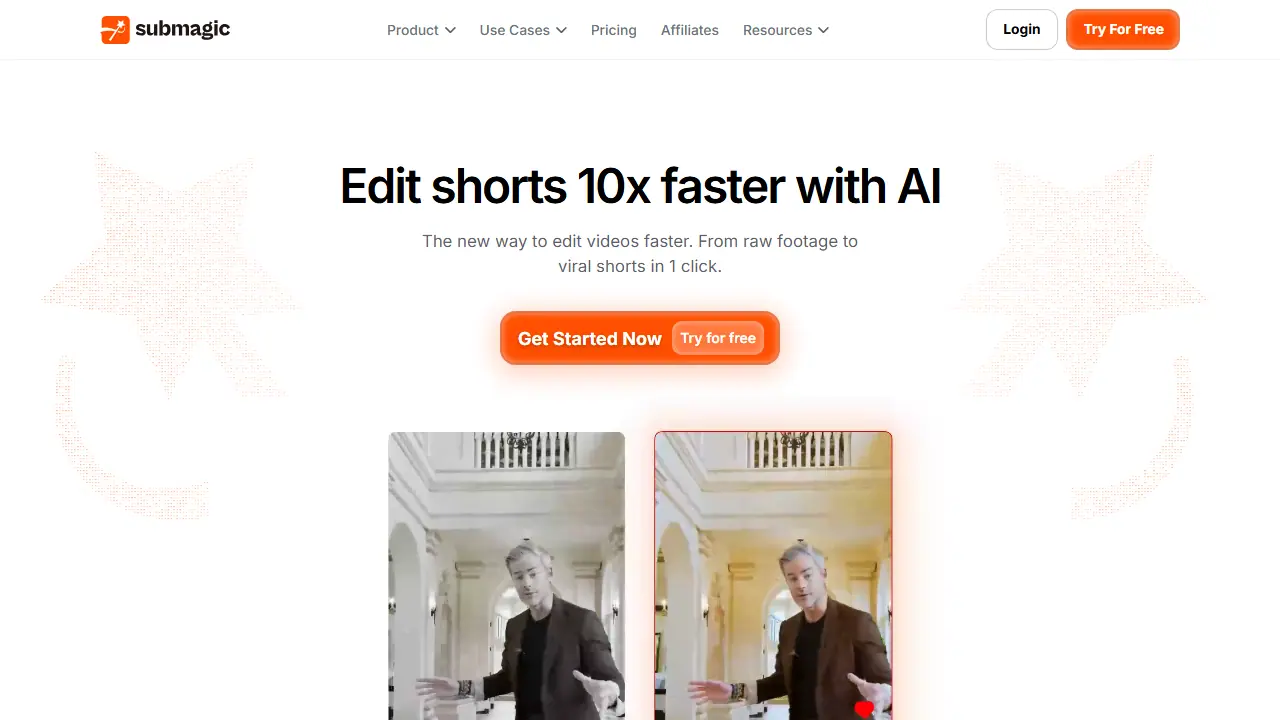
What is Submagic?
Submagic is a web-based AI editor for short-form video. You upload a file or paste a YouTube link, and the tool automatically adds styled captions, removes silences, inserts B-roll and finds key moments. The page also lists Magic Clips, which turns one long video into several shorts, and a scheduler that publishes to platforms such as TikTok, Instagram Reels and YouTube Shorts.
In practice you can generate captions in 123 languages, translate them, add AI avatars, auto-zoom and sound effects, and export up to 4K at 60fps. A Video Editing API and integrations are also mentioned for teams that want to automate their workflow.
Key features
- AI captions in 123 languages with styled caption presets
- Magic Clips that extracts shorts from long videos
- Automatic silence removal, trimming and B-roll insertion
- AI avatars, AI video translator and auto-zoom
- Scheduled publishing to multiple social platforms
- Video Editing API and team workspace
Who is it for
- content creators
- social media marketers
- agencies
- podcasters and coaches
How to get started with Submagic
- Go to the Submagic website and click the Try for free option.
- Upload a video from your computer or paste a YouTube link.
- Wait for automatic captions and cut suggestions, then approve them.
- You create short vertical videos for TikTok, Reels or YouTube Shorts.
- You need highly accurate captions in many languages.
- You want to schedule publishing across several channels from one place.
- You need a fully free plan without limits, since the free version has credit limits.
- You need videos longer than 5 minutes on the Pro plan.
Pros and cons
- Fast editing: raw footage to captioned short in one click
- Covers captions, clipping and publishing in one tool
- Plan limits on credits, video duration and watermark removal
- Yearly billing needed for the largest discount
Submagic pricing
| Plan | Price | Includes |
|---|---|---|
| Starter | 19 USD / month | 45 credits (about 15 videos), 2 min video duration, 1080p export, no watermark, 1 publishing profile per platform, 100 min/mo API and integrations |
| Pro | 39 USD / month | 120 credits (about 40 videos), 5 min video duration, Storyblocks B-roll |
Prices copied from Submagic pricing, checked October 12, 2026. Currency as shown by the vendor; taxes may apply.
Is Submagic free?
There is a free trial. Free trial offered via the 'Try for free' button. The page does not specify the free plan limits.
Featured in
- Best AI for short videos & reels - #3
- Best AI for video editing - #3
- Best AI for subtitles - #5
- Best AI for YouTube - #9
Submagic alternatives
| Tool | Price from | Free plan | Category |
|---|---|---|---|
 Riverside Riverside | 24 USD/mo | yes | Video editing & shorts |
 Microsoft Clipchamp Microsoft Clipchamp | not listed | yes | Video editing & shorts |
 Vizard Vizard | not listed | yes | Video editing & shorts |
 Gling Gling | 20 USD/mo | yes | Video editing & shorts |
 Klap Klap | 14 USD/mo | trial | Video editing & shorts |
 Recast Studio Recast Studio | 14 USD/mo | trial | Video editing & shorts |
All alternatives to Submagic →
Comparisons
- OpusClip vs Submagic
- Wondershare Filmora vs Submagic
- Riverside vs Submagic
- Microsoft Clipchamp vs Submagic
FAQ
What is Submagic used for?
AI video editor that adds captions, B-roll and cuts to short-form videos so creators and teams can publish shorts faster.
Is Submagic free?
There is a free trial. Free trial offered via the 'Try for free' button. The page does not specify the free plan limits.
How much does Submagic cost?
The cheapest paid plan is 19 USD/mo (vendor pricing, October 12, 2026).
What are the best Submagic alternatives?
Closest alternatives: Riverside, Microsoft Clipchamp, Vizard, Gling, Klap.
Data checked October 12, 2026 on the vendor website (submagic.co).