

What is Recast Studio?
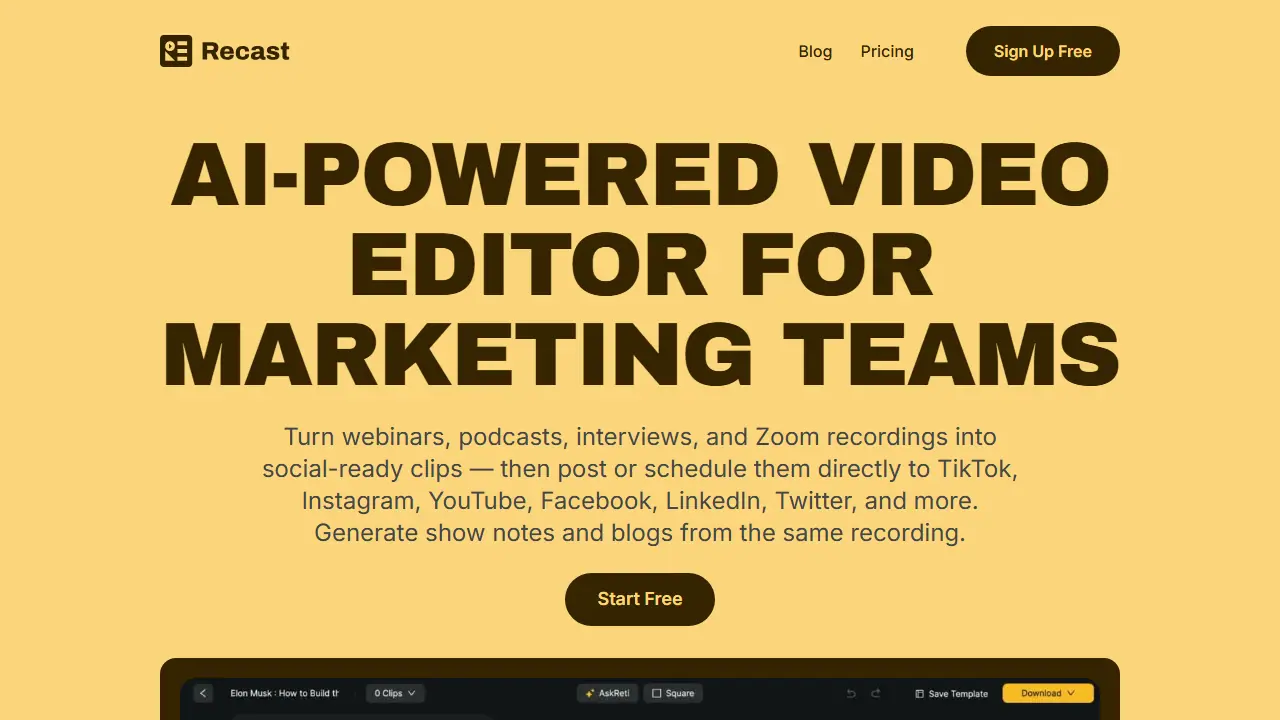
Recast Studio is a browser-based video editor aimed at marketing teams. You upload a webinar, podcast, interview or Zoom recording, and the AI transcribes it in 20+ languages, finds the strongest moments and generates clips with captions, brand styles and animated layers. Editing works largely by editing the transcript: highlighting and deleting text trims the video and keeps captions in sync, and filler words and silences can be removed automatically.
From the same recording you can generate blog drafts, show notes, social posts, email copy and summaries. Clips can be posted or scheduled directly to TikTok, Instagram, YouTube, Facebook, LinkedIn and X (Twitter) without downloading and re-uploading them. Other features mentioned include auto reframe for vertical formats, custom fonts, B-roll and soundwave layers, and a team workspace for sharing and feedback.
Key features
- AI clip generator that finds the best moments
- Text-based video editing with transcript
- Auto reframe for vertical and social formats
- AI filler word and silence removal
- Animated captions and layers (B-roll, shapes, soundwave, progress bar)
- Direct publishing and scheduling to six social platforms
Who is it for
- Marketing teams
- Podcasters
- Content creators and community managers
- Companies repurposing webinars and interviews
Pros and cons
- No timeline editing needed; editing works through the transcript
- Repurposes one recording into clips, posts, show notes and blogs
- Publishes directly to social platforms from the editor
- Free plan limited to 60 one-time credits, 5 minutes of export and 1-minute clips
- Storage is limited to 3GB on the free trial and 15GB on Starter
Recast Studio pricing
| Plan | Price | Includes |
|---|---|---|
| Free Trial | 0 USD / one-time | 60 credits one time, 5 min exports/month, 1 min max clip, 3GB storage for 7 days |
| Starter | 14 USD / month | 1,800 credits/year billed upfront ($170 per year), 300 min exports/month, 15 min max clip, 15GB storage; 16% off on yearly billing |
| Professional | 26 USD / month | 4,320 / 7,200 / 10,800 credits per year tiers ($310 per year on the entry tier), 600 min exports/month, 60 min max clip, 50GB storage; 30% off on yearly billing |
Prices copied from Recast Studio pricing, checked October 12, 2026. Currency as shown by the vendor; taxes may apply.
Recast Studio pricing details →
Is Recast Studio free?
There is a free trial. One-time trial with 60 credits (1 credit = 1 upload minute), 5 minutes of video exports per month, 1-minute maximum export length, 3GB cloud storage kept for 7 days, and access to most features including AI clip generator, transcription and social publishing.
Recast Studio alternatives
| Tool | Price from | Free plan | Category |
|---|---|---|---|
 Vizard Vizard | not listed | yes | Video editing & shorts |
 Riverside Riverside | 24 USD/mo | yes | Video editing & shorts |
 Klap Klap | 14 USD/mo | trial | Video editing & shorts |
 Submagic Submagic | 19 USD/mo | trial | Video editing & shorts |
 Gling Gling | 20 USD/mo | yes | Video editing & shorts |
 Clipwing Clipwing | 24.99 USD | trial | Video editing & shorts |
All alternatives to Recast Studio →
FAQ
What is Recast Studio used for?
AI video editor that turns webinars, podcasts and recordings into social clips and written content, then publishes them to social platforms.
Is Recast Studio free?
There is a free trial. One-time trial with 60 credits (1 credit = 1 upload minute), 5 minutes of video exports per month, 1-minute maximum export length, 3GB cloud storage kept for 7 days, and access to most features including AI clip generator, transcription and social publishing.
How much does Recast Studio cost?
The cheapest paid plan is 14 USD/mo (vendor pricing, October 12, 2026).
What are the best Recast Studio alternatives?
Closest alternatives: Vizard, Riverside, Klap, Submagic, Gling.
Data checked October 12, 2026 on the vendor website (recast.studio).