

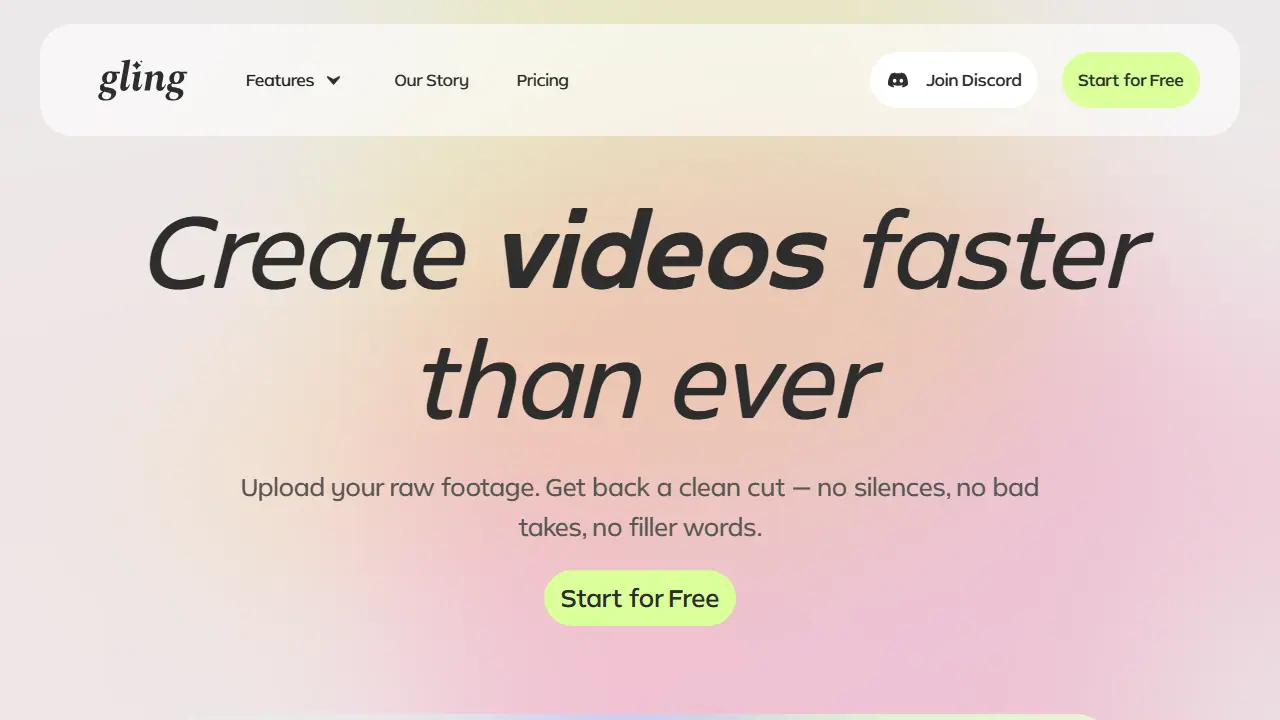
What is Gling?
Gling is a desktop AI video editing software aimed at YouTube creators. You upload a raw recording (video or audio), and the AI transcribes it, analyzes the text and automatically removes bad takes, silent moments and filler words. You can then review the result, adjust parts through the text or remove clips from the timeline, and export.
Beyond cutting, Gling adds captions and subtitles, removes background noise, applies automatic zoom in/out framing, and can generate YouTube titles, chapters and next-video suggestions. Edited projects can be exported as MP4 or MP3 with SRT captions, or sent to Final Cut Pro, DaVinci Resolve and Adobe Premiere via XML.
Key features
- Automatic removal of bad takes, silences and filler words
- AI text-based trimmer for editing via transcript
- AI captions and SRT subtitle export
- Noise removal and speech audio enhancement
- Auto framing with zoom in/out
- YouTube title, chapter and next-video suggestions
Who is it for
- YouTube creators
- Video editors working on talking-head content
- Podcasters and voiceover creators
Pros and cons
- Saves time on cutting silences and filler words, according to the testimonials
- Integrates with Final Cut Pro, DaVinci Resolve and Adobe Premiere via XML
- Free plan exports include a watermark
- Usage is limited by monthly hours of edited media
Gling pricing
| Plan | Price | Includes |
|---|---|---|
| Free | 0 USD / month | 1 hour of AI edited media per month, export with watermark |
| Plus | 20 USD / month | 10 hours of AI edited media or 300 words of generated video from link per month, no watermark, no premium support |
| Pro | 40 USD / month | 30 hours of AI edited media or 900 words of generated video from link per month, no watermark, premium support included |
| Elite | 100 USD / month | 100 hours of AI edited media or 2700 words of generated video from link per month, no watermark, premium support included |
Prices copied from Gling pricing, checked October 12, 2026. Currency as shown by the vendor; taxes may apply.
Is Gling free?
Yes, there is a free plan. 1 hour of AI edited media per month, unlimited video export with watermark, no premium support.
Gling alternatives
| Tool | Price from | Free plan | Category |
|---|---|---|---|
 Riverside Riverside | 24 USD/mo | yes | Video editing & shorts |
 Submagic Submagic | 19 USD/mo | trial | Video editing & shorts |
 Recast Studio Recast Studio | 14 USD/mo | trial | Video editing & shorts |
 Microsoft Clipchamp Microsoft Clipchamp | not listed | yes | Video editing & shorts |
 Vizard Vizard | not listed | yes | Video editing & shorts |
 Klap Klap | 14 USD/mo | trial | Video editing & shorts |
FAQ
What is Gling used for?
AI video editor for YouTube creators that removes bad takes, silences, filler words and noise, and generates titles and chapters.
Is Gling free?
Yes, there is a free plan. 1 hour of AI edited media per month, unlimited video export with watermark, no premium support.
How much does Gling cost?
The cheapest paid plan is 20 USD/mo (vendor pricing, October 12, 2026).
What are the best Gling alternatives?
Closest alternatives: Riverside, Submagic, Recast Studio, Microsoft Clipchamp, Vizard.
Data checked October 12, 2026 on the vendor website (gling.ai).