
What is Async?
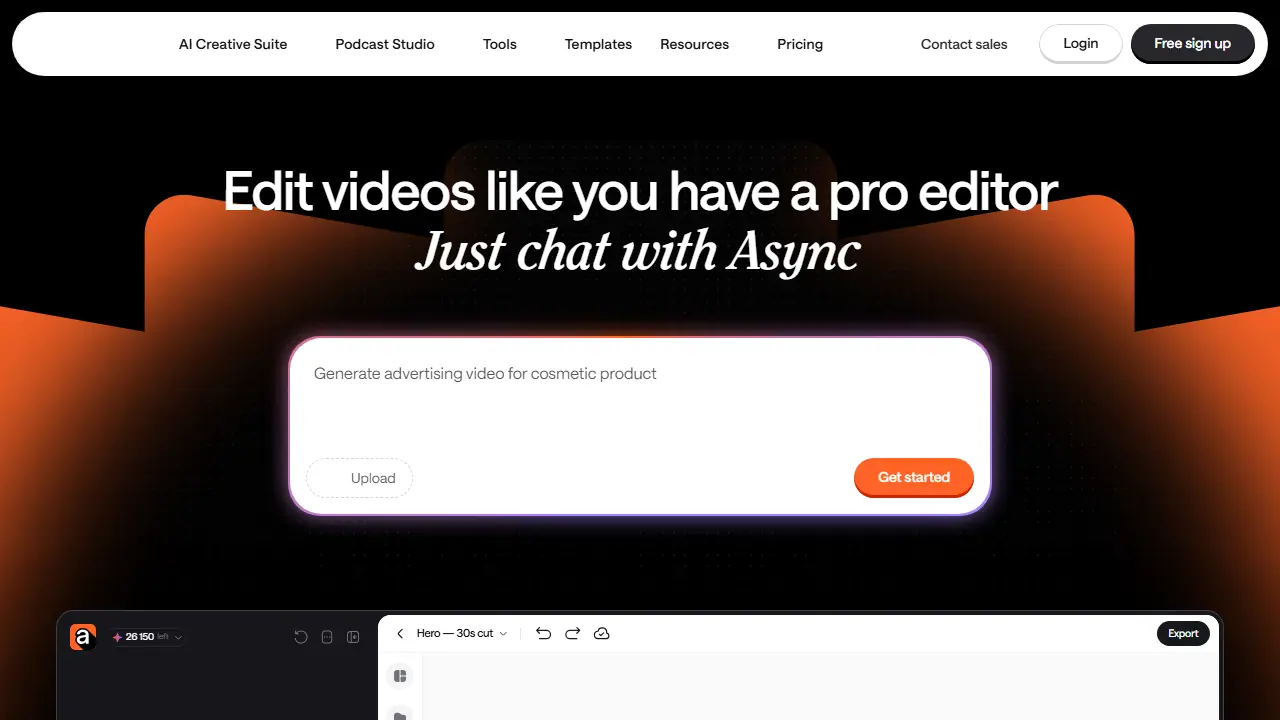
Async is a chat-based AI creative suite for video production. You describe what you want in a chat, upload raw footage or start from an idea, and the AI edits the video for you. It removes filler words, pauses and bad takes, syncs cuts and transitions to a music track, cleans up audio with noise removal, and adds captions and subtitles that stay in sync with the final edit.
Beyond editing, the chat can generate B-roll, visuals, scenes, voices and music from selected AI models without leaving the project. You can also find the strongest moments in long recordings and turn them into short-form clips for TikTok, Reels, Shorts or ads, use ready-made templates for reels and brand intros, and save your own editing style as a reusable skill.
Key features
- Chat-based video editing with an AI assistant
- Automatic removal of filler words, pauses and bad takes
- Beat-synced editing to music
- Noise removal and voice clarity enhancement
- AI clips for short-form social platforms
- AI subtitles, dubbing and lipsync
- Generation of B-roll, video, images, music and voices
- Reusable editing skills and video templates
Who is it for
- Content creators and vloggers
- Podcasters and interviewers
- Small businesses making ads and brand videos
- Marketing and video teams
Pros and cons
- Requires no prior video editing experience
- Combines editing, captioning, clip creation and AI generation in one workflow
- Free plan available to start
- AI can make mistakes, so edits need to be reviewed
- Video generation uses credits, and the free plan has limited media minutes and credits
Async pricing
| Plan | Price | Includes |
|---|---|---|
| Free | 0 USD / month | 1 hour of media upload (lifetime), 10 AI credits (lifetime) |
Prices copied from the vendor website, checked October 12, 2026. Currency as shown by the vendor; taxes may apply.
Is Async free?
Yes, there is a free plan. Free plan: 1 hour of media uploaded to AI chat (lifetime), 10 AI credits (lifetime), chat-based editing and access to templates. The page notes that 50 credits apply during trial until trial payment is done.
Featured in
Async alternatives
| Tool | Price from | Free plan | Category |
|---|---|---|---|
 Riverside Riverside | 24 USD/mo | yes | Video editing & shorts |
 Wondershare Filmora Wondershare Filmora | 49,99 USD/yr | trial | Video editing & shorts |
 Mirage Mirage | 24.99 USD/mo | yes | Video editing & shorts |
 Submagic Submagic | 19 USD/mo | trial | Video editing & shorts |
 Microsoft Clipchamp Microsoft Clipchamp | not listed | yes | Video editing & shorts |
 Vizard Vizard | not listed | yes | Video editing & shorts |
FAQ
What is Async used for?
Chat-based AI video editor that turns raw footage, prompts or templates into finished videos, clips and captions without editing skills.
Is Async free?
Yes, there is a free plan. Free plan: 1 hour of media uploaded to AI chat (lifetime), 10 AI credits (lifetime), chat-based editing and access to templates. The page notes that 50 credits apply during trial until trial payment is done.
How much does Async cost?
The vendor does not publish prices publicly or requires sign-in.
What are the best Async alternatives?
Closest alternatives: Riverside, Wondershare Filmora, Mirage, Submagic, Microsoft Clipchamp.
Data checked October 12, 2026 on the vendor website (async.com).