

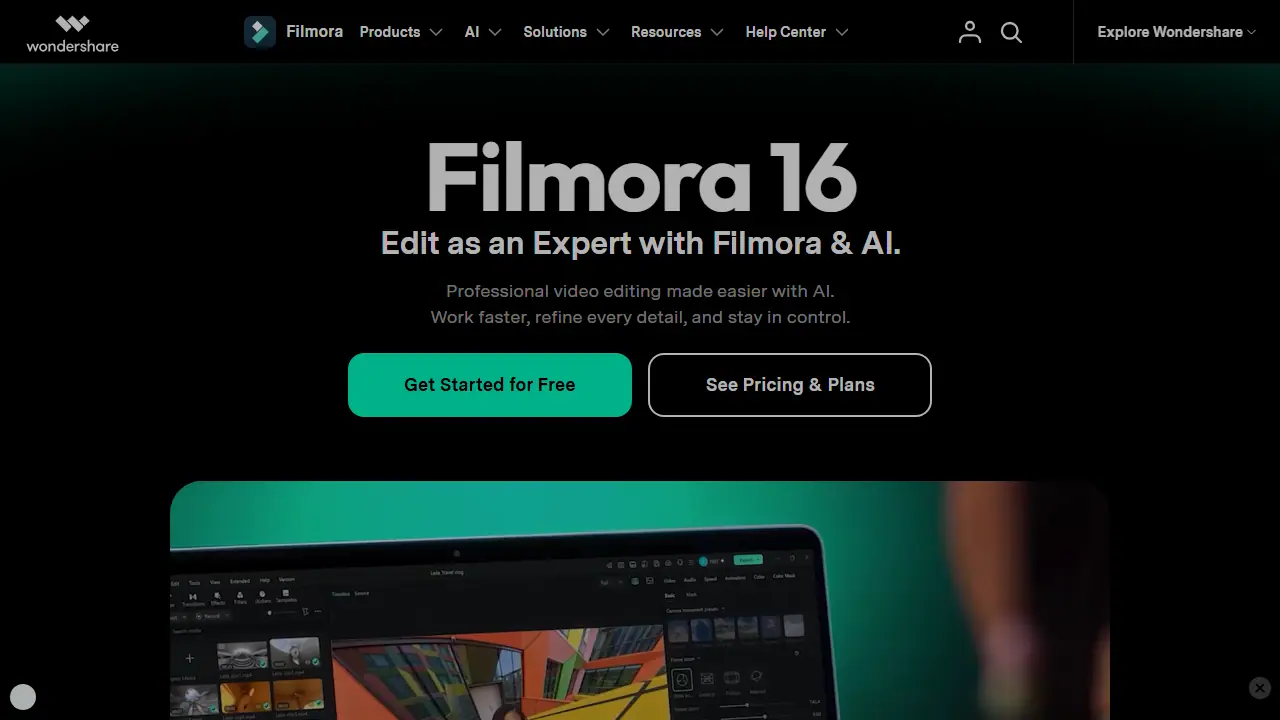
What is Wondershare Filmora?
Filmora is a video editing software from Wondershare, available for desktop and as a mobile app for iOS and Android. It combines a conventional timeline editor with AI features. The homepage lists tools such as AI text-to-video, AI image-to-video, AI video extender, image generator, text-to-speech, AI music and sound effect generators, AI video object remover, video enhancer, frame interpolation, audio denoise, vocal remover, speech-to-text and video translation.
Users can edit with timeline tools, add auto captions, text animations, audio syncing, silence detection, auto beat sync and color correction, and draw on a library of effects, filters, templates and audio. The page also mentions a screen recorder and camera tracking. Templates target use cases such as YouTube, TikTok, Instagram Reels, product videos and presentations.
Key features
- Timeline video editing with keyframes and color correction
- Auto captions and text animation
- AI text-to-video and image-to-video generation
- AI video object remover and video enhancer
- AI text-to-speech, music and sound effect generation
- AI video translation and speech-to-text
- Auto beat sync and audio ducking
Who is it for
- YouTube and social media creators
- Marketers producing product and promo videos
- Beginners who want easy editing
- Teachers and presenters making explainer videos
How to get started with Wondershare Filmora
- Install Filmora on your Windows, Mac, iOS or Android device.
- Import your video material into the program.
- Drag clips onto the timeline and trim them.
- You create YouTube or TikTok content and want to add captions quickly.
- You want to remove unwanted objects from footage with an AI tool.
- You edit video both on a computer and on a phone.
- You need a fully free tool with access to all AI features, because full AI features require a paid plan.
- You want a solution without paid options and don't yet know which plan you'll need.
Pros and cons
- Combines classic timeline editing with AI features
- Available on desktop, iOS and Android
- Some AI features and assets are behind paid plans, see pricing
Wondershare Filmora pricing
| Plan | Price | Includes |
|---|---|---|
| Basic | 49,99 USD / year | eksport bez znaku wodnego, 4K, 1 GB w chmurze |
| Advanced | 59,99 USD / year | 1000 kredytów AI miesięcznie, 10 GB w chmurze |
| Premium | 99,99 USD / year | 2000 kredytów AI miesięcznie, zasoby kreatywne |
Prices copied from Wondershare Filmora pricing, checked October 12, 2026. Currency as shown by the vendor; taxes may apply.
Wondershare Filmora pricing details →
Is Wondershare Filmora free?
There is a free trial. Free download available and a Free Download button on the page. The text does not state the limits of the free version.
Featured in
Wondershare Filmora alternatives
| Tool | Price from | Free plan | Category |
|---|---|---|---|
 Riverside Riverside | 24 USD/mo | yes | Video editing & shorts |
 FlexClip FlexClip | not listed | trial | Video editing & shorts |
 Async Async | not listed | yes | Video editing & shorts |
 Eddie AI Eddie AI | 10 USD | trial | Video editing & shorts |
 Mirage Mirage | 24.99 USD/mo | yes | Video editing & shorts |
 Clipwing Clipwing | 24.99 USD | trial | Video editing & shorts |
All alternatives to Wondershare Filmora →
Comparisons
- Riverside vs Wondershare Filmora
- Wondershare Filmora vs Submagic
- Wondershare Filmora vs Microsoft Clipchamp
- Wondershare Filmora vs Sync
FAQ
What is Wondershare Filmora used for?
AI-powered video editor for desktop and mobile with timeline tools, auto captions, effects and generative AI features, for creators and marketers.
Is Wondershare Filmora free?
There is a free trial. Free download available and a Free Download button on the page. The text does not state the limits of the free version.
How much does Wondershare Filmora cost?
The cheapest paid plan is 49,99 USD/yr (vendor pricing, October 12, 2026).
What are the best Wondershare Filmora alternatives?
Closest alternatives: Riverside, FlexClip, Async, Eddie AI, Mirage.
Data checked October 12, 2026 on the vendor website (filmora.wondershare.com).