

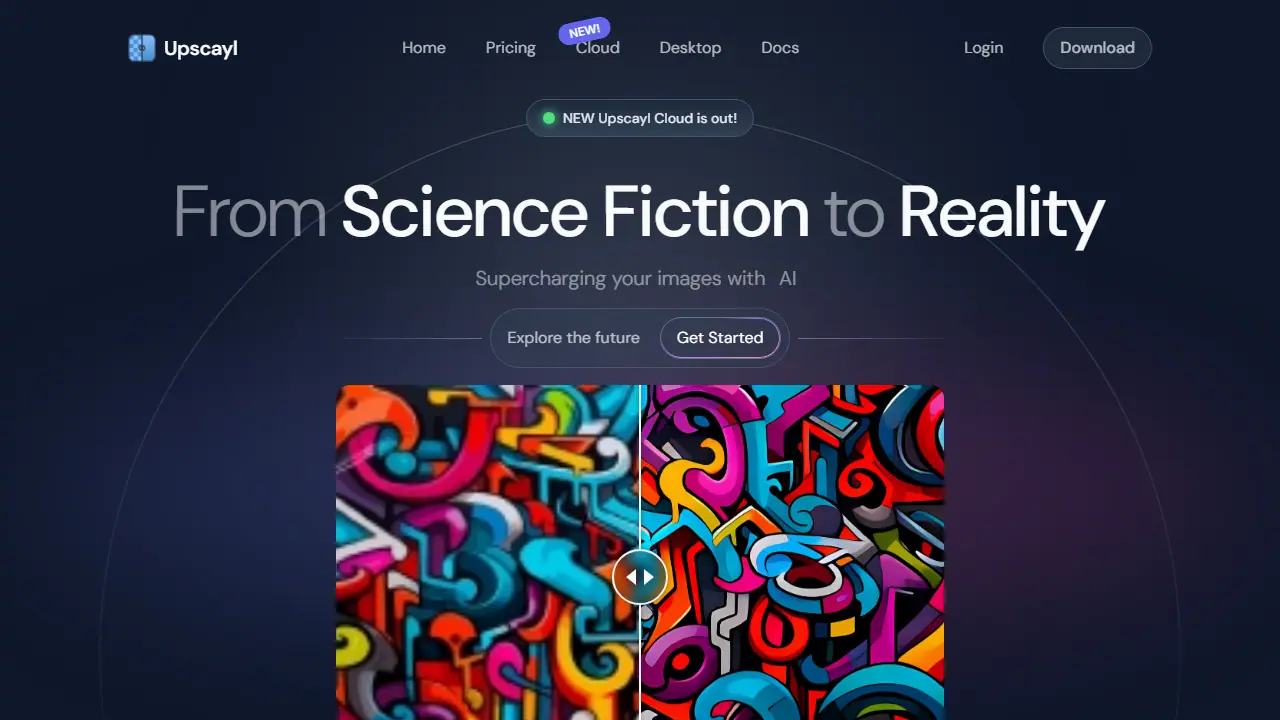
What is Upscayl?
Upscayl is an AI image upscaler that turns blurry or pixelated photos into larger, clearer images. The desktop app for Linux, macOS and Windows is free and open source and runs locally on your computer, so your files do not have to leave your machine. It offers several AI models for different kinds of images and can enlarge pictures up to 16x.
Beyond basic upscaling, you can batch process many images in one go, upscale an image twice for better quality, preserve colors for printing, and use AI face enhancement and detail recovery. Upscayl Cloud adds AI image generation from text descriptions, unlimited storage in some plans, and online processing, billed through credits.
Key features
- AI upscaling up to 16x with multiple models
- Batch processing of several images at once
- Double upscaling for better quality
- Color accuracy preservation for printing
- AI face enhancement and detail recovery
- AI image generation from text (Cloud)
Who is it for
- photographers and creators
- designers and artists
- businesses preparing images for print
- developers
How to get started with Upscayl
- Download Upscayl from the project's website and install it on your system.
- Open the program and load the image you want to enlarge.
- Choose an AI model, set the scale (up to 16x), and start processing.
- You want to enlarge images locally, without uploading them to the internet.
- You need a free tool for batch processing many files at once.
- You work on Linux and are looking for an image upscaling program.
- You need a Polish-language interface, which the program does not offer.
- You want only the cloud version at no cost, since Upscayl Cloud runs on credits.
Pros and cons
- Free and open source desktop app
- Runs locally, so files stay on your computer
- Works on Linux, macOS and Windows
- Cloud plans are billed by credits, and free trial includes only 10 credits
- Cloud history is lost one month after cancellation
Upscayl pricing
| Plan | Price | Includes |
|---|---|---|
| Free Trial | 0 USD | 10 credits included |
| Pro Plan | 24.99 USD / month | 300 credits/month, rollover of unused credits, priority support, 6 months unlimited storage, upscale up to 256MP, AI image generation |
Prices copied from Upscayl pricing, checked October 12, 2026. Currency as shown by the vendor; taxes may apply.
Is Upscayl free?
Yes, there is a free plan. Desktop app is free and open source. Cloud free trial includes 10 credits after logging in and filling out a trial application.
Featured in
- Best AI for photos - #2
Upscayl alternatives
| Tool | Price from | Free plan | Category |
|---|---|---|---|
 Nano Banana 2 Nano Banana 2 | 23,99 PLN/mo | yes | Image generators |
 Seedream 4.0 Seedream 4.0 | not listed | ? | Image generators |
 Bing Image Creator Bing Image Creator | not listed | yes | Image generators |
 Magnific (formerly Freepik) Magnific (formerly Freepik) | 50,50 PLN/mo | no | Image generators |
 BeFunky BeFunky | not listed | yes | Image generators |
 Pixlr Pixlr | 2.49 EUR/mo | yes | Image generators |
FAQ
What is Upscayl used for?
AI image upscaler that enlarges and sharpens low-resolution photos, free and open source for Linux, macOS and Windows, plus a cloud version.
Is Upscayl free?
Yes, there is a free plan. Desktop app is free and open source. Cloud free trial includes 10 credits after logging in and filling out a trial application.
How much does Upscayl cost?
The cheapest paid plan is 24.99 USD/mo (vendor pricing, October 12, 2026).
What are the best Upscayl alternatives?
Closest alternatives: Nano Banana 2, Seedream 4.0, Bing Image Creator, Magnific (formerly Freepik), BeFunky.
Data checked October 12, 2026 on the vendor website (upscayl.org).