

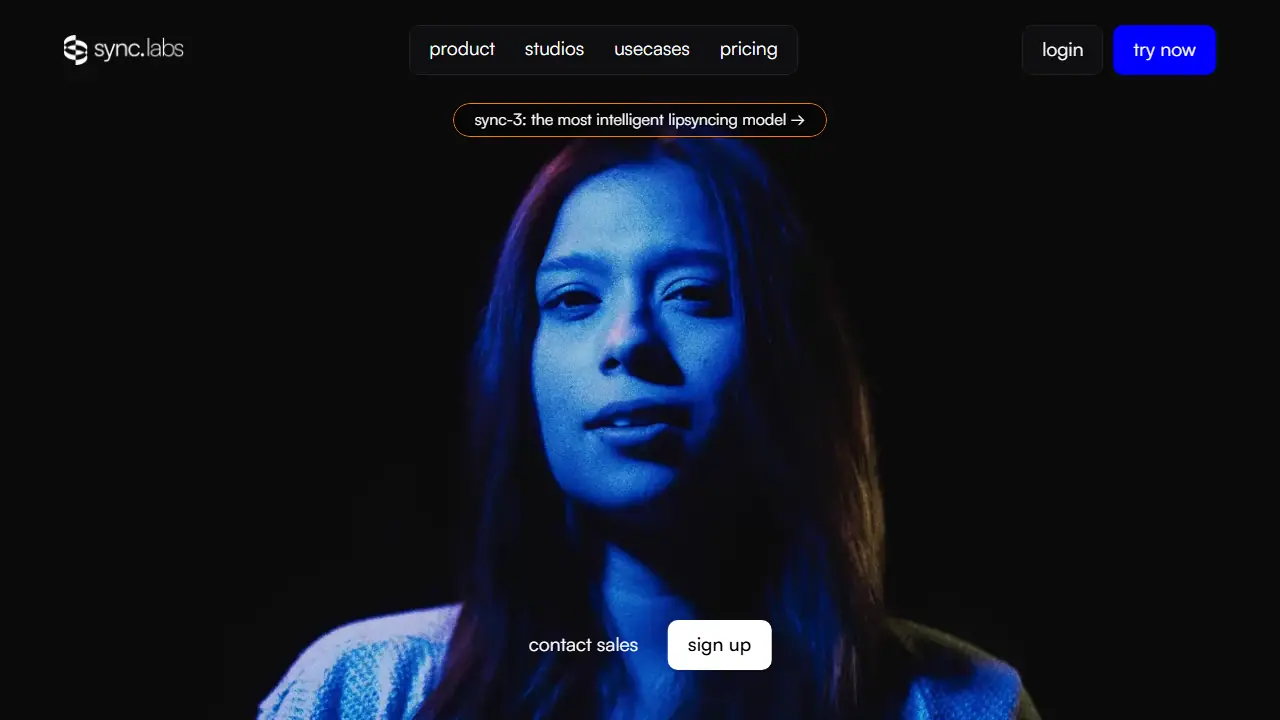
What is Sync?
Sync (sync. labs) is a video platform that changes the mouth movements of people on screen so they match a new audio track. Its main use is visual dubbing: you take an existing video, provide a voice (cloned, generated, or taken from the clip itself), and get back a version where the lips match the speech. The current flagship model is sync-3, which the site says handles objects blocking the face, multiple faces, multiple camera angles, low light, fast camera movement and rapid dialogue. The site also mentions 4K ProRes support and a watermarking tool that lets you check whether a video was modified with Sync.
You can work through the web studio, where the process is upload, add a voice, and generate, with no timeline to learn. Developers can use the API, SDKs, a Premiere Pro plugin and a ComfyUI node. Pricing is usage-based per second of video, with monthly subscription tiers that add longer video length, concurrency and discounts. Support for the Batch API and team workspaces is listed on the higher tiers.
Key features
- AI lipsync that matches mouth movements to new audio
- Visual dubbing into multiple languages (English, Spanish, Hindi, French, German, Korean)
- Voice cloning, voice generation, or reuse of the clip's own audio
- Handles occlusions, multiple faces, and low light
- Watermark-based verification of Sync-modified videos
- API, SDKs, Premiere Pro plugin and ComfyUI node
Who is it for
- film and video producers
- advertisers and marketing teams
- content creators
- developers building video apps
How to get started with Sync
- Upload your video to the Sync Labs web studio
- Add a voice: clone it, generate it, or use audio from your clip
- Choose the target language and start generating the output
- Review the synced video and download the finished file
- You want to change a character's spoken language so the lips match
- Your footage has difficult shots: covered faces, multiple faces, or low light
- You need integration via API, a Premiere plugin, or a ComfyUI node
- You need a fully free plan, but the free trial is not free
- You require a Polish-language interface, because none is offered
Pros and cons
- Works across many scene types, including occlusions and multiple faces
- Simple web workflow with no timeline needed
- Plugins and API for existing pipelines
- Paid usage charged per second of video
- Free tier limited to 1-minute videos and watermarked output
Sync pricing
| Plan | Price | Includes |
|---|---|---|
| Hobbyist | 5 USD / month | + 0.05 USD/sec; videos up to 1 min, 1 job at a time, 3 voices, community support |
| Creator | 19 USD / month | + 0.05 USD/sec; videos up to 5 min, 3 jobs at a time, 5 voices, own TTS API key, active speaker detection, no watermark |
| Growth | 49 USD / month | + 0.0475 USD/sec; videos up to 10 min, 6 jobs at a time, 15 voices, 5% usage discount, 3 team seats (extra seats 25 USD/mo) |
| Scale | 249 USD / month | + 0.04 USD/sec; videos up to 30 min, 15 jobs at a time, 50 voices, 20% usage discount, 5 team seats, delegated support, Batch API |
Prices copied from Sync pricing, checked October 12, 2026. Currency as shown by the vendor; taxes may apply.
Is Sync free?
There is a free trial. Hobbyist plan is listed as a free trial ('Try sync for free'), limited to videos up to 1 min, 1 job at a time, 3 cloned voices, and API access with SDKs; it also includes the Lipsync Studio with community support.
Featured in
Sync alternatives
| Tool | Price from | Free plan | Category |
|---|---|---|---|
 Mirage Mirage | 24.99 USD/mo | yes | Video editing & shorts |
 Microsoft Clipchamp Microsoft Clipchamp | not listed | yes | Video editing & shorts |
 Wondershare Filmora Wondershare Filmora | 49,99 USD/yr | trial | Video editing & shorts |
 Riverside Riverside | 24 USD/mo | yes | Video editing & shorts |
 Eddie AI Eddie AI | 10 USD | trial | Video editing & shorts |
 Submagic Submagic | 19 USD/mo | trial | Video editing & shorts |
Comparisons
FAQ
What is Sync used for?
AI lipsync and visual dubbing for films, ads and content, via web studio or API.
Is Sync free?
There is a free trial. Hobbyist plan is listed as a free trial ('Try sync for free'), limited to videos up to 1 min, 1 job at a time, 3 cloned voices, and API access with SDKs; it also includes the Lipsync Studio with community support.
How much does Sync cost?
The cheapest paid plan is 5 USD/mo (vendor pricing, October 12, 2026).
What are the best Sync alternatives?
Closest alternatives: Mirage, Microsoft Clipchamp, Wondershare Filmora, Riverside, Eddie AI.
Data checked October 12, 2026 on the vendor website (sync.so).