

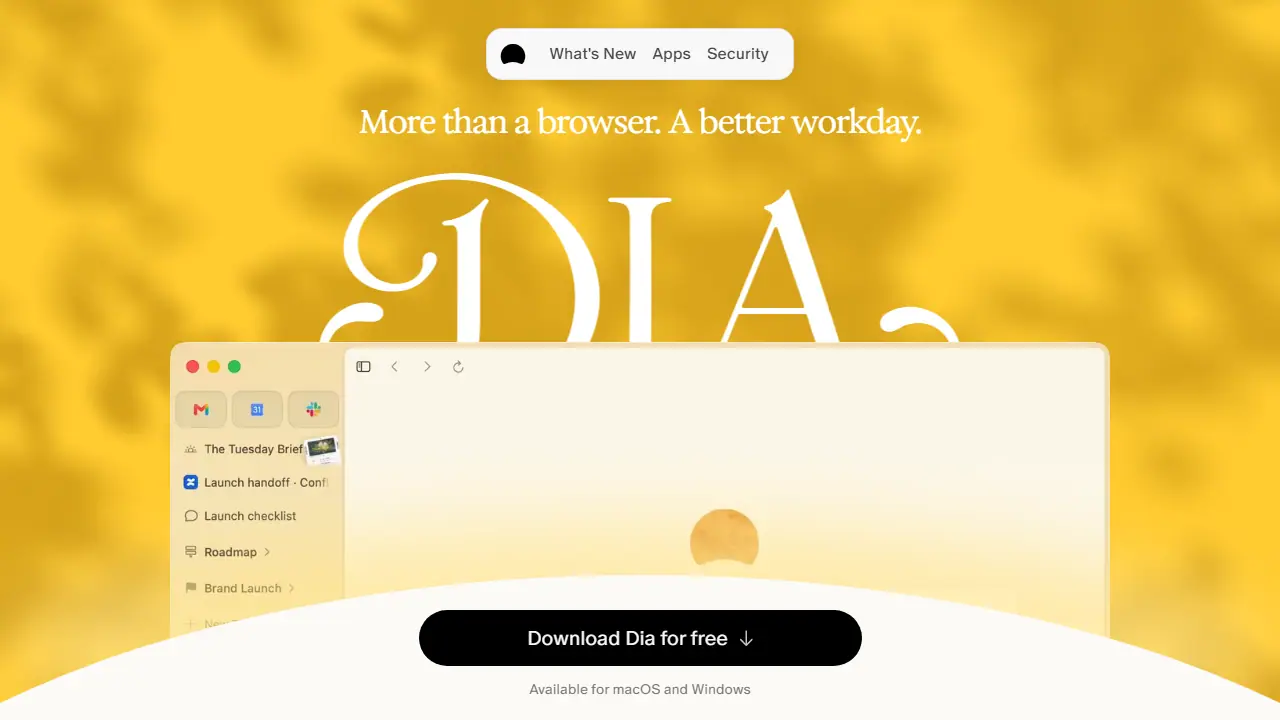
What is Dia?
Dia is a web browser built by The Browser Company of New York, available for macOS and Windows. Alongside standard browsing, it adds AI features that read across your open tabs and connected work tools such as Slack, Notion, Teams, GSuite and GitHub. You can ask it a question once and it answers using that scattered context instead of you searching each tool separately.
In practice, Dia offers a Morning Brief that summarizes your calendar, inbox and key links before the day starts, and can synthesize information from several tools into a report you can share. It also groups tabs into named workspaces, splits the view between a meeting and a document, prepares meeting pages with agendas and notes, and can turn your context into slide decks. Privacy controls let you toggle tracker and ad blocking, memory, and content sharing.
Key features
- Morning Brief summarizing calendar, inbox and key links
- Chat that answers across tabs and connected tools like Slack, Notion and Teams
- Report and deck generation from scattered context
- Profiles to separate work, freelance and personal browsing
- Split view and organized, named tab groups
- Built-in ad and tracker blocking with end-to-end encrypted sync
Who is it for
- knowledge workers handling many tools and tabs
- managers preparing meetings and status reports
- freelancers separating client and personal work
- teams needing SSO and admin controls
How to get started with Dia
- Download the Dia browser for Mac or Windows.
- Sign in and start with the free browser without AI.
- To use AI features, activate the 14-day Better Days trial.
- You work with many tabs and want to ask questions about their content.
- You use Slack, Notion, Teams or GSuite daily and want answers from several sources at once.
- You have many meetings and want meeting prep and a morning daily overview.
- You need AI features for free, and the free plan does not include them.
- You are looking for a cheap AI tool, since the Better Days plan costs 100 USD per month.
Pros and cons
- Pulls context from many tools so you don't search each one separately
- Privacy controls, with data not sold or used for ad profiles
- AI features are usage-limited by Tasks and pause when the allowance runs out
- Available only for macOS and Windows
Dia pricing
| Plan | Price | Includes |
|---|---|---|
| Better Browser | 0 USD | Browser only, profiles, tab groups, split view, ad and tracker blocker, cross-device sync, no AI features |
| Better Answers | 20 USD / month | Ask Dia on any page, chat with context from all tools, models that don't store data; monthly Task allowance |
| Better Days | 100 USD / month | 6x the usage of Better Answers, daily Morning Brief, reports, decks and recaps, meeting prep; usage limits apply |
Prices copied from Dia pricing, checked October 12, 2026. Currency as shown by the vendor; taxes may apply.
Is Dia free?
There is a free trial. Free browser without AI features; new users get a 14-day free trial of the Better Days plan with no credit card required.
Dia alternatives
| Tool | Price from | Free plan | Category |
|---|---|---|---|
 ZoomMate ZoomMate | 67,50 PLN/mo | trial | Productivity & notes |
 Notion Notion | 9.50 EUR/mo | trial | Productivity & notes |
 Granola Granola | 14 USD/mo | yes | Productivity & notes |
 Genspark Genspark | not listed | ? | Productivity & notes |
 Google Workspace Gemini Google Workspace Gemini | 31.50 PLN/mo | trial | Productivity & notes |
 MindMap AI MindMap AI | 3.99 USD/mo | yes | Productivity & notes |
FAQ
What is Dia used for?
AI-powered web browser that pulls context from your tabs and work tools to answer questions, summarize work, and build reports for professionals.
Is Dia free?
There is a free trial. Free browser without AI features; new users get a 14-day free trial of the Better Days plan with no credit card required.
How much does Dia cost?
The cheapest paid plan is 20 USD/mo (vendor pricing, October 12, 2026).
What are the best Dia alternatives?
Closest alternatives: ZoomMate, Notion, Granola, Genspark, Google Workspace Gemini.
Data checked October 12, 2026 on the vendor website (diabrowser.com).