

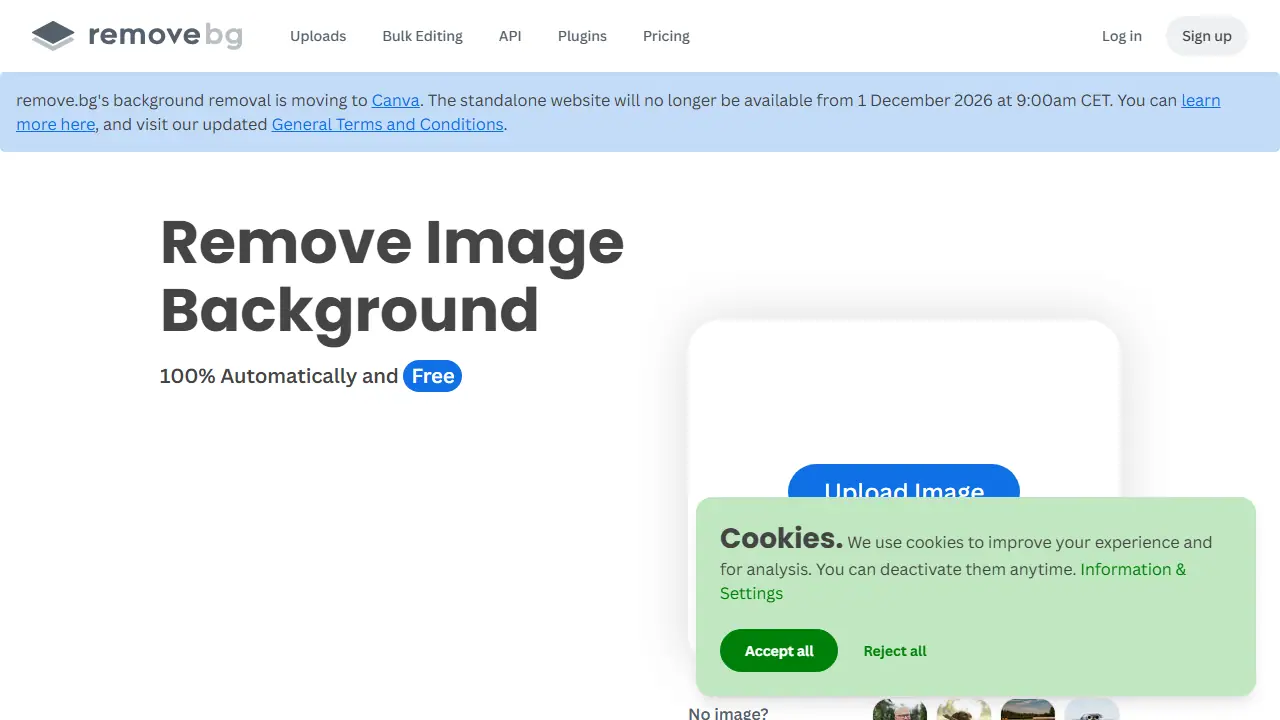
What is remove.bg?
remove.bg is a web tool that removes the background from a photo with one click. You upload an image and the AI separates the main subject from the background within about five seconds, with no manual selection of pixels needed. The result can be exported with a transparent background as a PNG, or the background can be replaced with white or another color.
The site describes several typical uses: clean white backgrounds for e-commerce product shots, car listings, and professional headshots, as well as transparent PNGs for logos, graphics and presentations. Besides the web interface, the service offers a Magic Brush for refining edges, a Photoshop extension, desktop apps for Windows, Mac and Linux, an Android app, and an API for developers. Video background removal is also mentioned.
Key features
- Automatic background removal in about 5 seconds
- Transparent background export as PNG
- Replacing background with white or other colors
- Magic Brush for manual touch-ups
- Photoshop extension and desktop apps for Windows, Mac and Linux
- API for developers and video background removal
Who is it for
- E-commerce sellers
- Photographers
- Car dealerships
- Marketing teams and designers
How to get started with remove.bg
- Go to remove.bg and choose the option to upload a photo
- Upload an image from your computer or phone
- Wait a few seconds for the background to be removed automatically
- Download the result as a PNG with a transparent background
- You need to quickly cut out backgrounds from product photos for an online store
- You have many photos and want to automate background removal via API or the Photoshop plugin
- You want to replace the background with white for a listing or profile picture
- You need a fully free tool without limits, because the free option is only a trial
- You expect a Polish-language interface, as the tool does not offer one
Pros and cons
- Fast, one-click results with no manual selection
- Works across web, desktop, mobile and API
- Refinements may require the Magic Brush
- Full quality and automation are tied to paid plans
remove.bg pricing
| Plan | Price | Includes |
|---|---|---|
| Pay-as-you-go | 3 USD / one-time | 3 kredyty; kredyty wygasają 1.12.2026 |
| Subskrypcja | 9 USD / month | 40 kredytów, API, przetwarzanie wsadowe |
| Enterprise | wycena indywidualna | od 100 000 zdjęć rocznie |
Prices copied from remove.bg pricing, checked October 12, 2026. Currency as shown by the vendor; taxes may apply.
Is remove.bg free?
Yes, there is a free plan. The homepage advertises the service as free. The pricing page text does not list the free plan's limits.
Featured in
- Best AI for photos - #4
- Best AI for background removal - #1
- Best AI for photo enhancement & upscaling - #2
- Best AI for product photos - #1
remove.bg alternatives
| Tool | Price from | Free plan | Category |
|---|---|---|---|
 Photoroom Photoroom | 14,99 PLN/mo | trial | Photo editing |
 Botika Botika | 40 USD/mo | trial | Photo editing |
 Deep-Image.ai Deep-Image.ai | not listed | trial | Photo editing |
 Flair AI Flair AI | 8 USD/mo | yes | Photo editing |
 VanceAI VanceAI | 15 USD/mo | trial | Photo editing |
 Facetune Facetune | 25 USD/mo | trial | Photo editing |
All alternatives to remove.bg →
Comparisons
FAQ
What is remove.bg used for?
Automatically removes image backgrounds in seconds, for e-commerce, car listings, headshots and logo design.
Is remove.bg free?
Yes, there is a free plan. The homepage advertises the service as free. The pricing page text does not list the free plan's limits.
How much does remove.bg cost?
The cheapest paid plan is 3 USD (vendor pricing, October 12, 2026).
What are the best remove.bg alternatives?
Closest alternatives: Photoroom, Botika, Deep-Image.ai, Flair AI, VanceAI.
Data checked October 12, 2026 on the vendor website (remove.bg).