

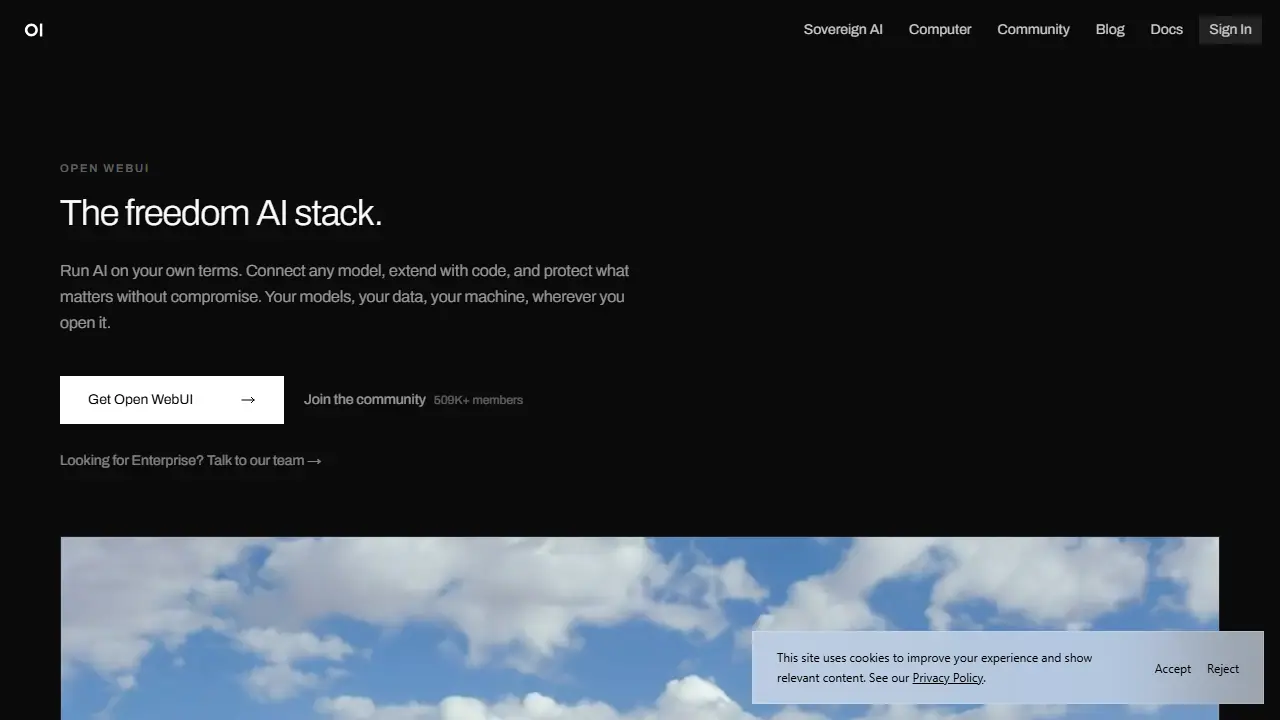
What is Open WebUI?
Open WebUI is a self-hosted platform for running AI on your own hardware or infrastructure. It provides a single interface where you can connect to local models through Ollama, cloud providers such as OpenAI and Anthropic, or any OpenAI-compatible endpoint, and keep conversations and data where you choose.
You install it with pip or Docker and open it in a browser. From there you can chat with models, use retrieval over your own documents, enable voice and vision features, and extend the platform with Tools and Functions written in Python. A community library offers shared prompts, models, tools and functions that can be installed directly, and enterprise options add SSO, role-based access control, audit logs and air-gapped deployment.
Key features
- Connects to Ollama, OpenAI, Anthropic and other compatible model providers
- Local, cloud or hybrid deployment
- Retrieval over your own documents (RAG) and web search
- Python Tools and Functions for extending the platform
- Community library of prompts, models, tools and functions
- SSO, RBAC, audit logs and air-gapped deployment in enterprise options
Who is it for
- Developers and technical users running local models
- Startups and enterprises needing data control
- Regulated industries such as government, healthcare, finance and legal
- Teams wanting a self-hosted alternative to hosted chat tools
How to get started with Open WebUI
- Install Docker or Python with pip.
- Run Open WebUI following the instructions at openwebui.com.
- Connect a model, e.g. a local one via Ollama or an API key for the cloud.
- You want to keep chats and documents on your own hardware or server.
- You need one interface for many models, local and cloud.
- You want to extend the platform with your own Python functions.
- You don't want to install or maintain your own infrastructure.
- A Polish-language interface is required, which the tool does not provide.
Pros and cons
- Full control over where data and models run
- Works with both local and cloud models in one interface
- Extensible with Python and a large community library
- Requires self-hosting and setup to run
- Enterprise features are offered through a separate paid option
Open WebUI pricing
| Plan | Price | Includes |
|---|---|---|
| Open source (self-hosted) | 0 USD | instalacja przez pip lub Docker, bez konta |
| Enterprise | wycena indywidualna | SSO, RBAC, logi audytowe, wdrożenia on-premise |
Prices copied from Open WebUI pricing, checked October 12, 2026. Currency as shown by the vendor; taxes may apply.
Is Open WebUI free?
Yes, there is a free plan. The open-source platform can be installed for free with pip or Docker, with no account required.
Featured in
- Best AI for chatting - #6
Open WebUI alternatives
| Tool | Price from | Free plan | Category |
|---|---|---|---|
 Grok Grok | 30 USD/mo | yes | Chatbots & AI assistants |
 DeepSeek DeepSeek | 0.02 USD | ? | Chatbots & AI assistants |
 Google AI Google AI | not listed | ? | Chatbots & AI assistants |
 AnythingLLM AnythingLLM | 50 USD/mo | yes | Chatbots & AI assistants |
 Sesame Sesame | not listed | ? | Chatbots & AI assistants |
 Monica Monica | 8,3 USD/mo | yes | Chatbots & AI assistants |
All alternatives to Open WebUI →
FAQ
What is Open WebUI used for?
Self-hosted AI chat interface that connects local and cloud models, with Python extensions, for individuals and organizations that want to keep control of their data.
Is Open WebUI free?
Yes, there is a free plan. The open-source platform can be installed for free with pip or Docker, with no account required.
How much does Open WebUI cost?
The vendor does not publish prices publicly or requires sign-in.
What are the best Open WebUI alternatives?
Closest alternatives: Grok, DeepSeek, Google AI, AnythingLLM, Sesame.
Data checked October 12, 2026 on the vendor website (openwebui.com).