

What is GPTExcel?
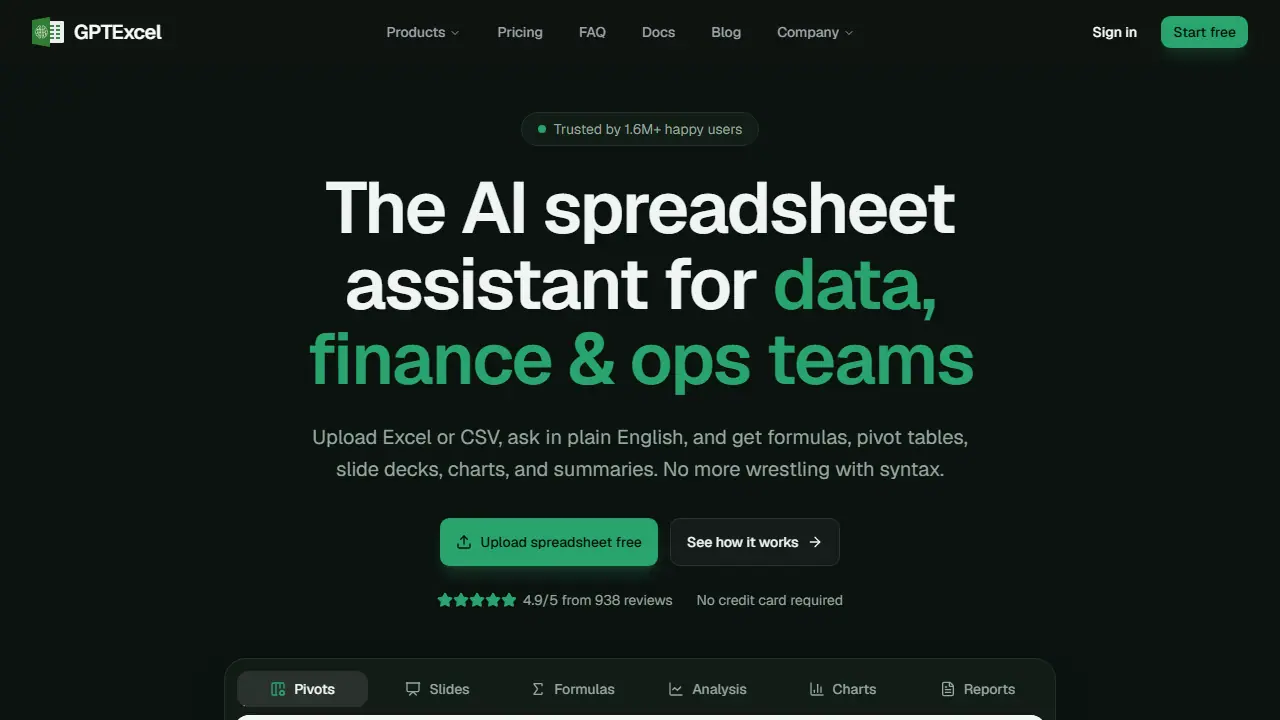
GPTExcel is a web-based AI assistant for working with Excel and CSV files. You upload a spreadsheet, or a photo of a table, and then ask questions or give instructions in plain English. The assistant can explain your data, write formulas for Excel, Google Sheets, LibreOffice Calc and Airtable, and generate SQL queries, regular expressions and scripts such as VBA, Apps Script or Python.
In practice you can build native Excel pivot tables and slicers from a request, create charts inside the conversation, look for trends and anomalies, clean and standardize data, and turn a file into a downloadable PowerPoint or PDF slide deck or a written summary of key figures. Results can be downloaded or copied into your spreadsheet.
Key features
- Generates formulas for Excel, Google Sheets, LibreOffice Calc and Airtable with explanations
- Builds native Excel pivot tables, slicers and pivot charts from plain-English requests
- Chat with uploaded Excel and CSV files, including photos of tables
- Creates charts and dashboards inside the conversation
- Generates VBA, Apps Script, LibreOffice Basic, Airtable and Python scripts
- Creates slide decks downloadable as PowerPoint or PDF
Who is it for
- Accountants
- Financial analysts
- Operations teams
- Marketers and business owners
Pros and cons
- Combines formulas, pivots, charts and summaries in one workspace
- Explains formulas in plain English
- Files are encrypted and not used for model training, according to the site
- Free plan is limited to 50 credits a month and files up to 5 MB
- Advanced models consume more credits per message
GPTExcel pricing
| Plan | Price | Includes |
|---|---|---|
| Free | 0 USD / month | 50 credits a month, fast model, files up to 5 MB, 10 per chat |
| Pro | 9 USD / month | about 3,000 credits a month, Fast and Standard models, files up to 50 MB, 20 per chat |
| Pro Plus | 18 USD / month | about 10,000 credits a month, Fast, Standard and Expert models, files up to 100 MB, 30 per chat |
Prices copied from GPTExcel pricing, checked October 12, 2026. Currency as shown by the vendor; taxes may apply.
Is GPTExcel free?
Yes, there is a free plan. 50 credits a month, 5 free tool runs per day, files up to 5 MB (10 per chat), chat with Excel and CSV files, Pivot Builder and Slide Deck Builder agents, formula, script, SQL and regex generators, email support.
GPTExcel alternatives
| Tool | Price from | Free plan | Category |
|---|---|---|---|
 Julius AI Julius AI | 20 USD/mo | yes | Business & sales |
 Databricks Databricks | od 0,07 USD | ? | Business & sales |
 Hex Hex | 36 USD/mo | yes | Business & sales |
 Jungle Scout Jungle Scout | not listed | trial | Business & sales |
 Google Workspace Gemini Google Workspace Gemini | 31.50 PLN/mo | trial | Productivity & notes |
 Microsoft Copilot Microsoft Copilot | 27.73 EUR/mo | trial | Chatbots & AI assistants |
All alternatives to GPTExcel →
FAQ
What is GPTExcel used for?
AI spreadsheet assistant that turns plain-English questions into Excel formulas, pivot tables, charts and summaries from uploaded files.
Is GPTExcel free?
Yes, there is a free plan. 50 credits a month, 5 free tool runs per day, files up to 5 MB (10 per chat), chat with Excel and CSV files, Pivot Builder and Slide Deck Builder agents, formula, script, SQL and regex generators, email support.
How much does GPTExcel cost?
The cheapest paid plan is 9 USD/mo (vendor pricing, October 12, 2026).
What are the best GPTExcel alternatives?
Closest alternatives: Julius AI, Databricks, Hex, Jungle Scout, Google Workspace Gemini.
Data checked October 12, 2026 on the vendor website (gptexcel.uk).