

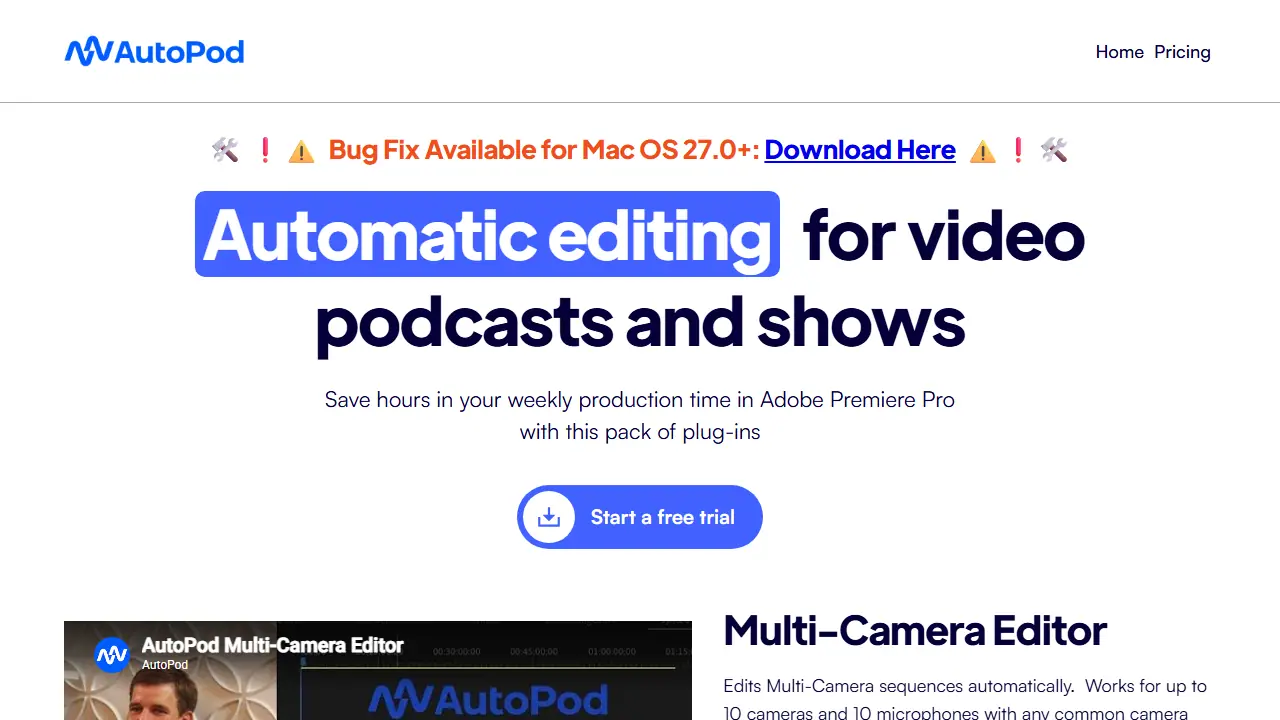
What is AutoPod?
AutoPod is a set of three plug-ins for Adobe Premiere Pro, aimed at editors who produce video podcasts and shows. It runs inside Premiere as an extension (Window -> Extensions) and works from separate audio tracks and multiple camera angles, so it can make editing decisions the way a human editor would, taking into account who is speaking and the camera layout.
The Multi-Camera Editor cuts a multi-cam sequence automatically for up to 10 cameras and 10 microphones, covering solo, two-shot, three-shot, four-shot and wide shots. The Social Clip Creator turns an in/out selection into a new sequence in 1920x1080, 1080x1350 or 1080x1920, with auto-reframe, optional watermarks and endpages, and exports clips in batches. The Jump Cut Editor removes silent portions based on a decibel cutoff you set for your microphones.
Key features
- Automatic multi-camera editing for up to 10 cameras and 10 microphones
- Social clip creation in 1920x1080, 1080x1350 and 1080x1920 formats
- Auto-reframe, watermarks and endpages added to social clips
- Jump cuts created automatically from silence using a decibel threshold
- Saveable presets and adjustable wide-shot frequency
Who is it for
- Video podcast editors
- Creators producing weekly video shows
- Social media editors repurposing long-form video
Pros and cons
- Saves hours of weekly production time inside Premiere Pro
- Works with any common camera configuration
- Requires separate audio tracks per speaker and does not work with a single audio source or a single speaker
- Only available for Adobe Premiere Pro and DaVinci Resolve, not Final Cut Pro or Avid
AutoPod pricing
| Plan | Price | Includes |
|---|---|---|
| Individual (Per License) | 29 USD / month | Includes Multi-Camera Editor, Social Clip Creator and Jump Cut Editor; one computer per license; 30-day free trial; annual billing gives one month free per year |
Prices copied from AutoPod pricing, checked October 12, 2026. Currency as shown by the vendor; taxes may apply.
Is AutoPod free?
There is a free trial. 30-day free trial for monthly billing.
AutoPod alternatives
| Tool | Price from | Free plan | Category |
|---|---|---|---|
 Riverside Riverside | 24 USD/mo | yes | Video editing & shorts |
 Vizard Vizard | not listed | yes | Video editing & shorts |
 Async Async | not listed | yes | Video editing & shorts |
 Wondershare Filmora Wondershare Filmora | 49,99 USD/yr | trial | Video editing & shorts |
 Mirage Mirage | 24.99 USD/mo | yes | Video editing & shorts |
 Clipwing Clipwing | 24.99 USD | trial | Video editing & shorts |
FAQ
What is AutoPod used for?
Adobe Premiere Pro plug-ins that automatically edit multi-camera podcasts, create social clips and add jump cuts for video podcast editors.
Is AutoPod free?
There is a free trial. 30-day free trial for monthly billing.
How much does AutoPod cost?
The cheapest paid plan is 29 USD/mo (vendor pricing, October 12, 2026).
What are the best AutoPod alternatives?
Closest alternatives: Riverside, Vizard, Async, Wondershare Filmora, Mirage.
Data checked October 12, 2026 on the vendor website (autopod.fm).