

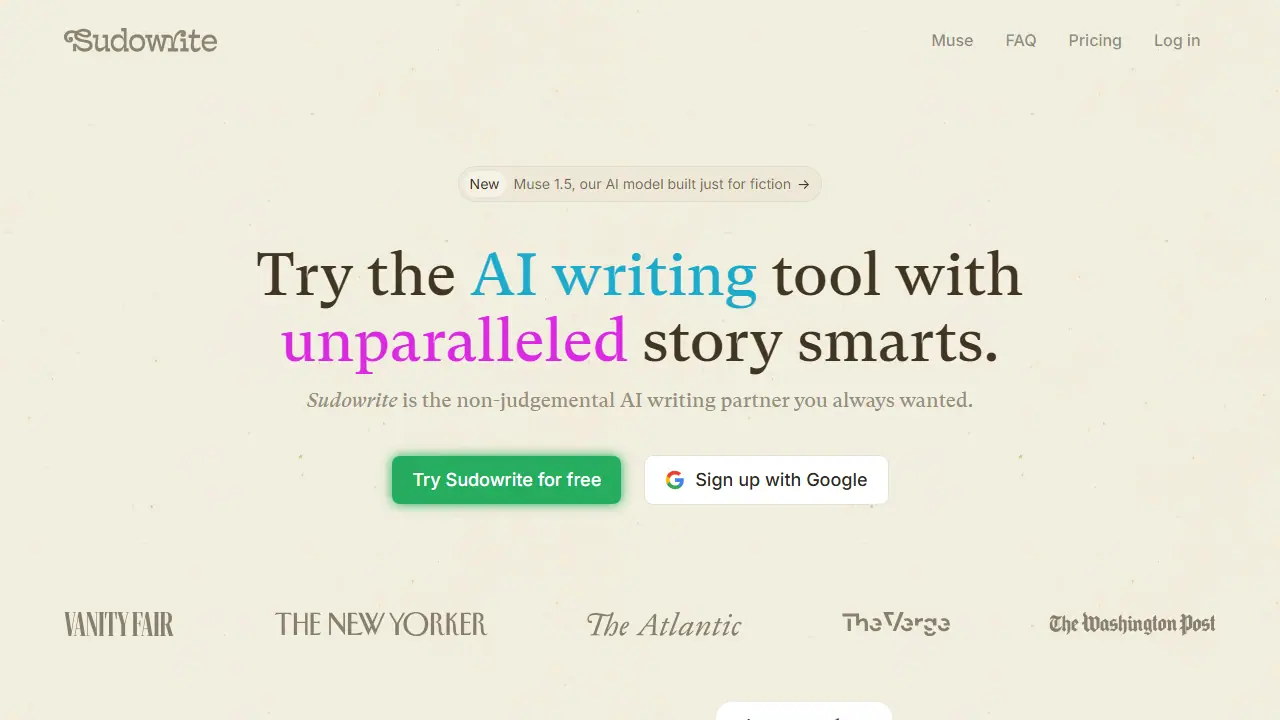
What is Sudowrite?
Sudowrite is an AI writing tool built for fiction. Its own models, Muse and Ballad, are trained for storytelling, and the product is organized around a set of writing tools: Write suggests the next few hundred words based on your characters, tone, and plot, while Describe adds sensory detail to scenes and Expand builds out rushed sections so pacing feels right. Rewrite lets you revise a passage again and again with instructions, and Feedback returns five areas to improve in a draft.
For planning, Canvas is an AI workspace for plot points, character arcs, and themes, and Story Bible guides you from idea to outline to chapters to full text in your style. Brainstorm generates names, magic items, and titles, improving as you mark favorites, and Visualize creates art from character sheets and worldbuilding notes. The page also mentions a chat built for novelists, a Match-your-style feature, and a choice of eight themes and five dark modes for the writing app.
Key features
- Write: suggests the next 300 words in your voice
- Describe: sensory detail that does not slow the story
- Expand: builds out rushed scenes
- Rewrite: revises passages on instruction
- Feedback: five actionable areas to improve
- Canvas and Story Bible for planning a novel from start to finish
Who is it for
- novelists
- screenwriters
- fiction writers working on series
- students writing for fun or school
How to get started with Sudowrite
- Go to the Sudowrite website and create an account.
- Use the free trial, no credit card required.
- Open Story Bible and enter your novel idea.
- Outline chapters, then write in the editor.
- You write a novel or screenplay and need help with the whole text structure.
- You want the AI to keep style and continuity across a series.
- You want a tool built specifically for fiction, not general writing.
- You need a permanent free plan, as only a trial is offered.
- You don't write fiction, e.g. business or academic texts.
Pros and cons
- Built specifically for fiction, with its own Muse and Ballad models
- Matches your writing style and keeps continuity across a series
- Usage is metered by credits, with monthly limits per plan
Sudowrite pricing
| Plan | Price | Includes |
|---|---|---|
| Hobby & Student | 10 USD / month | 225,000 credits per month; for fun or school writing |
| Professional | 22 USD / month | 1,000,000 credits per month (450,000 listed as second figure); suited to novels and screenplays; includes Feedback |
| Max | 44 USD / month | 2,000,000 credits per month; unused credits roll over for 12 months; includes developmental edits, line edits, and beta reads |
Prices copied from Sudowrite pricing, checked October 12, 2026. Currency as shown by the vendor; taxes may apply.
Is Sudowrite free?
There is a free trial. Free trial offered on all plans, no credit card required, cancel anytime.
Featured in
Sudowrite alternatives
| Tool | Price from | Free plan | Category |
|---|---|---|---|
 QuillBot QuillBot | not listed | ? | Writing & editing |
 Phrasly Phrasly | 2.00 USD | trial | Writing & editing |
 Wordtune Wordtune | 4.89 USD/mo | yes | Writing & editing |
 Paperpal Paperpal | not listed | trial | Writing & editing |
 Grammarly Grammarly | 12 USD/mo | yes | Writing & editing |
 Jetwriter AI Jetwriter AI | 14 USD/mo | yes | Writing & editing |
All alternatives to Sudowrite →
FAQ
What is Sudowrite used for?
AI writing partner for novelists and screenwriters that helps draft, expand, rewrite, and brainstorm fiction in the author's own voice.
Is Sudowrite free?
There is a free trial. Free trial offered on all plans, no credit card required, cancel anytime.
How much does Sudowrite cost?
The cheapest paid plan is 10 USD/mo (vendor pricing, October 12, 2026).
What are the best Sudowrite alternatives?
Closest alternatives: QuillBot, Phrasly, Wordtune, Paperpal, Grammarly.
Data checked October 12, 2026 on the vendor website (sudowrite.com).