

What is Pika?
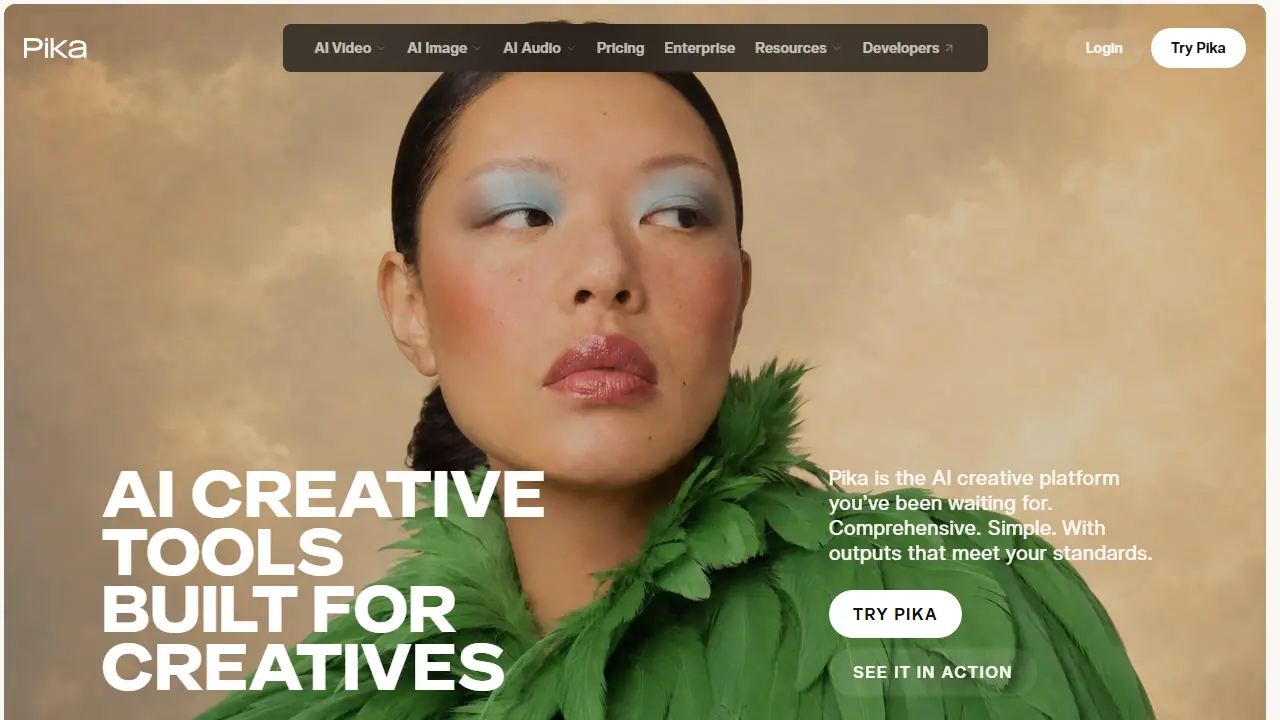
Pika is a web-based AI creative platform that bundles several generation and editing tools in one place. Its Video Studio creates clips from short shots up to 30-second multi-shot videos, and Extend Video adds frames to make a clip longer than the original. Image Studio, Edit Image, Character Studio and Product Shot cover still images, from swapping or restyling elements in a photo to creating styled product shots without a photoshoot.
On the audio side, Pika offers speech generation, sound effects, and Pika Soundtrack, which scores a clip with music, ambience and foley matched to the action. Users can pick from several third-party models such as Seedance, Wan, GPT Image and ElevenLabs, or use Pika's own. Color Grade adjusts color, contrast and mood of a photo or clip, and an API with a paid developer membership is also offered.
Key features
- Video Studio generates clips from short shots up to 30-second multi-shot videos
- Extend Video generates extra frames to make a clip longer
- Edit Image swaps, removes or restyles elements in an image
- Character Studio creates a reusable character
- Pika Soundtrack adds music, ambience and foley matched to a clip
- Color Grade adjusts color, contrast and mood of photos or clips
Who is it for
- ad creatives
- video editors
- marketers
- filmmakers
How to get started with Pika
- Go to the Pika website and create a free account.
- Pick a specific tool, e.g. Video Studio, Edit Image, or Pika Soundtrack.
- Buy a credit pack, because the free plan works only with purchased packs.
- You need short video clips or multi-shot scenes for ads.
- You want to replace or remove elements in a photo without a new shoot.
- You are looking for tools to match music and sound to finished video.
- You need a free plan without watermark and with commercial licensing, because it doesn't exist.
- A Polish-language interface is required, because the app doesn't offer it.
Pros and cons
- Many generation and editing tools in one platform
- Plans include commercial license from the Creator tier
- Credit packs can only be used on pika.art, not with the API or iOS app
- Free plan does not include a commercial license or priority queue
Pika pricing
| Plan | Price | Includes |
|---|---|---|
| Free | 0 USD / month | 0 credits/month, packs only; 2 parallel video, 2 parallel image+audio; no commercial license |
| Starter | 10 USD / month | 900 credits/month; 2 parallel video, 8 parallel image+audio; no commercial license |
| Creator | 35 USD / month | 3,150 credits/month; 8 parallel video, 32 parallel image+audio; commercial license included |
| Fancy | 95 USD / month | 8,550 credits/month; unlimited parallel generations, priority queue, early access to new models; commercial license included |
Prices copied from Pika pricing, checked October 12, 2026. Currency as shown by the vendor; taxes may apply.
Is Pika free?
Yes, there is a free plan. Free plan with 0 monthly credits (packs only), access to all models, 2 parallel video and 2 image/audio generations, no watermark; no commercial license.
Featured in
- Best AI for video - #8
Pika alternatives
| Tool | Price from | Free plan | Category |
|---|---|---|---|
 Kling AI Kling AI | 8,8 USD/mo | ? | Video generators |
 OpenArt OpenArt | 13 USD/mo | yes | Video generators |
 Dreamina Dreamina | 69 PLN/mo | yes | Video generators |
 Higgsfield AI Higgsfield AI | 19 USD/mo | trial | Video generators |
 Runway Runway | 12 USD/mo | trial | Video generators |
 ComfyUI ComfyUI | 16 USD/mo | trial | Video generators |
FAQ
What is Pika used for?
AI creative platform for generating video, images, and audio, with editing tools for ad creatives, editors, marketers and filmmakers.
Is Pika free?
Yes, there is a free plan. Free plan with 0 monthly credits (packs only), access to all models, 2 parallel video and 2 image/audio generations, no watermark; no commercial license.
How much does Pika cost?
The cheapest paid plan is 10 USD/mo (vendor pricing, October 12, 2026).
What are the best Pika alternatives?
Closest alternatives: Kling AI, OpenArt, Dreamina, Higgsfield AI, Runway.
Data checked October 12, 2026 on the vendor website (pika.art).