
What is Photomath?
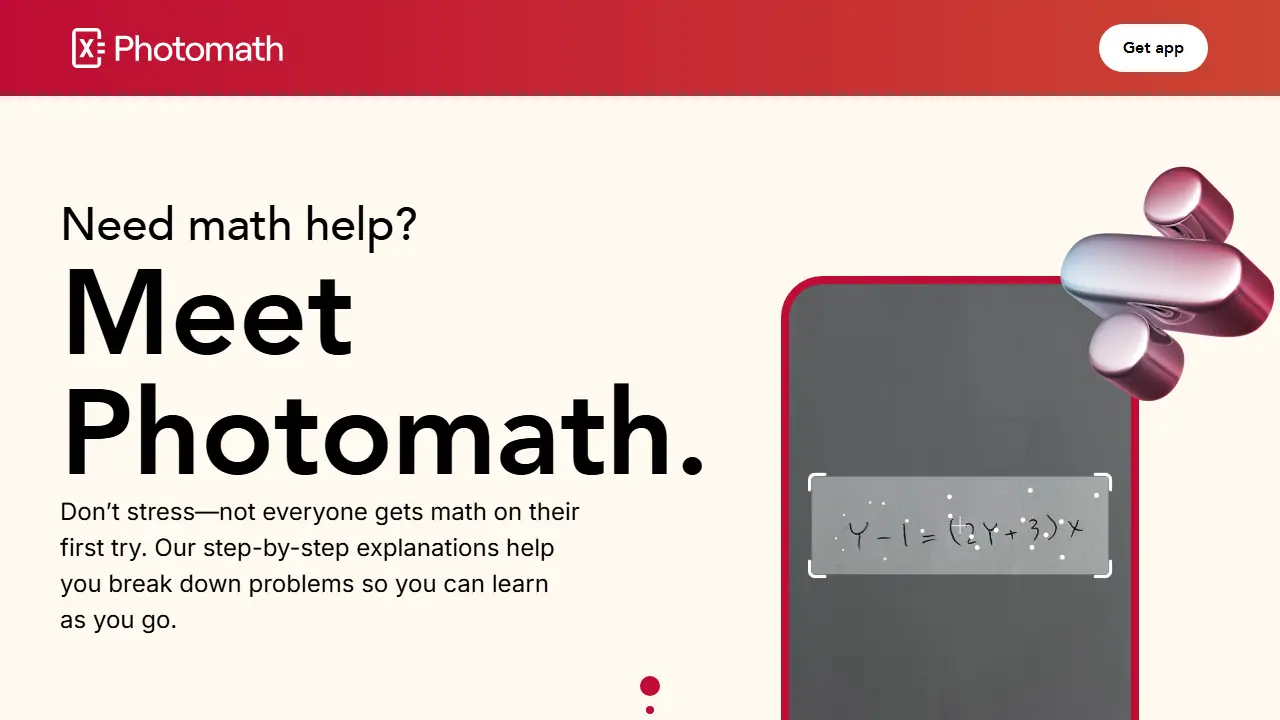
Photomath is a math help app that uses a phone camera to read a problem, including word problems, and display a solution. It can also be used as a smart calculator where you type in the problem instead of scanning it.
For each problem the app shows the solution, and sometimes several methods to choose from. Each step can be opened to see how the answer was reached. Paid plans add custom visual aids and extra "how" and "why" tips. Topics covered include elementary math, algebra, geometry, trigonometry, statistics and calculus.
Key features
- Camera scanning of math problems, including word problems
- Smart calculator for typed input
- Step-by-step solutions
- Multiple solution methods for some problems
- Custom visual aids (paid plans)
- Extra how and why tips (paid plans)
Who is it for
- Elementary to college students
- Parents helping with homework
- Learners with math anxiety
How to get started with Photomath
- Install the Photomath app on your phone or open the web version.
- Choose the free Basic plan.
- Scan the problem with your camera or type it into the calculator.
- Review the step-by-step solution and expand the steps you need.
- You need step-by-step explanations for solving math problems.
- You help your child with homework and want to show how to reach the answer.
- You are learning algebra, geometry, trigonometry, or calculus.
- You need visualizations and extra hints of the "how" and "why" for free, as they are only in paid plans.
- You are looking for a Polish-language interface, as the app does not offer one.
Pros and cons
- Explains each step, not just the final answer
- Works with word problems as well as typed equations
- Advanced features require a paid plan
Photomath pricing
| Plan | Price | Includes |
|---|---|---|
| Basic | 0 USD | Step-by-step explanations, no visual aids or extra tips |
| Annual | 69.99 USD / year | Step-by-step explanations, custom visual aids, extra how and why tips; best value; trial available |
| Monthly | 9.99 USD / month | Step-by-step explanations, custom visual aids, extra how and why tips; trial available |
Prices copied from the vendor website, checked October 12, 2026. Currency as shown by the vendor; taxes may apply.
Is Photomath free?
There is a free trial. The Basic plan is free and includes step-by-step explanations. Paid plans offer a trial period.
Featured in
- Best AI for studying - #6
- Best AI for homework - #9
- Best AI for language learning - #5
- Best AI for math - #3
Photomath alternatives
| Tool | Price from | Free plan | Category |
|---|---|---|---|
 Duolingo Duolingo | not listed | trial | Education |
 Quizlet Quizlet | not listed | yes | Education |
 Brisk Teaching Brisk Teaching | not listed | yes | Education |
 Praktika Praktika | not listed | yes | Education |
 Knowt Knowt | not listed | yes | Education |
 Scribbr Scribbr | 19,95 USD | ? | Education |
All alternatives to Photomath →
Comparisons
FAQ
What is Photomath used for?
Camera-based math solver that scans problems and shows step-by-step explanations for students from elementary school to college.
Is Photomath free?
There is a free trial. The Basic plan is free and includes step-by-step explanations. Paid plans offer a trial period.
How much does Photomath cost?
The cheapest paid plan is 9.99 USD/mo (vendor pricing, October 12, 2026).
What are the best Photomath alternatives?
Closest alternatives: Duolingo, Quizlet, Brisk Teaching, Praktika, Knowt.
Data checked October 12, 2026 on the vendor website (photomath.com).