

What is Brisk Teaching?
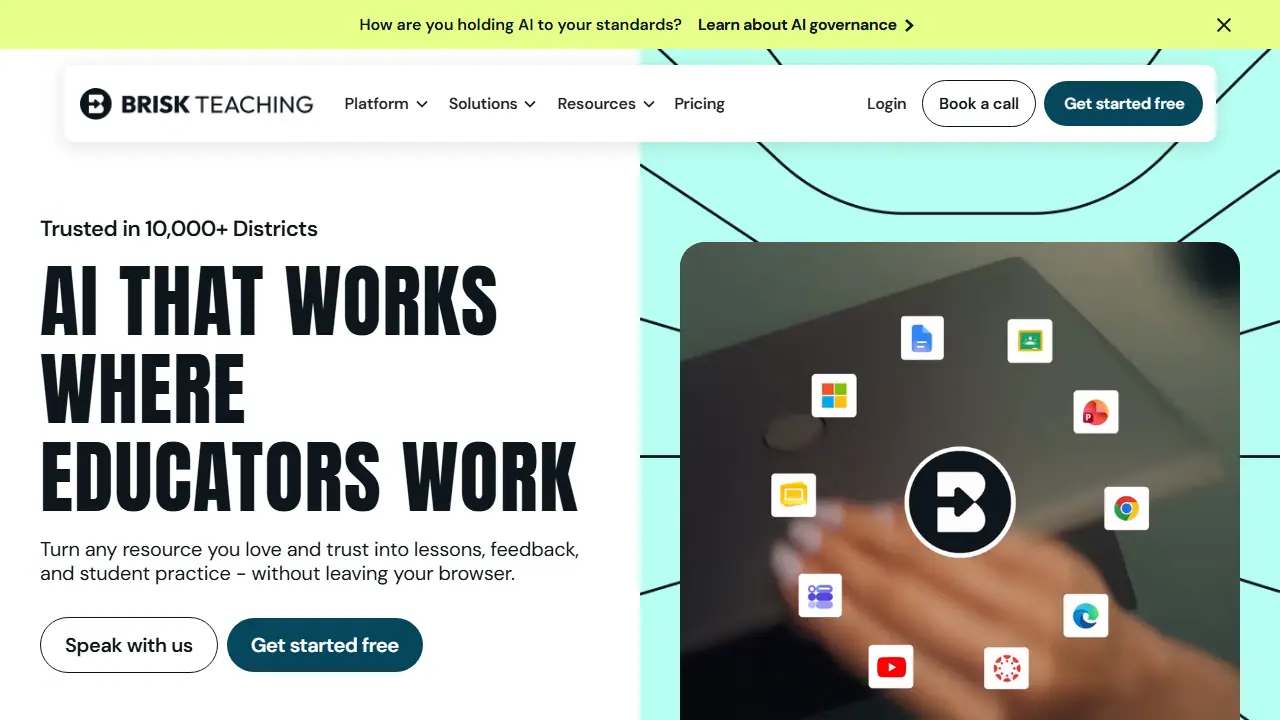
Brisk Teaching is an AI platform built for K-12 teachers, delivered mainly as a Chrome and Edge browser extension. It works on top of the pages, documents, slides, videos and PDFs teachers already use, so there is no need to switch to a separate app. A teacher opens a resource, chats with Brisk, and generates what is needed, such as lesson plans, quizzes, rubrics or presentations in Google Slides.
The platform covers the full teaching cycle. Beyond content creation, it offers feedback tools for student writing (including batch feedback for whole classes), a writing inspection tool, text differentiation with reading-level adjustment and translation into 50+ languages, and interactive student activities built from any text. Districts can add admin controls, usage visibility and curriculum alignment through paid plans.
Key features
- Browser extension that works in Google Docs, Slides, YouTube and LMS platforms
- Quiz, presentation and lesson plan generators
- Batch feedback and rubric-based scoring for student writing
- Text differentiation with reading-level changes and translation into 50+ languages
- Interactive student activities such as vocabulary lists and comprehension checks
- Admin controls and usage visibility for districts
Who is it for
- K-12 teachers
- School principals and administrators
- District leaders and curriculum staff
- Students (via Brisk Boost)
How to get started with Brisk Teaching
- Install the Brisk Teaching extension in Chrome or Edge.
- Sign up as a teacher to get the FREE plan.
- Open Google Docs, Slides, or a webpage and click the Brisk icon.
- You want to create lessons, quizzes, and presentations directly in Google Slides and Docs.
- You need to give bulk feedback on many student submissions quickly.
- You teach at school and want to adjust reading level or translate materials into other languages.
- You need a Polish-language interface, which the tool does not offer.
- You want to use a browser other than Chrome or Edge.
Pros and cons
- Works directly inside tools teachers already use
- Strong privacy rating (95% Common Sense Privacy)
- Covers planning, feedback and student practice in one place
- Advanced features such as curriculum alignment and district controls require custom-priced Premium or Intelligence plans
- Free plan includes only the basic set of tools
Brisk Teaching pricing
| Plan | Price | Includes |
|---|---|---|
| Free | 0 USD | For teachers; 20+ tools, standard model, self-serve resources and community support |
Prices copied from Brisk Teaching pricing, checked October 12, 2026. Currency as shown by the vendor; taxes may apply.
Brisk Teaching pricing details →
Is Brisk Teaching free?
Yes, there is a free plan. Free plan for teachers: AI tools inside the browser extension with self-serve resources and community support. Includes 20+ tools, standard language model, batch feedback and feedback tools with no upload limit.
Featured in
- Best AI for homework - #6
- Best AI for math - #10
Brisk Teaching alternatives
| Tool | Price from | Free plan | Category |
|---|---|---|---|
 Quizlet Quizlet | not listed | yes | Education |
 LearnlyAI LearnlyAI | 5.99 GBP/mo | yes | Education |
 Eduaide Eduaide | 49.99 USD/yr | yes | Education |
 Scribbr Scribbr | 19,95 USD | ? | Education |
 Studocu Studocu | not listed | ? | Education |
 Duolingo Duolingo | not listed | trial | Education |
All alternatives to Brisk Teaching →
FAQ
What is Brisk Teaching used for?
AI browser extension that helps teachers create lessons, quizzes, presentations and feedback inside the tools they already use.
Is Brisk Teaching free?
Yes, there is a free plan. Free plan for teachers: AI tools inside the browser extension with self-serve resources and community support. Includes 20+ tools, standard language model, batch feedback and feedback tools with no upload limit.
How much does Brisk Teaching cost?
The vendor does not publish prices publicly or requires sign-in.
What are the best Brisk Teaching alternatives?
Closest alternatives: Quizlet, LearnlyAI, Eduaide, Scribbr, Studocu.
Data checked October 12, 2026 on the vendor website (briskteaching.com).