

What is Napkin AI?
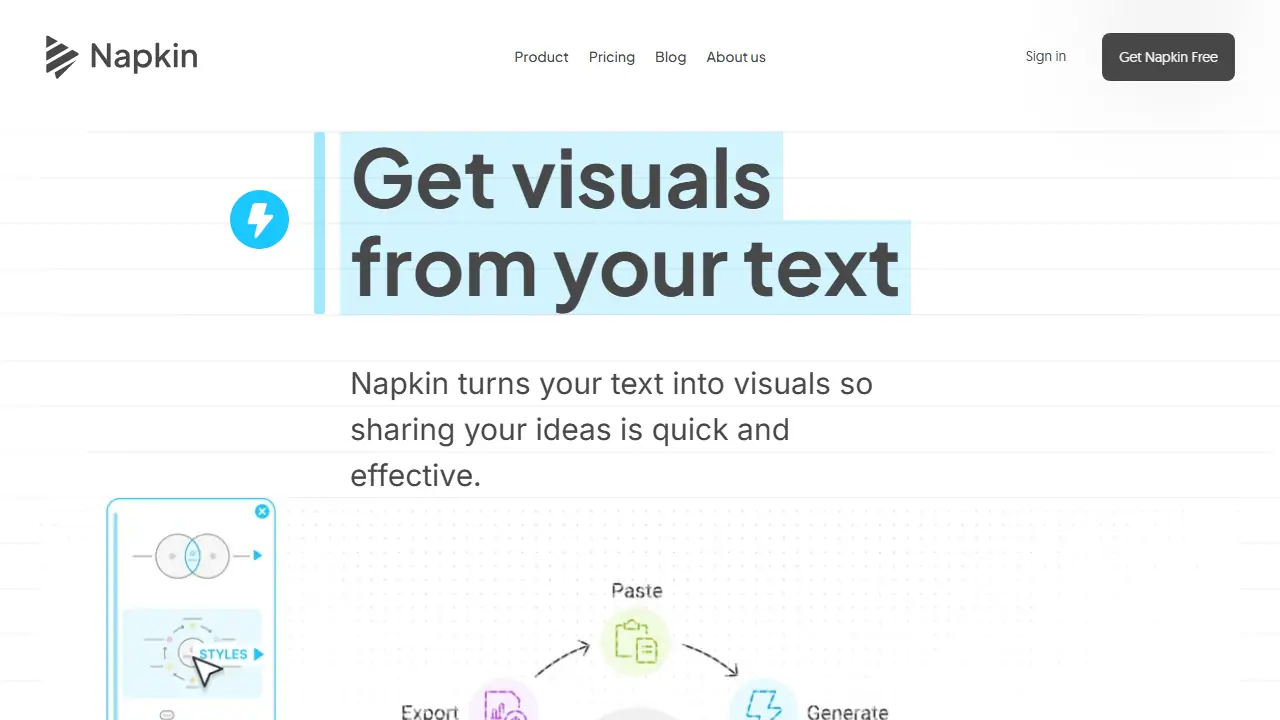
Napkin AI is a visual communication platform that converts written text into diagrams, infographics and presentation-ready visuals. You import or paste your text directly, without writing prompts. Napkin then generates several visual options based on the content, and you choose the one that fits best.
Once a visual is generated, you can change anything in it: colors, shapes, layout and individual elements. The site also offers Slides (beta) for building presentation decks, mind maps, flowcharts, editable data charts and an API for generating visuals at scale. Finished work can be exported as PPT, PNG, PDF or SVG.
Key features
- Generates visuals directly from pasted or imported text, no prompting needed
- Mind map, flowchart and editable data chart creation
- Slides (beta) for presentation decks
- Brand styles and custom fonts on higher plans
- Export to PPT, PNG, PDF and SVG
- API for automated visual generation
Who is it for
- Presenters and project managers
- Teachers and educators
- Marketers and content creators
- Consultants and business teams
How to get started with Napkin AI
- Go to the Napkin AI website and create a free account.
- Paste your own text or import a PPT, DOC, PDF or MD file.
- Choose one of the suggested visuals and edit colors and elements.
- You want to turn text into infographics, diagrams or mind maps without writing prompts.
- You are preparing a presentation, blog post or social media post and need graphics.
- You want to create editable data charts and process diagrams.
- You need PPT or SVG export for free, which the free plan does not include.
- You expect a Polish-language interface, which the tool does not offer.
Pros and cons
- Works directly from text without prompt writing
- Every element of a generated visual can be edited
- Free plan includes Napkin branding on visuals
- AI credits are consumed per word selected for generation
Napkin AI pricing
| Plan | Price | Includes |
|---|---|---|
| Free | 0 USD | 500 AI credits per week; Napkin branding on visuals; PNG and PDF export only |
| Plus | 9 USD / month | 10,000 AI credits per month; unlimited PPT and SVG export; 3 brand styles; bold icons; no Napkin branding; team management and billing; per person |
| Pro | 22 USD / month | 30,000 AI credits per month; exclusive designs; unlimited custom branding; upload your fonts; team management and billing; optional credit top-ups; per person; annual billing saves 25% |
Prices copied from Napkin AI pricing, checked October 12, 2026. Currency as shown by the vendor; taxes may apply.
Is Napkin AI free?
Yes, there is a free plan. 500 AI credits per week, unlimited visual editing and file import, unlimited PNG and PDF export, built-in styles and fonts, standard icons; Napkin branding on visuals.
Featured in
Napkin AI alternatives
| Tool | Price from | Free plan | Category |
|---|---|---|---|
 Uizard Uizard | 12 USD/mo | yes | Design & UI |
 Whimsical Whimsical | 10 USD/mo | yes | Design & UI |
 Visily Visily | 14 USD/mo | yes | Design & UI |
 UX Pilot UX Pilot | not listed | yes | Design & UI |
 Designs.ai Designs.ai | not listed | ? | Design & UI |
 Seede.ai Seede.ai | not listed | yes | Design & UI |
All alternatives to Napkin AI →
Comparisons
FAQ
What is Napkin AI used for?
Turns text into editable AI-generated visuals, mind maps, flowcharts and data charts for presentations, blogs and docs.
Is Napkin AI free?
Yes, there is a free plan. 500 AI credits per week, unlimited visual editing and file import, unlimited PNG and PDF export, built-in styles and fonts, standard icons; Napkin branding on visuals.
How much does Napkin AI cost?
The cheapest paid plan is 9 USD/mo (vendor pricing, October 12, 2026).
What are the best Napkin AI alternatives?
Closest alternatives: Uizard, Whimsical, Visily, UX Pilot, Designs.ai.
Data checked October 12, 2026 on the vendor website (napkin.ai).