

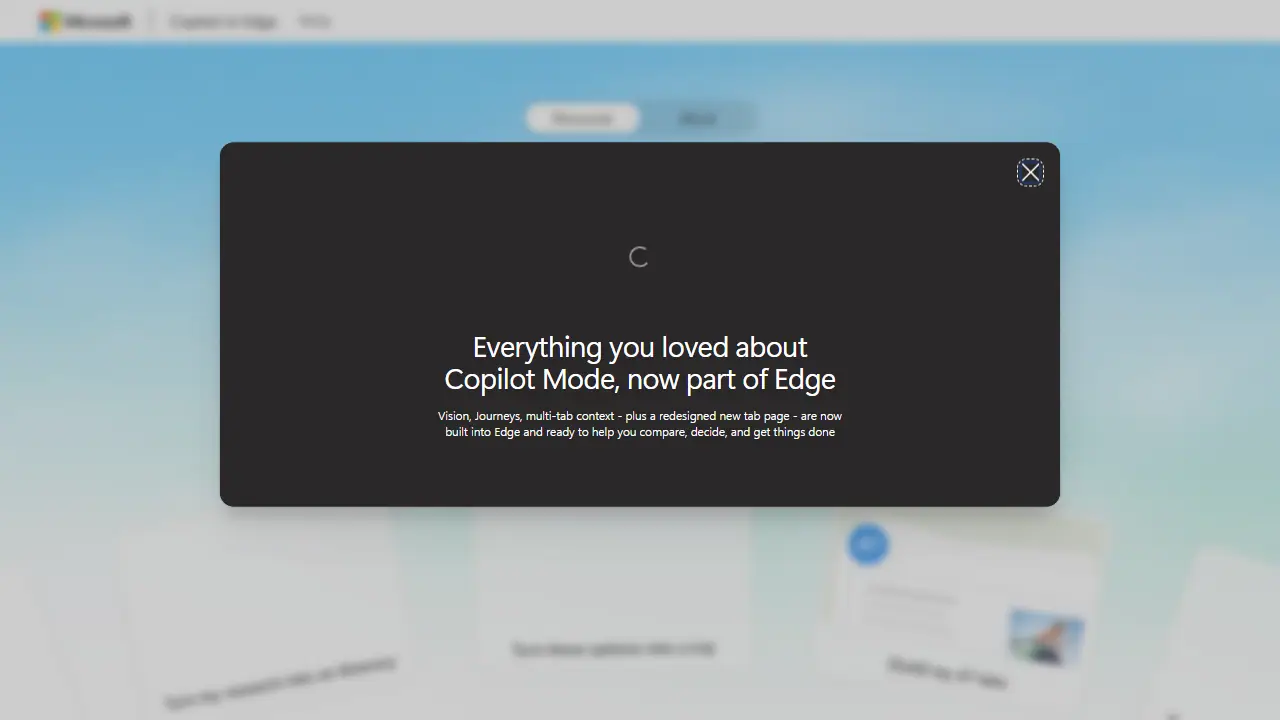
What is Microsoft Edge Copilot Mode?
Copilot in Microsoft Edge is an AI assistant built into the browser. It works in the context of your open tabs, so it can compare products or trips, summarize pages, and answer questions without you switching between sites. It is available as a sidepane opened from the icon in the top right corner of the window, or as a Copilot new tab page where you can type a question, a search or a website address.
You can use it to turn research into an itinerary, tailor a resume to a job posting, summarize many open tabs at once, build a grocery list, or get help choosing between options. Journeys group related pages, searches and chats so you can return to them later. Copilot also remembers past work, and optional features such as memory and context clues can be switched on or off in settings. Image creation and writing help are also included.
Key features
- Works across open browser tabs to compare options and summarize pages
- Sidepane for asking questions without leaving the current page
- Copilot new tab page that routes typed questions, searches or URLs
- Journeys grouping related pages, searches and chats
- Memory of past work, optional and adjustable
- Image creation and writing assistance
Who is it for
- people planning trips
- people researching large purchases
- students and professionals doing online research
- users who work with many open tabs
How to get started with Microsoft Edge Copilot Mode
- Open the Microsoft Edge browser and sign in with your Microsoft account.
- Click the Copilot icon in the top right corner or open a new Copilot tab.
- Type a question or open several pages, then ask Copilot to compare them.
- You are comparing offers, products or apartments open in many tabs at once.
- You are planning a trip and want to turn research results into a concrete plan.
- You work across many tabs and need quick summaries of their content.
- You need a Polish-language interface, which the data does not show as supported.
- You want advanced models without paying for a Microsoft 365 subscription.
Pros and cons
- No need to switch between tabs or tools
- Privacy and feature controls can be turned on or off
- Remembers previous work so you do not start over
- Some features, such as higher usage limits and premium AI, require a Microsoft 365 subscription
Microsoft Edge Copilot Mode pricing
| Plan | Price | Includes |
|---|---|---|
| Microsoft 365 Personal | 9.99 USD / month | 1 person, 5 devices, 1 TB storage, higher Copilot usage than free, 1-month free trial |
| Microsoft 365 Family | 12.99 USD / month | 1 to 6 people (AI for subscription owner only), 5 devices per person, 2 TB shared storage, 1-month free trial |
Prices copied from Microsoft Edge Copilot Mode pricing, checked October 12, 2026. Currency as shown by the vendor; taxes may apply.
Microsoft Edge Copilot Mode pricing details →
Is Microsoft Edge Copilot Mode free?
Yes, there is a free plan. Copilot in Edge is available without payment; higher usage limits and premium AI experiences are included with Microsoft 365 subscriptions.
Featured in
- Best AI for search - #4
Microsoft Edge Copilot Mode alternatives
| Tool | Price from | Free plan | Category |
|---|---|---|---|
 Perplexity Perplexity | not listed | yes | AI search engines |
 Kagi Kagi | 5 USD/mo | trial | AI search engines |
 Consensus Consensus | 12 USD/mo | ? | AI search engines |
 Mapify Mapify | 9.99 USD/mo | yes | AI search engines |
 Monica Monica | 8,3 USD/mo | yes | Chatbots & AI assistants |
 QuillBot QuillBot | not listed | ? | Writing & editing |
All alternatives to Microsoft Edge Copilot Mode →
Comparisons
- Perplexity vs Microsoft Edge Copilot Mode
- Consensus vs Microsoft Edge Copilot Mode
- Mapify vs Microsoft Edge Copilot Mode
- Kagi vs Microsoft Edge Copilot Mode
FAQ
What is Microsoft Edge Copilot Mode used for?
AI assistant built into the Edge browser that works across your open tabs to compare options, summarize pages and finish tasks.
Is Microsoft Edge Copilot Mode free?
Yes, there is a free plan. Copilot in Edge is available without payment; higher usage limits and premium AI experiences are included with Microsoft 365 subscriptions.
How much does Microsoft Edge Copilot Mode cost?
The cheapest paid plan is 9.99 USD/mo (vendor pricing, October 12, 2026).
What are the best Microsoft Edge Copilot Mode alternatives?
Closest alternatives: Perplexity, Kagi, Consensus, Mapify, Monica.
Data checked October 12, 2026 on the vendor website (microsoft.com).