

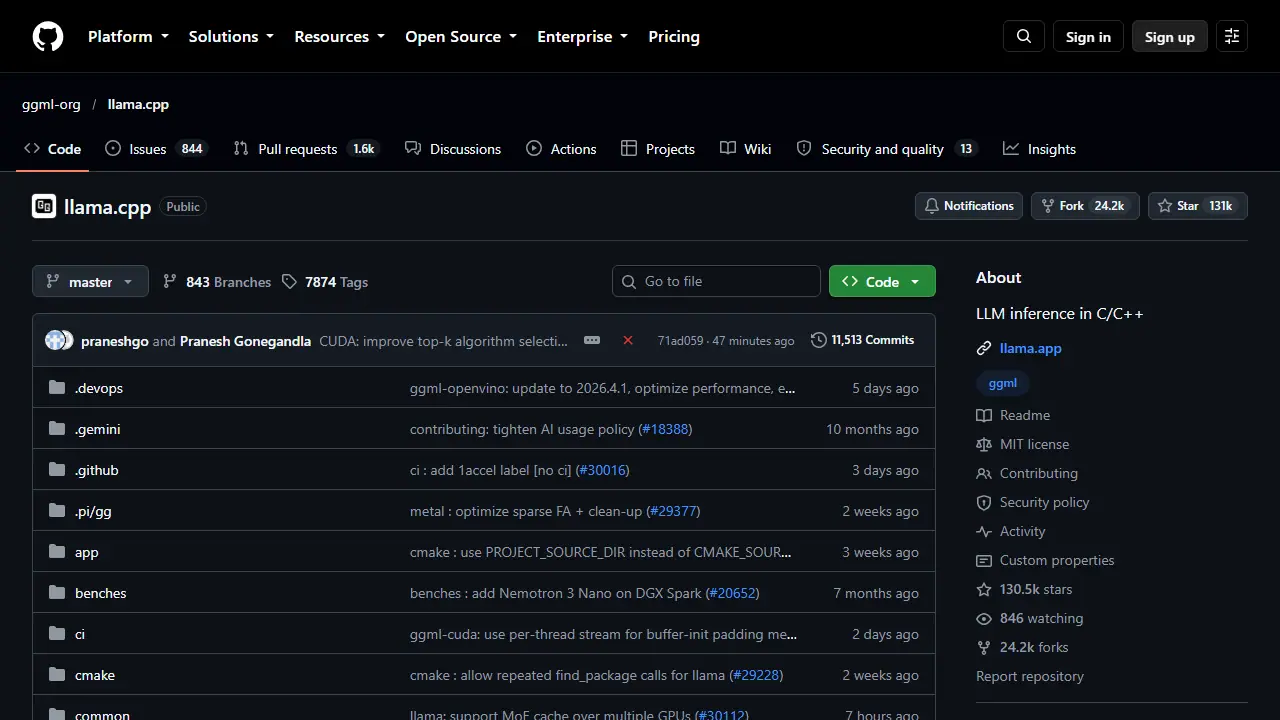
What is llama.cpp?
llama.cpp is an open-source inference engine written in C/C++ that runs LLMs (and VLMs) on your own hardware. The project is hosted in the ggml-org organization on GitHub and is distributed under the MIT license. It can be installed with a one-line shell script, through Docker, from pre-built binaries on the releases page, or built from source.
Once installed, you can download and run a model directly from Hugging Face with the llama-cli command, or start an OpenAI-compatible API server with llama-serve. The server comes with a built-in web UI, and the tool also supports vision-language model sessions in the command line. The stated goal is to enable LLM inference with minimal setup and state-of-the-art performance on a wide range of hardware.
Key features
- Runs LLMs and VLMs locally from C/C++ code
- Downloads and runs GGUF models directly from Hugging Face
- OpenAI-compatible API server (llama-serve)
- Built-in web UI served by llama-serve
- Command-line chat and VLM sessions (llama-cli)
- Pre-built binaries, Docker images, and build from source
Who is it for
- Developers running LLMs locally
- Engineers embedding local inference in applications
- Researchers and hobbyists experimenting with open models
How to get started with llama.cpp
- Install llama.cpp via script, prebuilt binaries, Docker, or source build
- Download a GGUF model from Hugging Face with a single command
- Chat in the terminal with llama cli or run llama serve
- You want to run language models locally without sending data to the cloud
- You need an OpenAI-compatible server for integration with your own code
- You build integrations in C/C++ with minimal dependencies
- You want a ready-made interface in Polish, as this is not available
- You do not want to download, configure models, or manage suitable hardware yourself
Pros and cons
- Minimal setup with a single install command
- Open source under the MIT license
- OpenAI-compatible API for easy integration
- Requires command-line comfort and local hardware resources
llama.cpp pricing
| Plan | Price | Includes |
|---|---|---|
| Open source (MIT) | 0 USD | darmowa biblioteka i serwer do lokalnego uruchamiania modeli |
Prices copied from llama.cpp pricing, checked October 12, 2026. Currency as shown by the vendor; taxes may apply.
Is llama.cpp free?
Yes, there is a free plan. Free and open source under the MIT license; no paid plans are listed.
llama.cpp alternatives
| Tool | Price from | Free plan | Category |
|---|---|---|---|
 Run This LLM Run This LLM | not listed | yes | Local & open source |
| Hhallmonitor | not listed | yes | Productivity & notes |
 Google DeepMind Google DeepMind | not listed | ? | Other |
All alternatives to llama.cpp →
FAQ
What is llama.cpp used for?
Open-source C/C++ engine for running large language models and vision-language models locally with minimal setup.
Is llama.cpp free?
Yes, there is a free plan. Free and open source under the MIT license; no paid plans are listed.
How much does llama.cpp cost?
The vendor does not publish prices publicly or requires sign-in.
What are the best llama.cpp alternatives?
Closest alternatives: Run This LLM, hallmonitor, Google DeepMind.
Data checked October 12, 2026 on the vendor website (github.com).