
What is iLovePDF?
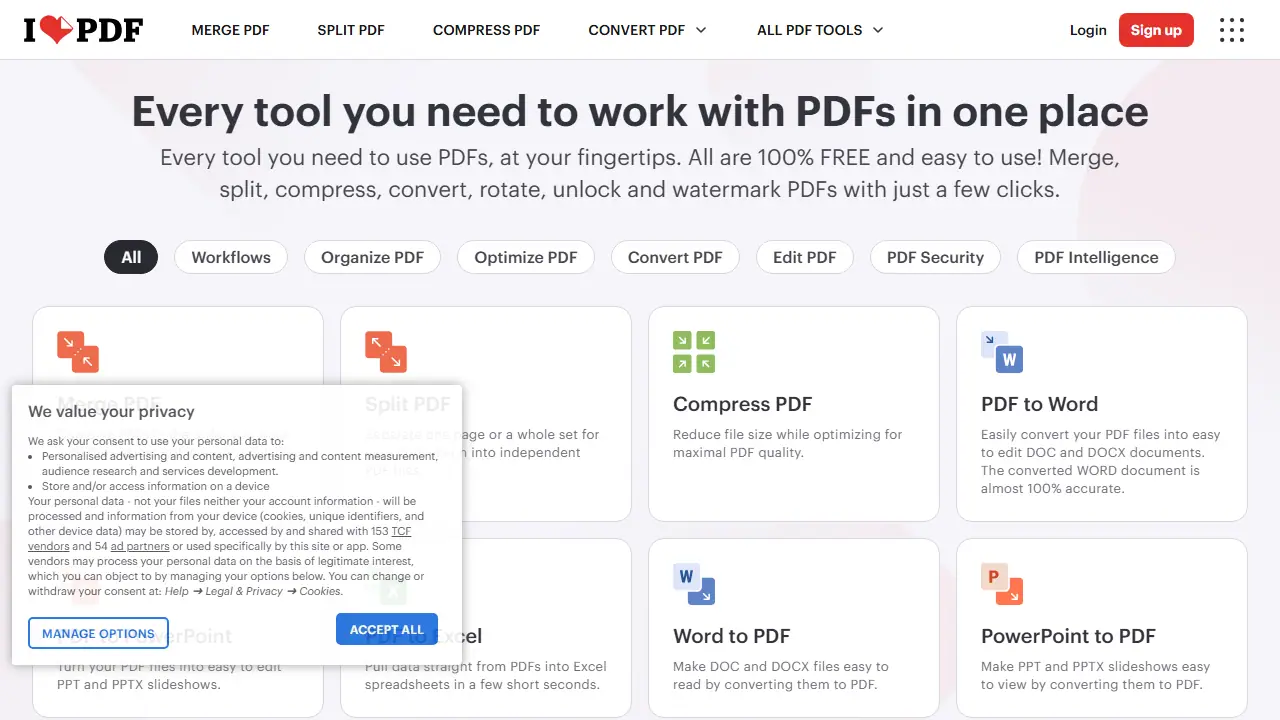
iLovePDF is a web-based set of tools for working with PDF documents. You upload a file or several files, choose a task such as merging, splitting, compressing or converting, and download the result. Conversion options cover Word, PowerPoint, Excel, JPG and HTML in both directions, and there are also tools for rotating, cropping, adding page numbers and watermarks, protecting or unlocking files, OCR for scanned documents, redacting sensitive content and comparing two versions of a file.
The newer part of the service is PDF Intelligence, which includes an AI Summarizer, a PDF translator that aims to keep layout and fonts intact, and a PDF to Markdown converter. The site also offers a workflow builder for chaining tools together, desktop and mobile apps, and an API for developers.
Key features
- Merge, split and compress PDF files
- Convert PDF to and from Word, PowerPoint, Excel, JPG and HTML
- OCR for scanned documents
- Edit, sign, watermark and redact PDFs
- AI summarizer and PDF translator
- Workflow builder and API for automation
Who is it for
- office workers and business teams
- students and academics
- developers integrating document processing
How to get started with iLovePDF
- Open iLovePDF in your browser and choose a tool
- Upload a PDF file or several files by dragging them onto the page
- Click the process button and download the finished result
- You need to merge, split or compress several PDF files
- You need to convert PDF to Word, Excel or PowerPoint and back
- You want to quickly summarize a document or translate a PDF while keeping its layout
- You need to work on large files without limits on the free plan
- You often use advanced AI operations and do not want to pay for the Premium plan
Pros and cons
- Wide set of PDF tools in one place
- Translation claimed to keep fonts and layout intact
- Available on web, desktop and mobile
- Free plan limits document processing and tools
- AI features use credits on paid plans
iLovePDF pricing
| Plan | Price | Includes |
|---|---|---|
| Basic | 0 EUR / empty | Essential tools, limited document processing |
| Premium | 5 EUR / month | Billed annually at 60 EUR; 9 EUR when billed monthly. Up to 25 users, all tools, unlimited processing, ad-free, 2,000 AI credits |
Prices copied from iLovePDF pricing, checked October 12, 2026. Currency as shown by the vendor; taxes may apply.
Is iLovePDF free?
Yes, there is a free plan. Basic plan: access to essential tools with limited document processing. Free tier also includes limited AI Summarizer and translation use.
Featured in
- Best AI for PDFs - #2
- Best AI for summarizing - #6
iLovePDF alternatives
| Tool | Price from | Free plan | Category |
|---|---|---|---|
 UPDF UPDF | not listed | trial | PDF & documents |
 ChatPDF ChatPDF | not listed | yes | PDF & documents |
 Kickresume Kickresume | not listed | trial | PDF & documents |
 QuillBot QuillBot | not listed | ? | Writing & editing |
 Chat With PDF by Copilot.us Chat With PDF by Copilot.us | not listed | ? | PDF & documents |
 LlamaParse LlamaParse | 50 USD/mo | yes | PDF & documents |
All alternatives to iLovePDF →
Comparisons
FAQ
What is iLovePDF used for?
Online toolkit for merging, splitting, compressing, converting and editing PDF files, with some AI features for summarizing and translating.
Is iLovePDF free?
Yes, there is a free plan. Basic plan: access to essential tools with limited document processing. Free tier also includes limited AI Summarizer and translation use.
How much does iLovePDF cost?
The cheapest paid plan is 5 EUR/mo (vendor pricing, October 12, 2026).
What are the best iLovePDF alternatives?
Closest alternatives: UPDF, ChatPDF, Kickresume, QuillBot, Chat With PDF by Copilot.us.
Data checked October 12, 2026 on the vendor website (ilovepdf.com).