

What is Framer?
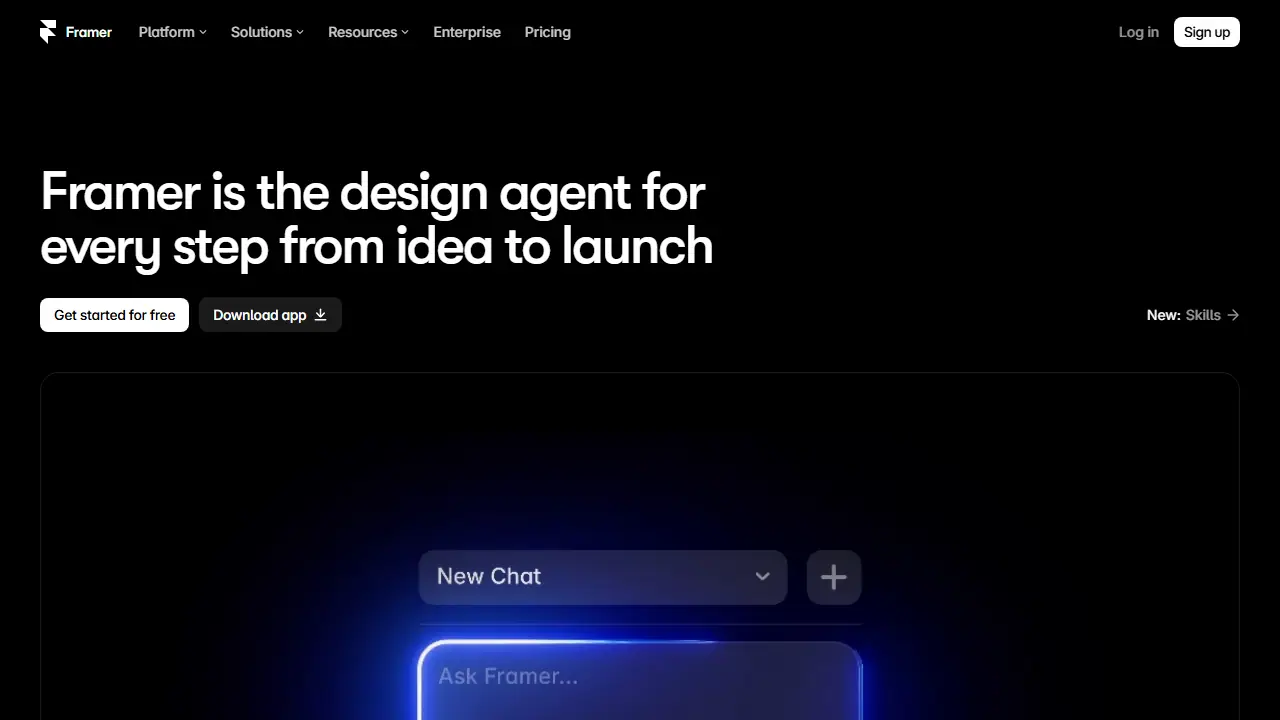
Framer is a web design and publishing tool built around a visual canvas. Its AI design agent designs and builds pages directly on the canvas, so you can go from a rough idea to a working site without starting from a blank template. Every change the agent makes stays editable, so you can adjust layout, styling and content by hand afterwards.
Beyond design, Framer covers the rest of the launch process in one place: hosting, security, analytics, a CMS for managing content, and built-in SEO settings. The pricing page lists plans with AI credits, custom domains, CMS collections, bandwidth limits and localization as an add-on, so a site can be published on your own domain and scaled up as traffic and content grow.
Key features
- AI design agent that designs and builds pages on the canvas
- Every AI-generated change remains editable
- Built-in hosting and security
- Built-in analytics
- CMS for managing content
- Built-in SEO settings and localization add-on
Who is it for
- designers building websites
- small businesses and founders launching a site
- creative professionals with personal portfolios
- marketers who need landing pages
How to get started with Framer
- Create a free account at framer.com
- Choose a template or start with a blank canvas
- Describe to the AI agent the site you want to build
- Edit elements directly on the canvas after generation
- You want to build and publish a site without separate hosting and CMS
- You need a portfolio, landing page or business card site
- You value being able to edit every change the AI makes
- You need a free plan with a large transfer limit, since the free plan has only 1 GB
- You prefer working in Polish, as the interface is not available in Polish
Pros and cons
- Idea-to-launch workflow in a single tool
- AI-generated designs stay fully editable
- AI features are metered by credits, with monthly limits per plan
Framer pricing
| Plan | Price | Includes |
|---|---|---|
| Free | 0 USD | 500 AI credits to try, free Framer domain, 1 GB bandwidth |
| Basic | 10 USD / month | for creative personal sites; 1,000 AI credits/month (tiers up to 15,000), free custom domain, 2 CMS collections, 50 GB bandwidth, built-in SEO, use your own domain, localization as add-on |
Prices copied from Framer pricing, checked October 12, 2026. Currency as shown by the vendor; taxes may apply.
Is Framer free?
Yes, there is a free plan. Free plan: 500 AI credits to try, free Framer domain, 1 GB bandwidth, design pages.
Featured in
Framer alternatives
| Tool | Price from | Free plan | Category |
|---|---|---|---|
 Wix Wix | 17 USD/mo | yes | Website & app builders |
 Replit Replit | 20 USD/mo | yes | Website & app builders |
 Lovable Lovable | 25 EUR/mo | yes | Website & app builders |
 FlutterFlow FlutterFlow | 39 USD/mo | yes | Website & app builders |
 Relume Relume | 14 USD/mo | yes | Website & app builders |
 Base44 Base44 | 16 USD/mo | yes | Website & app builders |
FAQ
What is Framer used for?
AI design agent that takes you from idea to a launched website, with editable design, hosting, CMS, analytics and SEO built in.
Is Framer free?
Yes, there is a free plan. Free plan: 500 AI credits to try, free Framer domain, 1 GB bandwidth, design pages.
How much does Framer cost?
The cheapest paid plan is 10 USD/mo (vendor pricing, October 12, 2026).
What are the best Framer alternatives?
Closest alternatives: Wix, Replit, Lovable, FlutterFlow, Relume.
Data checked October 12, 2026 on the vendor website (framer.com).