

What is Eraser?
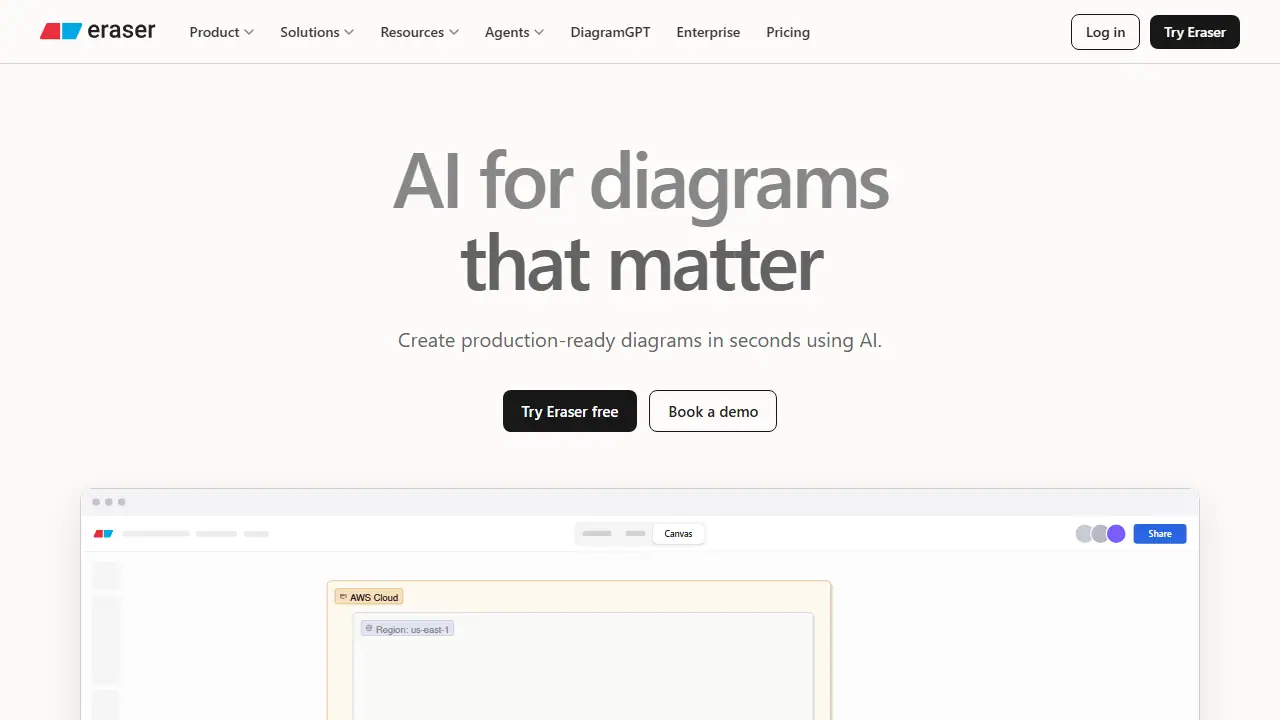
Eraser is a diagramming platform for technical teams. You can paste a text prompt, drop in Terraform code, or upload a design document, and its AI turns that input into a layouted diagram on an infinite canvas. The results can then be refined by hand or by continuing the conversation in AI chat. Teams can apply shared style presets, templates, and reference architectures so generated diagrams match their notation and real systems.
Beyond one-off diagrams, Eraser covers codebase diagrams that update from repositories, interactive drill-down maps from company-wide views down to single services, and guided explainers. It also offers AI documents for design docs, integrations with Confluence, Notion, VS Code, and GitHub, an API, and an MCP server so tools like Claude, Cursor, or ChatGPT can create and edit diagrams.
Key features
- AI diagram generation from text, code, or files
- Infinite canvas with manual editing and AI chat refinement
- Team style presets and templates
- Codebase diagrams synced from Git repositories
- Interactive drill-down and explainer walkthroughs
- MCP server and diagramming API
Who is it for
- Enterprise architects
- DevOps engineers
- Technology consultants
- Software engineers
Pros and cons
- Turns Terraform code, prompts, and design docs into layouted diagrams
- Team presets and reference architectures keep output consistent
- Integrates with Confluence, Notion, VS Code, and GitHub
- Free plan limited to 3 files and 3 AI diagrams
- Business and Enterprise plans are priced per member per month
Eraser pricing
| Plan | Price | Includes |
|---|---|---|
| Free | 0 USD / month | per member; 3 files, 3 AI credits, 7-day version history |
| Starter | 15 USD / month | per member, billed annually (20 USD monthly); unlimited files, 40 AI diagrams, 90-day history, private files, 20 custom icons, API calls |
| Business | 45 USD / month | per member, billed annually (60 USD monthly); 250 AI diagrams, unlimited version history, SAML SSO, 100 custom icons, reference diagrams |
Prices copied from Eraser pricing, checked October 12, 2026. Currency as shown by the vendor; taxes may apply.
Is Eraser free?
Yes, there is a free plan. Free plan: 3 files, 3 AI diagrams, 7-day version history, unlimited guests, diagram-as-code, Markdown notes, and GitHub, Notion, Confluence and VS Code integrations.
Eraser alternatives
| Tool | Price from | Free plan | Category |
|---|---|---|---|
 Spline Spline | 12 USD/mo | yes | 3D & games |
 Ludo.ai Ludo.ai | 15 USD/mo | trial | 3D & games |
 Tripo Tripo | 20 USD/mo | yes | 3D & games |
 Polycam Polycam | not listed | trial | 3D & games |
 Meshy Meshy | 36 PLN/mo | yes | 3D & games |
 Cascadeur Cascadeur | 31 PLN/mo | trial | 3D & games |
FAQ
What is Eraser used for?
AI tool that turns text, code, or files into technical diagrams for architecture and engineering teams.
Is Eraser free?
Yes, there is a free plan. Free plan: 3 files, 3 AI diagrams, 7-day version history, unlimited guests, diagram-as-code, Markdown notes, and GitHub, Notion, Confluence and VS Code integrations.
How much does Eraser cost?
The cheapest paid plan is 15 USD/mo (vendor pricing, October 12, 2026).
What are the best Eraser alternatives?
Closest alternatives: Spline, Ludo.ai, Tripo, Polycam, Meshy.
Data checked October 12, 2026 on the vendor website (eraser.io).