

What is Tripo?
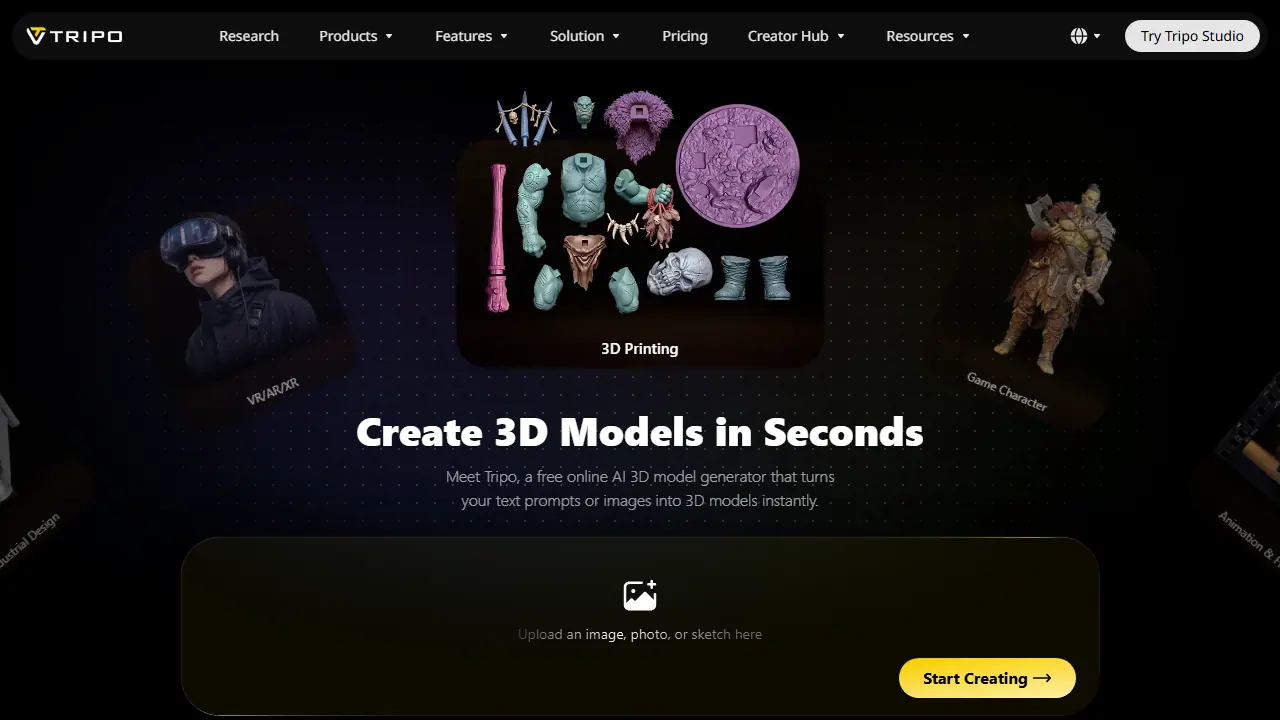
Tripo is a web-based AI 3D model generator, available as Tripo Studio, that creates 3D models from a text prompt or from an uploaded image, photo or sketch. The platform offers two generation modes: a high-detail model with up to 2M polygons for rendering, VFX and sculpt-first pipelines, and Smart Mesh, which produces clean quad meshes from 500 to 25K polygons that are engine-ready without retopology.
Beyond geometry, you can automatically rig characters and creatures with skeletons for animation, generate PBR texture sets (albedo, normal, metallic, roughness) up to 8K or clean base-color textures for stylized looks, and auto-segment larger models into parts sized for a print bed. Models export as GLB, FBX, OBJ, USD, STL or 3MF, and the site lists compatibility with Unity, Unreal, Cocos, Godot and Roblox.
Key features
- Text-to-3D and image-to-3D generation
- Smart Mesh quad topology from 500 to 25K polygons
- Automatic rigging with production-ready skeletons
- PBR texturing up to 8K
- Smart segmentation for 3D printing
- Export to GLB, FBX, OBJ, USD, STL and 3MF
Who is it for
- 3D designers and artists
- Game developers and indie studios
- Industrial designers
- 3D printing engineers
- E-commerce product visualization teams
How to get started with Tripo
- Go to the Tripo website and create a free account.
- Upload a photo or sketch, or enter a text description of the model.
- Choose a mode: detailed for renders or Smart Mesh for engines.
- Download the finished model in your chosen format, e.g. GLB, FBX or STL.
- You create game or animation assets and need a quick start without modeling from scratch.
- You want to prepare 3D printing models and split them into parts that fit the printer bed.
- You run a shop or product photography and need 3D models from a few photos.
- You need a free tool for commercial use, because the free plan covers non-commercial use only.
- You want to create many private models for free, because free models are public.
Pros and cons
- Engine-ready geometry without retopology, according to the page
- Auto-rigging and PBR texture generation included
- Free plan available to start
- Free plan models are public and limited to non-commercial use
- Advanced features such as Smart Mesh and commercial rights require a paid plan
Tripo pricing
| Plan | Price | Includes |
|---|---|---|
| Free | 0 USD / month | 200 credits/month (about 13 models), 1 concurrent task, public models, non-commercial use |
| Pro | 20 USD / month | 3000 credits/month (about 200 models), 10 concurrent tasks, private models, commercial use, Smart Mesh and Smart Segmentation; 240 USD billed yearly |
| Max | 90 USD / month | 25000 credits/month (about 1660 models), 100 concurrent tasks, dedicated priority, permanent edit history, 8K textures; 1080 USD billed yearly |
| Team | 110 USD / month | 90000 credits/month (about 6000 models), 200 concurrent tasks, shared workspace and centralized billing; 55 USD per seat/month billed yearly (1980 USD/year) |
Prices copied from Tripo pricing, checked October 8, 2026. Currency as shown by the vendor; taxes may apply.
Is Tripo free?
Yes, there is a free plan. 200 monthly credits (about 13 models), 1 concurrent task, standard queue, public models for non-commercial use only, limited edit history and exports, limited image generation access.
Featured in
- Best AI for 3D - #3
Tripo alternatives
| Tool | Price from | Free plan | Category |
|---|---|---|---|
 Spline | 12 USD/mo | yes | 3D & games |
 Meshy | 36 PLN/mo | yes | 3D & games |
 Sloyd | 15 USD/mo | yes | 3D & games |
 Kaedim | not listed | ? | 3D & games |
 Hyper3D Rodin | not listed | trial | 3D & games |
 Ludo.ai | 15 USD/mo | trial | 3D & games |
Comparisons
FAQ
What is Tripo used for?
Online AI 3D model generator that turns text prompts or images into 3D models for games, 3D printing, animation and e-commerce.
Is Tripo free?
Yes, there is a free plan. 200 monthly credits (about 13 models), 1 concurrent task, standard queue, public models for non-commercial use only, limited edit history and exports, limited image generation access.
How much does Tripo cost?
The cheapest paid plan is 20 USD/mo (vendor pricing, October 8, 2026).
What are the best Tripo alternatives?
Closest alternatives: Spline, Meshy, Sloyd, Kaedim, Hyper3D Rodin.
Data checked October 8, 2026 on the vendor website (tripo3d.ai).