

What is Banani?
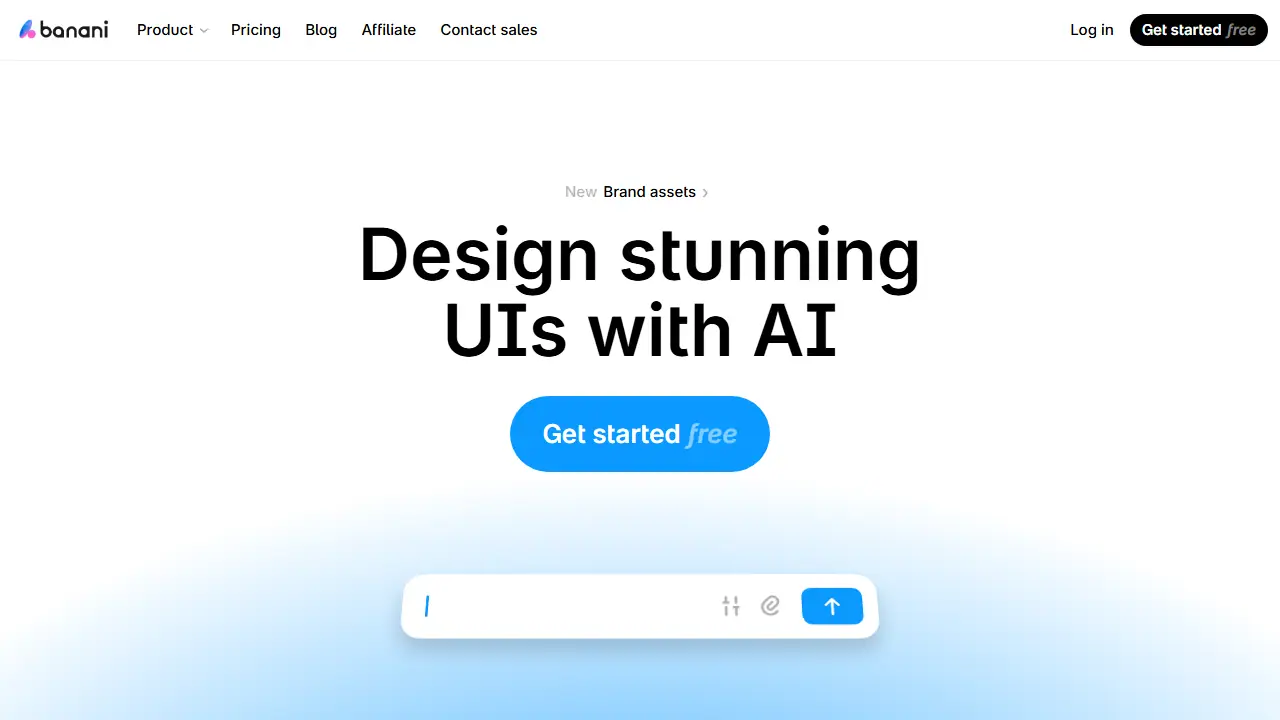
Banani is an AI UI design tool that turns a plain-language description, an image, a screenshot or a Figma link into editable, multi-screen interface designs and interactive prototypes. Users can click an element to see what the next screen should look like, or chat with the AI to make a design more playful, minimal or otherwise restyled. Colors, typography and other design tokens can be adjusted manually to match a brand.
Finished work can be shared as a project link for teammate feedback, or exported as Figma layers, HTML/CSS, images or code. Paid plans also let coding agents access designs through MCP. The tool is aimed at quickly producing wireframes and high-fidelity screens, so product managers, founders and designers can move from idea to a reviewable interface in minutes.
Key features
- Generate multi-screen UI prototypes from text prompts
- Create designs from images, screenshots or Figma links
- Click elements to generate the resulting screen
- Edit styles with chat prompts and manual design token controls
- Share project links for team feedback
- Export to Figma, HTML/CSS, images or code
Who is it for
- Product managers
- Startup founders
- Designers
- Non-designers and indie hackers
Pros and cons
- Editable canvas output rather than static images
- Fast generation of wireframes and high-fidelity screens
- Simple, minimal interface
- Figma and code export require a paid plan
- Credit-based limits on the free plan
Banani pricing
| Plan | Price | Includes |
|---|---|---|
| Free | 0 USD / month | 12 monthly credits, 3 daily credits, private projects, no Figma or code export |
| Plus | 12 USD / month | 100 monthly credits, 10 daily credits, Agent mode, unlimited Figma export, 3x generation speed, MCP/code export; 20 USD billed monthly, yearly option at -40% |
| Pro | 30 USD / month | Unlimited credits, highest generation speed, priority support, everything from Plus; 50 USD billed monthly |
Prices copied from Banani pricing, checked October 12, 2026. Currency as shown by the vendor; taxes may apply.
Is Banani free?
Yes, there is a free plan. 12 monthly credits plus 3 daily credits, private projects, no credit card required; the free plan does not expire. Figma and code export are not included.
Banani alternatives
| Tool | Price from | Free plan | Category |
|---|---|---|---|
 Visily Visily | 14 USD/mo | yes | Design & UI |
 UX Pilot UX Pilot | not listed | yes | Design & UI |
 Uizard Uizard | 12 USD/mo | yes | Design & UI |
 Magic Patterns Magic Patterns | not listed | ? | Design & UI |
 Figma AI Figma AI | 3 USD/mo | yes | Productivity & notes |
 Napkin AI Napkin AI | 9 USD/mo | yes | Design & UI |
FAQ
What is Banani used for?
Generates editable, multi-screen UI designs and clickable prototypes from text prompts or references, for product teams and designers.
Is Banani free?
Yes, there is a free plan. 12 monthly credits plus 3 daily credits, private projects, no credit card required; the free plan does not expire. Figma and code export are not included.
How much does Banani cost?
The cheapest paid plan is 12 USD/mo (vendor pricing, October 12, 2026).
What are the best Banani alternatives?
Closest alternatives: Visily, UX Pilot, Uizard, Magic Patterns, Figma AI.
Data checked October 12, 2026 on the vendor website (banani.co).