

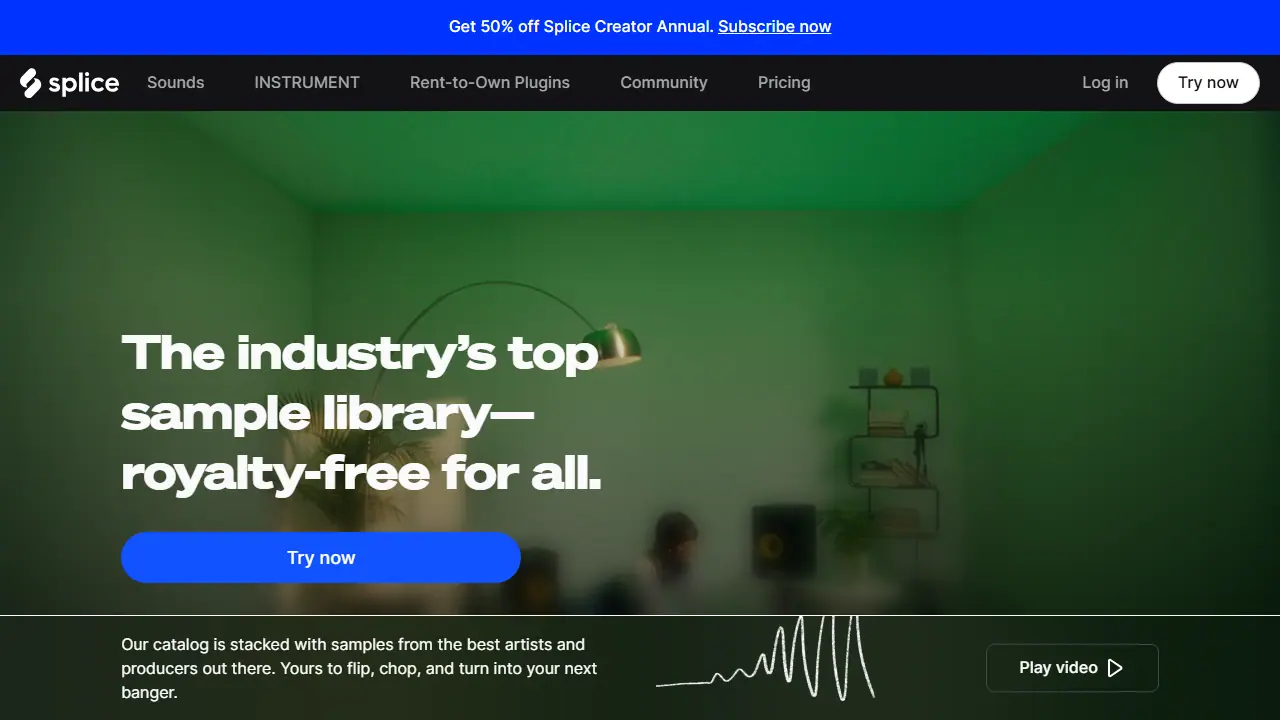
What is Splice?
Splice is a sample library and creator toolset for music producers. Its catalog includes samples, loops, one-shots, MIDI patterns and presets, organized by genre and instrument, and the company states that every sound is royalty-free and cleared for commercial use. Subscribers get a monthly allowance of download credits, and everything downloaded stays theirs even after cancelling.
The Splice Desktop App and Sounds plugin let you browse, audition and download sounds directly into a DAW such as Ableton Live, Pro Tools, Studio One or any other DAW that supports VST3 or AU plugins. Splice also offers Splice INSTRUMENT, a virtual instrument with preset packs, and rent-to-own plugins such as Serum 2 and V Collection 11 Pro, so producers can build tracks from sound packs, presets and instruments in one place.
Key features
- Royalty-free sample library with loops, one-shots and FX
- Presets for Serum and Vital
- Splice Sounds plugin and desktop app for browsing and downloading in a DAW
- Splice INSTRUMENT virtual instrument with preset packs
- Rent-to-own plugin licensing for 130+ tools
- Curated sound packs and new packs every week
Who is it for
- Music producers and beatmakers
- Songwriters and home studio musicians
- Sound designers
- Music labels and professional studios
How to get started with Splice
- Create an account on the Splice website and choose a plan.
- Install the desktop app on Windows or Mac.
- Browse samples and download them using credits in your account.
- You make beats or tracks and need ready-made royalty-free samples.
- You want to use sounds in commercial projects without extra licensing fees.
- You work in Ableton Live, Studio One or Pro Tools and want to audition samples in your project.
- You need unlimited downloads and don't want to pay for plans with monthly credits.
- You're looking for a fully free solution, while only the Creator plan trial is available.
Pros and cons
- All sounds are royalty-free and cleared for commercial use
- Downloads are kept even after cancelling
- Works with any DAW
- Downloads use a monthly credit allowance
- Rent-to-own plugins are paid on a monthly basis
Splice pricing
| Plan | Price | Includes |
|---|---|---|
| Creator (trial offer) | 4.99 USD / month | First month only, regular price 19.99 USD/mo; ~200 monthly downloads, full access to 3M+ sounds, 1,000+ presets, Rare Finds |
| Sounds (yearly billing) | 12.99 USD / month | Billed yearly; ~100 monthly downloads, full access to 3M+ sounds |
| Unlimited instrument access | 12.99 USD / month | Splice INSTRUMENT unlimited access |
| Serum 2 rent-to-own | 9.99 USD / month | Rent-to-own plugin |
| V Collection 11 Pro rent-to-own | 24.99 USD / month | Rent-to-own plugin |
| RC-20 Retro Color rent-to-own | 4.99 USD / month | Rent-to-own plugin |
Prices copied from Splice pricing, checked October 12, 2026. Currency as shown by the vendor; taxes may apply.
Is Splice free?
There is a free trial. Creator plan trial offer at 4.99 USD for the first month; Splice INSTRUMENT offers free sound drops every month.
Splice alternatives
| Tool | Price from | Free plan | Category |
|---|---|---|---|
 ElevenLabs ElevenLabs | 6 USD/mo | yes | Voice & text to speech |
 Applio Applio | not listed | yes | Voice & text to speech |
 Respeecher Respeecher | not listed | trial | Voice & text to speech |
 Voctro Labs Voctro Labs | not listed | ? | Voice & text to speech |
 Voice.ai Voice.ai | 5 USD/mo | yes | Voice & text to speech |
 Fish Audio Fish Audio | not listed | yes | Voice & text to speech |
Comparisons
FAQ
What is Splice used for?
Royalty-free sample library, presets and plugins for music producers, with a catalog of human-made sounds cleared for commercial use.
Is Splice free?
There is a free trial. Creator plan trial offer at 4.99 USD for the first month; Splice INSTRUMENT offers free sound drops every month.
How much does Splice cost?
The cheapest paid plan is 4.99 USD/mo (vendor pricing, October 12, 2026).
What are the best Splice alternatives?
Closest alternatives: ElevenLabs, Applio, Respeecher, Voctro Labs, Voice.ai.
Data checked October 12, 2026 on the vendor website (splice.com).