

What is Cline?
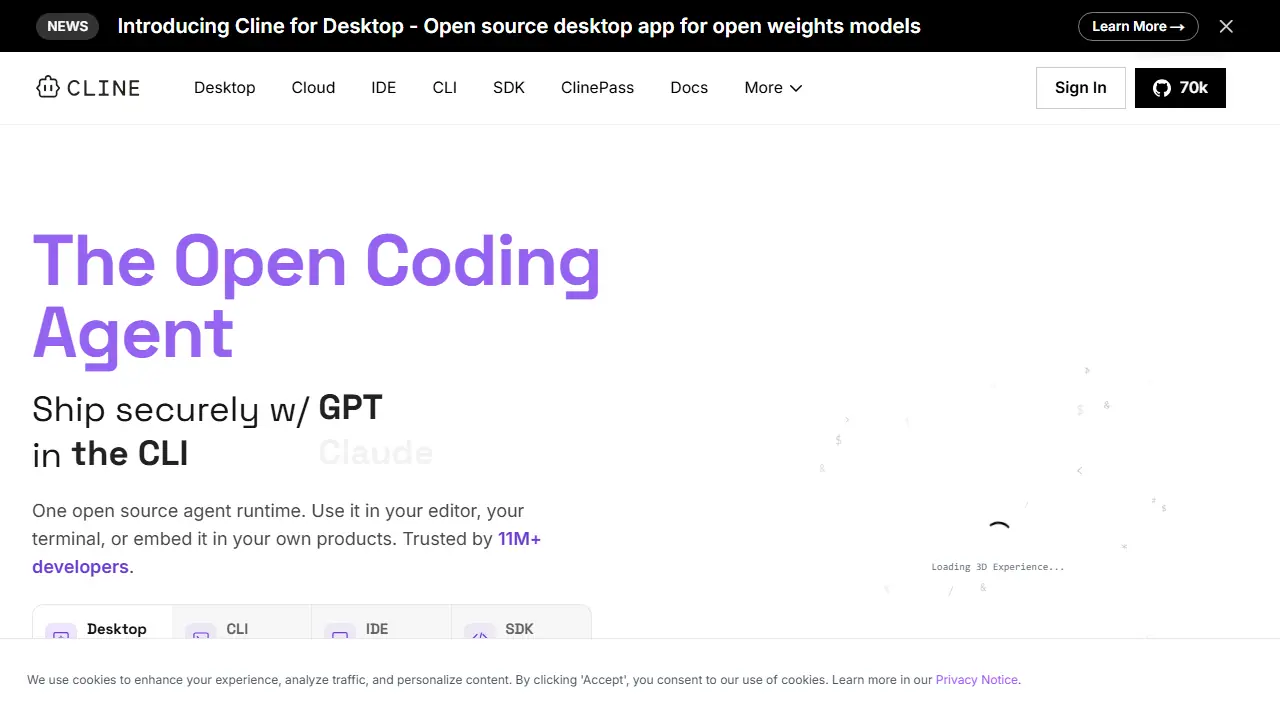
Cline is an open-source AI coding agent. It runs inside VS Code and other editors as an extension, in the terminal as a CLI, as a standalone desktop app, or embedded in your own products through an SDK. It works with a Plan mode, where you agree on a strategy first, and an Act mode, where it executes the steps. You can approve each step or switch on auto-approve.
In practice you can ask it questions about how a codebase is structured, make coordinated changes across many files while it keeps imports and types consistent, run bash commands and react to their output, and automate recurring checks in scripts, cron jobs or CI pipelines. Projects can ship .clinerules to teach the agent coding standards, and MCP servers can connect it to databases and APIs. The model is your choice: Claude, GPT, Gemini, local Ollama or LM Studio, or any OpenAI-compatible endpoint.
Key features
- Plan and Act modes with step approval or auto-approve
- Coordinated multi-file edits with diffs, checkpoints and undo
- Runs bash commands and reacts to terminal output
- MCP integration and custom tools via SDK
- Multi-agent teams and scheduled runs
- Works with any model, including local Ollama and LM Studio
Who is it for
- software developers
- engineering teams
- DevOps and CI engineers
- teams wanting self-hosted or local models
How to get started with Cline
- Install the Cline extension in VS Code.
- Enter the API key of your chosen model provider or a local endpoint.
- Choose Plan mode and describe the task in your project.
- You work in an editor or terminal and want an agent for multi-file changes.
- You want to choose any model, including local ones via Ollama or LM Studio.
- You need to automate development tasks in scripts, cron, or CI.
- You need a Polish-language interface, because none is available.
- You need team features like SSO or SLA, which are only in the Enterprise plan.
Pros and cons
- Open source under Apache 2.0
- No vendor lock-in and support for many providers
- Works in editor, terminal, desktop app and CI
- Individual use is pay-per-inference, so AI costs depend on usage
- Some Enterprise features are still marked Coming Soon
Cline pricing
| Plan | Price | Includes |
|---|---|---|
| Open Source | 0 USD | darmowe rozszerzenie VS Code i CLI; płacisz tylko za inferencję albo własny klucz API |
| Enterprise | wycena indywidualna | SSO, SLA, JetBrains, zarządzanie zespołem |
Prices copied from Cline pricing, checked October 12, 2026. Currency as shown by the vendor; taxes may apply.
Is Cline free?
Yes, there is a free plan. The open source extension is free for individual developers; you pay only for AI inference, either with your own API keys or via the Cline provider.
Featured in
- Best AI for coding - #5
Cline alternatives
| Tool | Price from | Free plan | Category |
|---|---|---|---|
 OpenAI Platform OpenAI Platform | 0,10 USD | ? | APIs & models |
 Amazon Bedrock Amazon Bedrock | od 0,20 USD | ? | APIs & models |
 Claude Platform (Anthropic API) Claude Platform (Anthropic API) | 2 USD input / 10 USD output | no | APIs & models |
 DigitalOcean DigitalOcean | 0.05 USD | trial | APIs & models |
 Kimi API Platform Kimi API Platform | 0.30 USD | no | APIs & models |
 Fireworks AI Fireworks AI | 0.50 USD | no | APIs & models |
Comparisons
FAQ
What is Cline used for?
Open-source AI coding agent for editors, terminal and SDK that plans and executes multi-file code changes with any model.
Is Cline free?
Yes, there is a free plan. The open source extension is free for individual developers; you pay only for AI inference, either with your own API keys or via the Cline provider.
How much does Cline cost?
The vendor does not publish prices publicly or requires sign-in.
What are the best Cline alternatives?
Closest alternatives: OpenAI Platform, Amazon Bedrock, Claude Platform (Anthropic API), DigitalOcean, Kimi API Platform.
Data checked October 12, 2026 on the vendor website (cline.bot).