

What is Buffer?
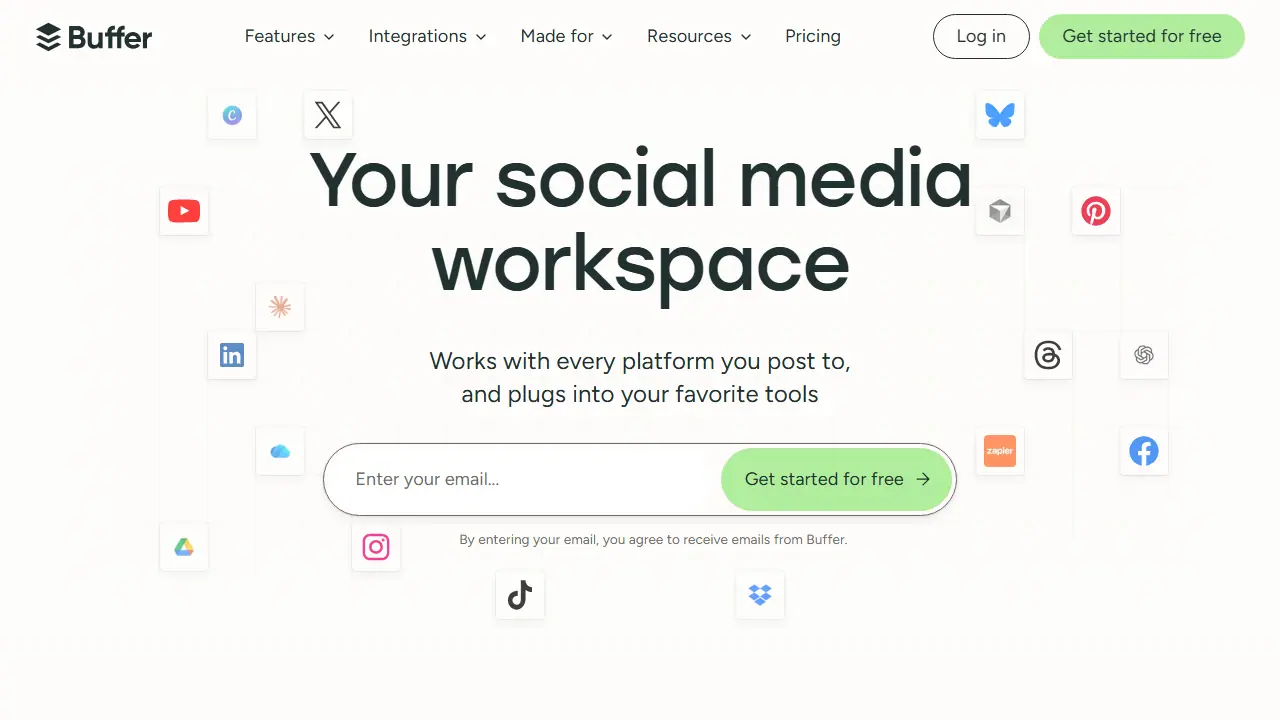
Buffer is a social media management workspace where you plan, create, schedule, and publish posts to platforms such as Instagram, Facebook, TikTok, LinkedIn, X, YouTube, Pinterest, and Threads from one dashboard. It includes a content idea library, a community inbox for replying to comments across channels, and analytics that the site describes as answers rather than raw numbers.
In practice you can build a queue of posts, repurpose content for different channels, and have team members collaborate, with approval workflows on the Team plan. An AI Assistant helps brainstorm ideas, rewrite content, and craft platform-specific posts. Buffer also offers a Start Page for a link-in-bio hub, a mobile app, and an API and MCP connection so an AI assistant such as Claude or ChatGPT can pull performance data and add posts to your queue.
Key features
- Scheduling and publishing to Instagram, Facebook, TikTok, LinkedIn, X, YouTube, Pinterest, Threads and more
- Idea library and content creation tools
- Community inbox for replying to comments across channels
- Insights and analytics on post performance
- AI Assistant for brainstorming and rewriting posts
- Start Page link-in-bio hub and MCP/API connection for AI assistants
Who is it for
- Creators
- Small businesses
- Marketing agencies
- Nonprofits and higher education teams
How to get started with Buffer
- Create a free account at buffer.com and log in
- Connect your first social channel, e.g. Instagram or LinkedIn
- Add your first posts to the queue or schedule them in the calendar
- Try the AI assistant to rewrite or create content
- You publish on many platforms and want to manage them from one place
- You need to schedule posts in advance and keep a regular posting rhythm
- You want AI-assisted content tailored to each specific platform
- You need more than 3 channels or more than 10 scheduled posts per channel without paying
- You need a Polish-language interface, because it is not available
Pros and cons
- Supports a wide range of social platforms in one place
- Team plan includes collaboration, access levels, and content approval workflows
- Advanced analytics and API access are limited on the free plan
- Full feature set requires a paid plan
Buffer pricing
| Plan | Price | Includes |
|---|---|---|
| Free | 0 USD | Free forever; up to 3 channels, 10 scheduled posts per channel, 100 ideas, 1 user, 1 API key, 3,000 requests/month |
| Essentials | 5 USD / month | 1 channel; 60 USD billed yearly (save 2 months); unlimited scheduled posts and ideas, 1 user, advanced analytics, 3 API keys, 7,500 requests/month, hashtag manager, first comment scheduling; 14-day free trial |
| Team | 10 USD / month | 1 channel; 120 USD billed yearly (save 2 months); unlimited team members, access levels, content approval workflows, 5 API keys, 15,000 requests/month; 14-day free trial |
Prices copied from Buffer pricing, checked October 12, 2026. Currency as shown by the vendor; taxes may apply.
Is Buffer free?
There is a free trial. Forever-free plan: connect up to 3 channels, 10 scheduled posts per channel (refillable), 100 ideas, 1 user, AI Assistant, Insights, 1 API key with 3,000 requests/month, community inbox. Paid plans include a 14-day free trial.
Featured in
Buffer alternatives
| Tool | Price from | Free plan | Category |
|---|---|---|---|
 Hootsuite Hootsuite | 99 USD/mo | trial | Social media |
 Later Later | 18.75 USD/mo | trial | Social media |
 Munch Studio Munch Studio | 38 USD/mo | trial | Social media |
 Ocoya Ocoya | 29 USD/mo | trial | Social media |
 Taplio Taplio | 39 USD/mo | trial | Social media |
 Postiz Postiz | 29 USD/mo | trial | Social media |
Comparisons
FAQ
What is Buffer used for?
Social media management tool for scheduling, publishing, and engaging across major platforms, for creators, small businesses, and agencies.
Is Buffer free?
There is a free trial. Forever-free plan: connect up to 3 channels, 10 scheduled posts per channel (refillable), 100 ideas, 1 user, AI Assistant, Insights, 1 API key with 3,000 requests/month, community inbox. Paid plans include a 14-day free trial.
How much does Buffer cost?
The cheapest paid plan is 5 USD/mo (vendor pricing, October 12, 2026).
What are the best Buffer alternatives?
Closest alternatives: Hootsuite, Later, Munch Studio, Ocoya, Taplio.
Data checked October 12, 2026 on the vendor website (buffer.com).