

What is Beautiful.ai?
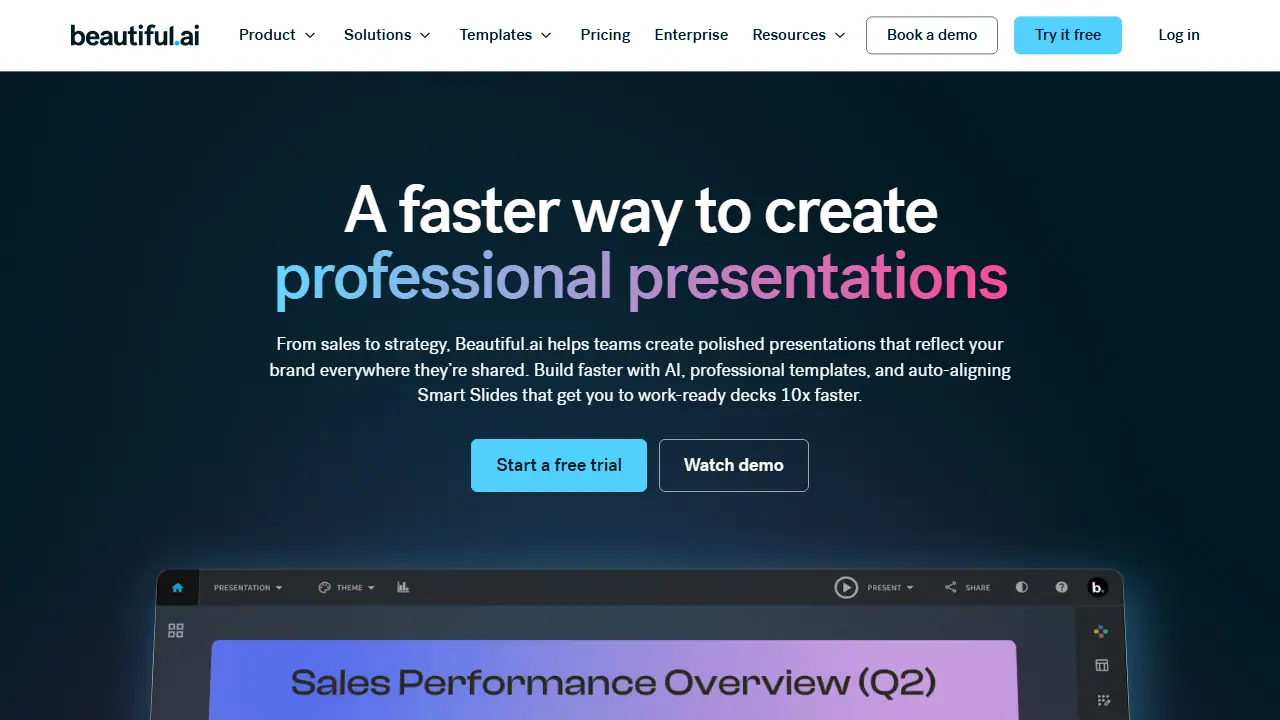
Beautiful.ai is a presentation platform where you create decks with AI, professional templates, and Smart Slides. You can start from a topic, a full outline, or source material, then review and refine a slide-by-slide outline before the slides and visuals are generated. Smart Slides are layouts that automatically realign, resize, and animate content as you edit, so spacing and hierarchy stay consistent.
In practice you can generate a deck, switch between different Smart Slide layouts without losing your text, set brand colors, fonts, and logos once through custom themes, and build charts, graphs, and timelines linked to data. Higher tiers add shared team libraries, live collaborative editing, locked slides, engagement analytics, and translation into 100+ languages. PowerPoint import and export is included on paid plans.
Key features
- AI presentation generation from a topic or outline
- Over 300 auto-aligning Smart Slide layouts
- Custom brand themes for colors, fonts, and logos
- Data-linked charts, graphs, and timelines
- Real-time collaborative editing on Team plans
- Engagement tracking and viewer analytics
Who is it for
- Individuals creating professional presentations
- Consultants and agencies
- Sales and marketing teams
- Enterprise organizations standardizing brand presentations
How to get started with Beautiful.ai
- Sign up and choose the 14-day free trial of the Pro or Team plan.
- Enter a presentation topic or paste an existing outline or source material.
- Review and refine the outline slide by slide before generating.
- Pick Smart Slides layouts and set colors, fonts, and your logo.
- You need to quickly create a professional AI-assisted presentation with ready-made layouts.
- You want consistent visual branding across your whole team.
- You work in sales, marketing, or an agency and want to share themes.
- You need a permanently free plan, as only a 14-day free trial is available.
- You need a desktop or mobile app, since the tool runs only in the web browser.
Pros and cons
- Smart Slides keep layouts aligned automatically
- Brand settings are shared across the team
- Imports and exports PowerPoint files
- Enterprise pricing is only available on request
- Live demos are aimed mainly at enterprise teams
Beautiful.ai pricing
| Plan | Price | Includes |
|---|---|---|
| Pro | 14.50 USD / month | For individuals, billed annually; unlimited AI generation, 300+ Smart Slide layouts, PowerPoint import/export |
| Team | 40 USD / month | Per user, 2 to 20 users, billed annually; 50 USD per user billed monthly; collaboration, shared libraries, analytics |
Prices copied from Beautiful.ai pricing, checked October 12, 2026. Currency as shown by the vendor; taxes may apply.
Beautiful.ai pricing details →
Is Beautiful.ai free?
There is a free trial. 14-day free trial of Pro or Team.
Featured in
Beautiful.ai alternatives
| Tool | Price from | Free plan | Category |
|---|---|---|---|
 Gamma Gamma | 40 USD/mo | yes | Presentations |
 Prezi Prezi | not listed | yes | Presentations |
 Presentations.AI Presentations.AI | 20 USD/mo | yes | Presentations |
 SlidesWizard SlidesWizard | 2.50 USD | yes | Presentations |
 Decktopus AI Decktopus AI | 9.99 USD/mo | ? | Presentations |
 SlidesAI SlidesAI | 10 USD/mo | yes | Presentations |
All alternatives to Beautiful.ai →
Comparisons
FAQ
What is Beautiful.ai used for?
AI presentation software that builds on-brand, auto-aligned slide decks quickly, aimed at individuals and enterprise teams.
Is Beautiful.ai free?
There is a free trial. 14-day free trial of Pro or Team.
How much does Beautiful.ai cost?
The cheapest paid plan is 14.50 USD/mo (vendor pricing, October 12, 2026).
What are the best Beautiful.ai alternatives?
Closest alternatives: Gamma, Prezi, Presentations.AI, SlidesWizard, Decktopus AI.
Data checked October 12, 2026 on the vendor website (beautiful.ai).